ancestor
Ancestor of graphics object
Syntax
p = ancestor(h,type)

p = ancestor(h,type,'toplevel')
Description
p = ancestor(h,type) returns
the handle of the closest ancestor of h, if the
ancestor is one of the types of graphics objects specified by type. type can
be:
a character vector with the name of a single type of object, for example,
'figure'.a cell array containing the names of multiple objects, for example,
{'hgtransform','hggroup','axes'}.
If MATLAB® cannot find an ancestor of h that
is one of the specified types, then ancestor returns p as
empty. When ancestor searches the hierarchy, it
includes the object itself in the search. Therefore, if the object
with handle h is of one of the types listed in type, ancestor will
return object h.
ancestor returns p as
empty but does not issue an error if h is not a
graphics object.
p = ancestor(h,type,'toplevel') returns
the highest-level ancestor of h, if this type appears
in the type argument.
Examples
Create Line objects and parent them to a Group object. Then return the top-level ancestor.
g = hggroup;
ln = line(randn(5),randn(5),'Parent',g);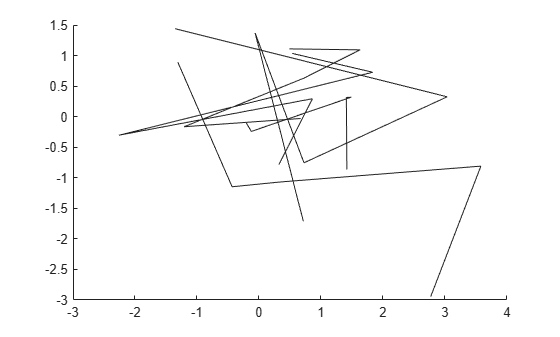
tp = ancestor(g,{'figure','axes','hggroup'},'toplevel')tp =
Figure (1) with properties:
Number: 1
Name: ''
Color: [1 1 1]
Position: [161 234 560 337.1114]
Units: 'pixels'
Show all properties
Version History
Introduced before R2006a

