profsave
Save profiling results in HTML format
Description
profsave saves the results produced by the MATLAB® Profiler in HTML format. First, the function executes
profile("info") to access the structure containing the results. Then,
it creates an HTML file summarizing the results, as well as a separate HTML file for each
function listed in the FunctionTable field of the structure. See
profile for more information on profiling
results.
By default, profsave saves the files to the
profile_results subfolder in your current folder.
profsave( saves the profiling results
specified by profinfo)profinfo in HTML format. profinfo is
the structure returned by an earlier call to profile("info").
profsave(
saves the HTML files to the folder specified by profinfo,foldername)foldername. If the
folder does not exist, the function creates it.
Examples
Turn on the Profiler and call the magic function.
profile on
n = 100;
M = magic(n);
profile off
Save the results as HTML files. By default, profsave saves the files to the profile_results subfolder in your current folder.
profsave
Profile your code and save the results to a subfolder within your current folder.
Turn on the Profiler, and then create a multiline plot.
profile on
plot(magic(5))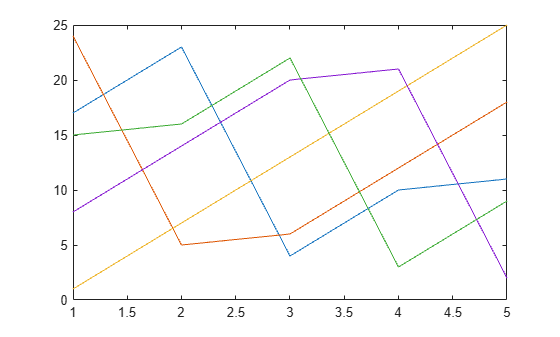
Create HTML files from the profiling results, and save the files to the myresults subfolder in your current folder.
p = profile("info");
profsave(p,"myresults")
Input Arguments
Version History
Introduced before R2006a

