Simulink 3D Animation
Simulate and visualize dynamic systems in a 3D environment
Have questions? Contact Sales.
Have questions? Contact Sales.
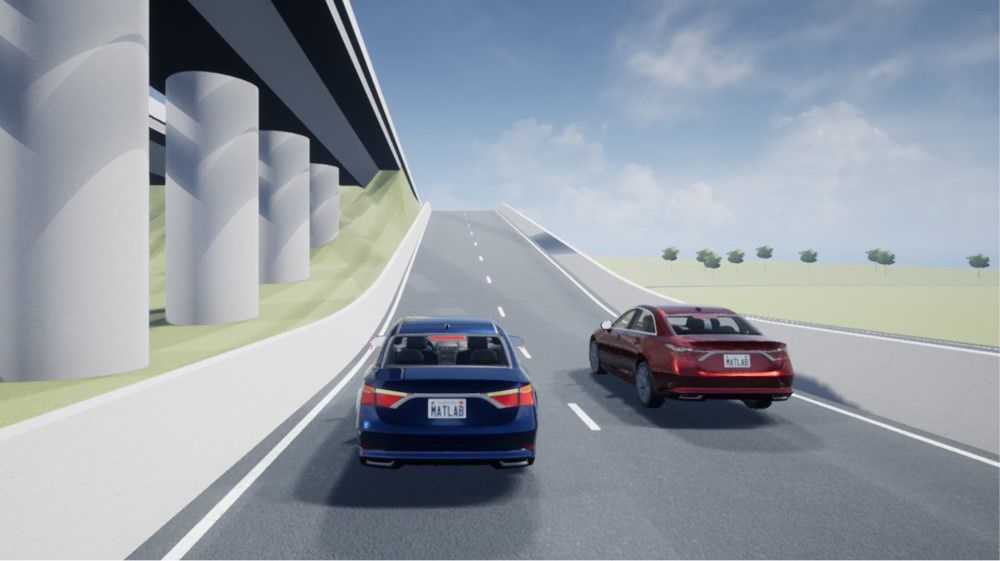
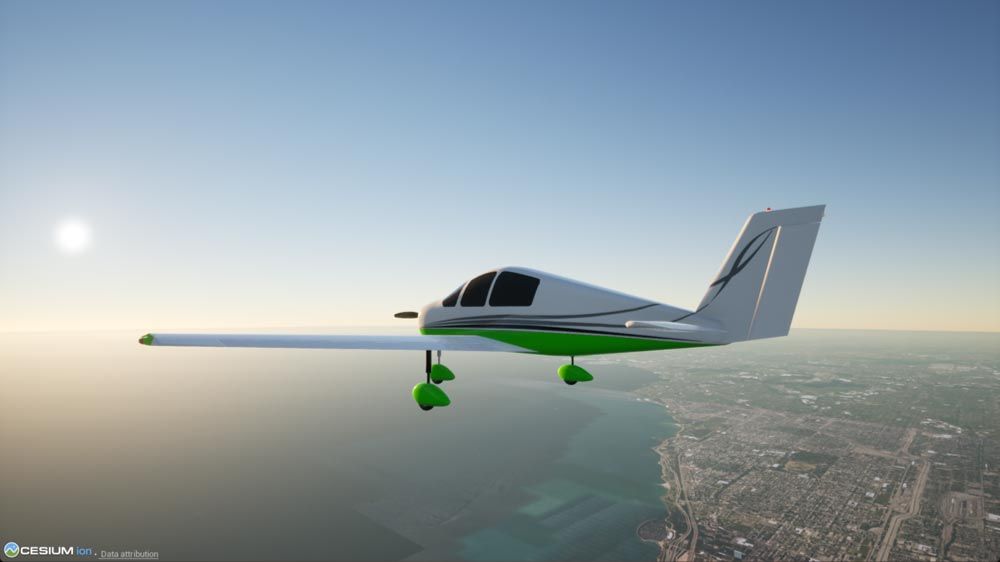
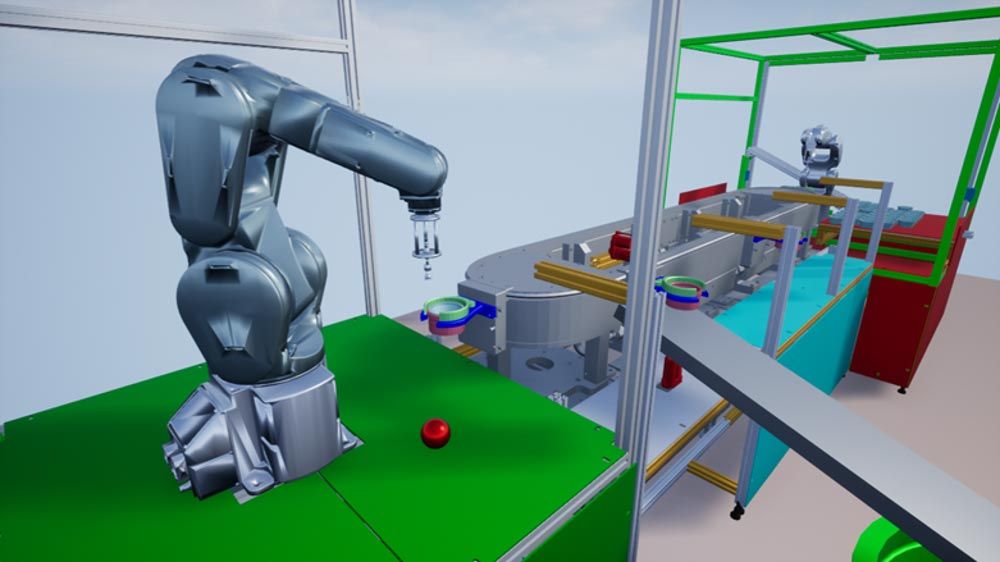
Simulink 3D Animation connects Simulink models and MATLAB algorithms to Unreal Engine®, allowing simulation and visualization of dynamic systems in a photorealistic 3D environment. You can use pre-built scenes of indoor and outdoor environments or import scenes built in RoadRunner. Simulink 3D Animation lets you import objects at run-time or edit-time with support for file formats such as MAT, STL, FBX, and URDF. You can control vehicles, people, objects, lighting, and weather effects to customize your 3D scenes and simulations.
Camera, lidar, and other sensor models let you feed sensor data from the 3D environment into your control algorithms or generate synthetic data to design and train AI algorithms. MATLAB and Simulink add-on products are available for additional domain-specific assets and advanced sensor models. You can interactively navigate in the 3D environment using the Simulation 3D Viewer and manually control your dynamic systems using hardware devices. Simulink 3D Animation enables lock-step co-simulation with the game engine environment, providing deterministic simulation results.
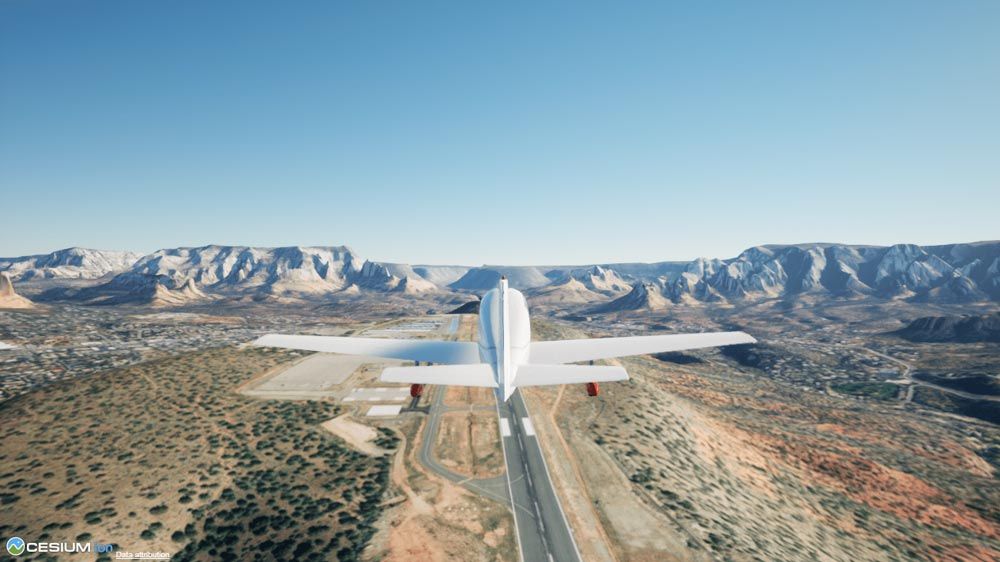
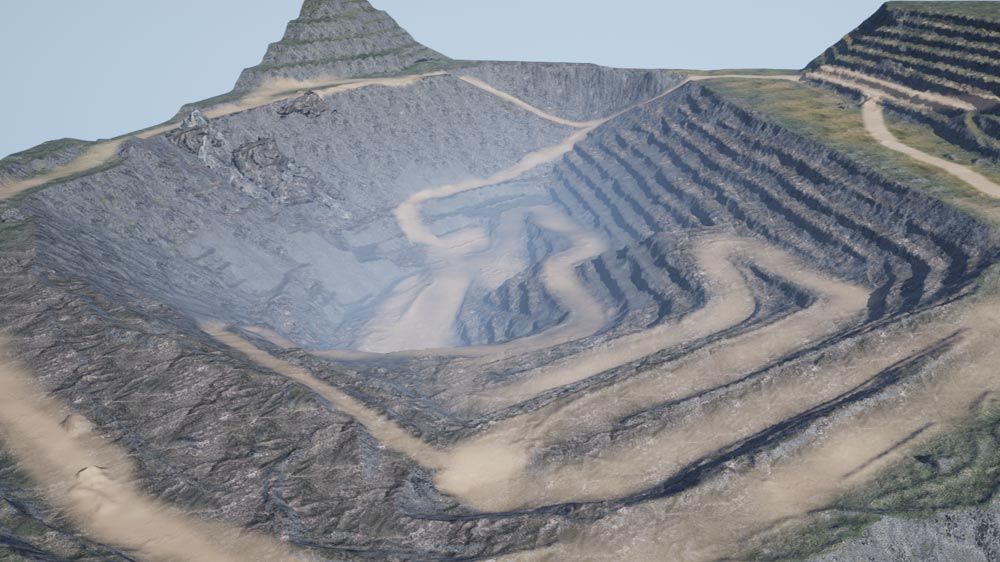
Use prebuilt scenes, import scenes built in RoadRunner, or use a custom scene built in the Unreal® Editor. Visualize scenes in a photorealistic 3D environment using the Unreal Engine from Epic Games®.
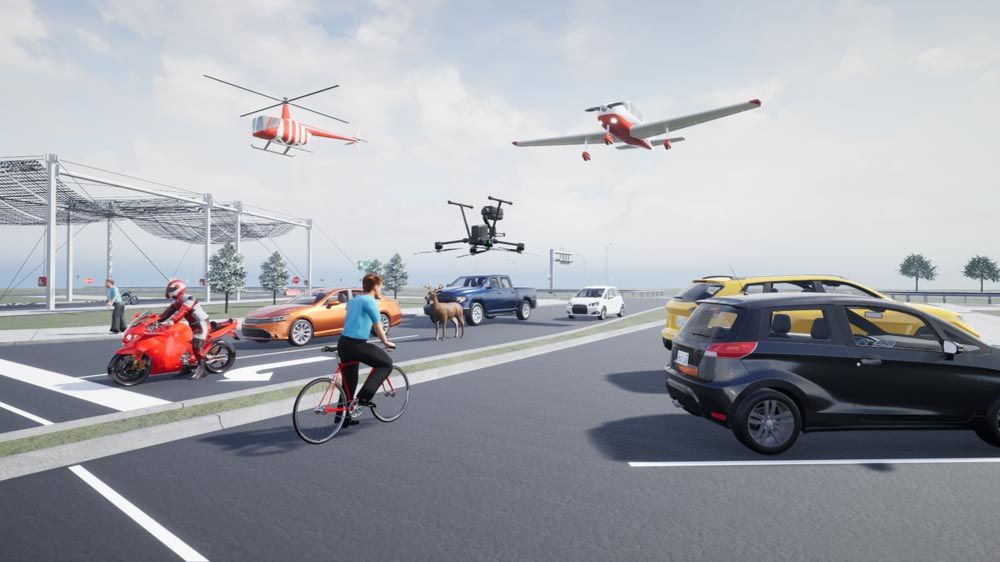
Build, import, and interact with actors at edit time or run time including vehicles, objects, pedestrians, lights, and annotations. Simulate actors with object interaction events, including collision detection, using the physics engine in Unreal Engine.
Obtain high-fidelity sensor data from the 3D environment. Perform closed-loop simulations or generate synthetic data sets using data from camera, lidar, and ultrasonic sensor models or from more advanced models available with Computer Vision Toolbox and Radar Toolbox.
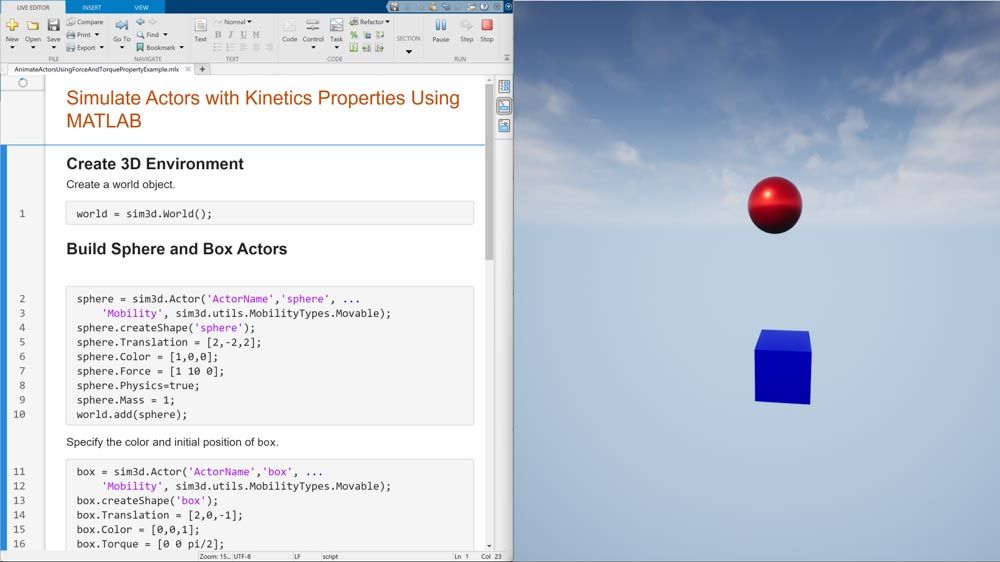
Use MATLAB APIs to create and modify scenes, actors, objects, and sensors.
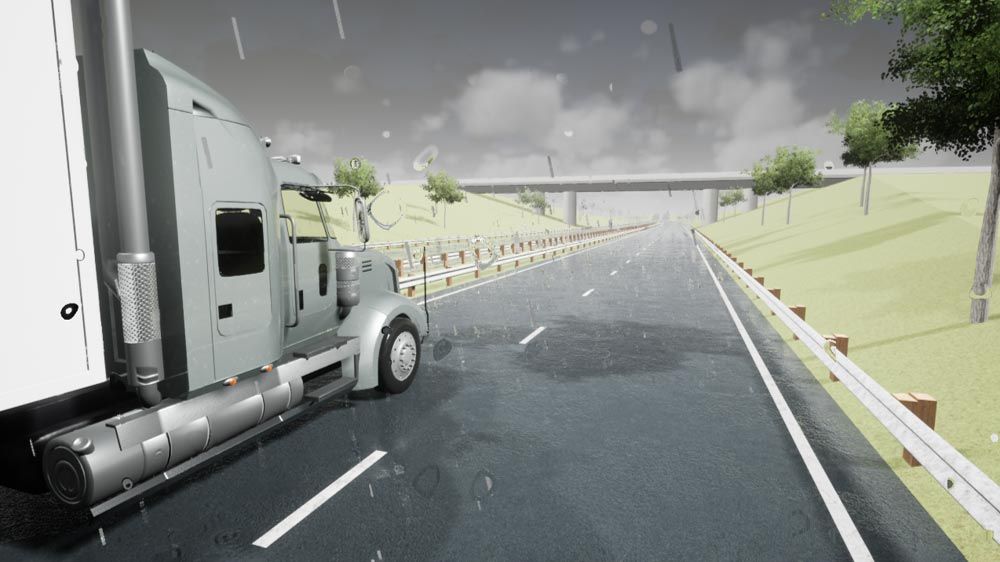
Customize the weather in the 3D environment, including sun position, clouds, snow, rain, and fog intensity.
Interact with the 3D environment using interfaces to input hardware, including joysticks, steering wheels, and pedals.
30 days of exploration at your fingertips.
Get pricing information and explore related products.
Your school may already provide access to MATLAB, Simulink, and add-on products through a campus-wide license.

You can also select a web site from the following list
Americas
Europe
Asia Pacific