Develop autonomous systems for offroad vehicles and heavy machinery in agriculture, construction, and mining applications with the Robotics System Toolbox Offroad Autonomy Library. This support package provides specialized tools for designing, simulating, and validating autonomy algorithms. Through integration with Unreal Engine®, this support package enables photorealistic scenario simulations to test and refine the performance of offroad vehicles, such as dump trucks and backhoes, under diverse conditions. See the Offroad Autonomy for Heavy Machinery category for more information.
You can download the Robotics System Toolbox Offroad Autonomy Library support package from the Add-On Explorer. For more information, see Install Robotics System Toolbox Offroad Autonomy Library Support Package.
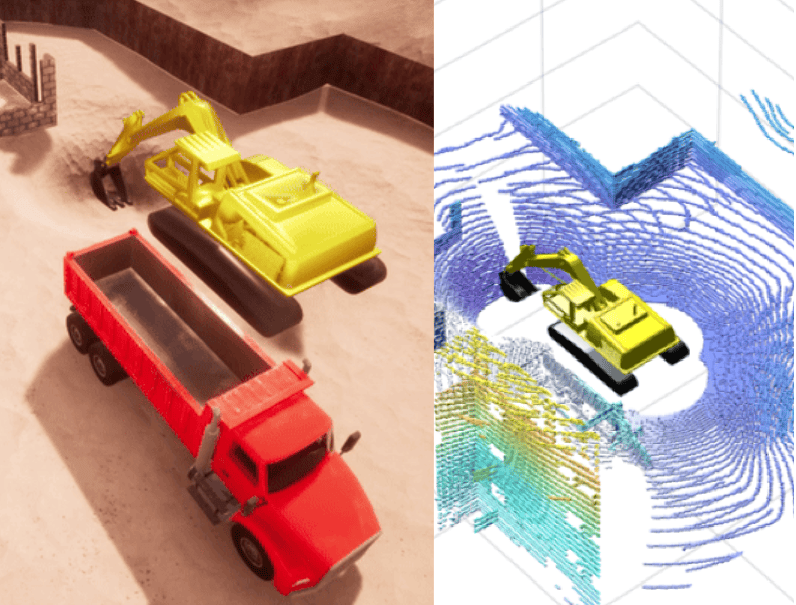
This image shows a backhoe, simulated in the Unreal Engine Construction Site Scene, excavating material and loading into a dump truck, with the lidar MATLAB® simulation next to it.
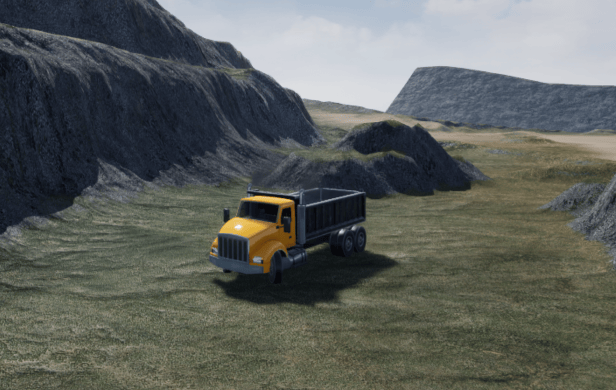
The Offroad Navigation for Autonomous Haul Trucks in Open Pit Mine (Navigation Toolbox) example now also supports the Simulation 3D Physics Dump Truck block and Offroad Pit Mining Scene for simulating the autonomous pit mine navigation.
This support package also comes with these new examples.
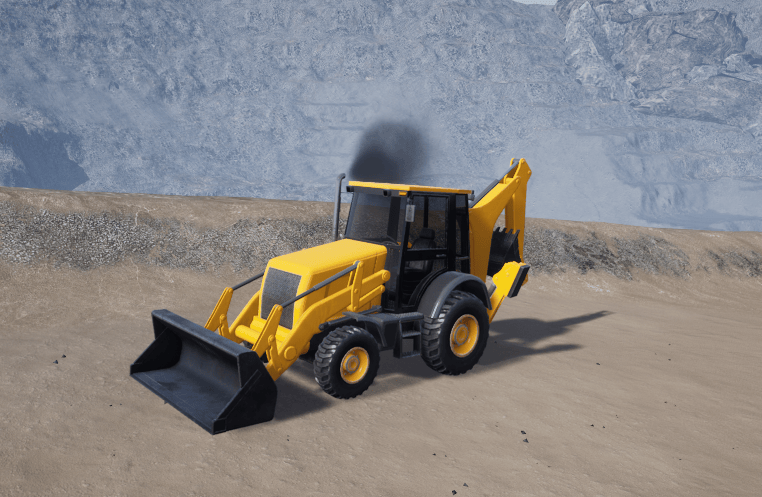
You can now use the Simulation 3D Physics Backhoe block to simulate a backhoe vehicle in a Simulink® 3D world or Unreal® environment provided in the Robotics System Toolbox Offroad Autonomy Library.
You can download the Robotics System Toolbox Offroad Autonomy Library support package from the Add-On Explorer. For more information, see Install Robotics System Toolbox Offroad Autonomy Library Support Package.
This image shows the backhoe vehicle in the Offroad Pit Mining Scene.
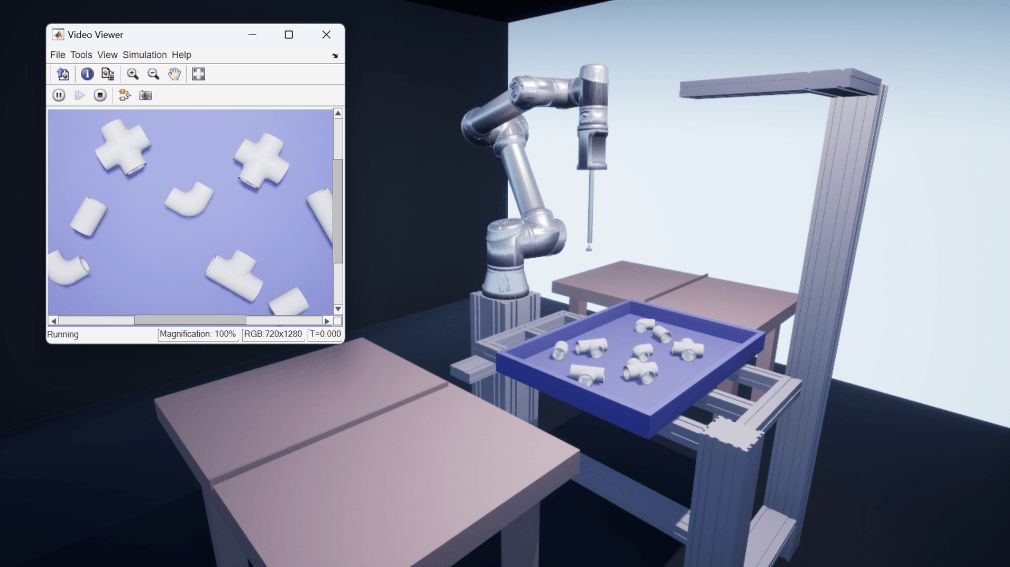
Use this new example series to learn how to design an intelligent bin-picking system in Simulink and simulate it using Unreal Engine environments.
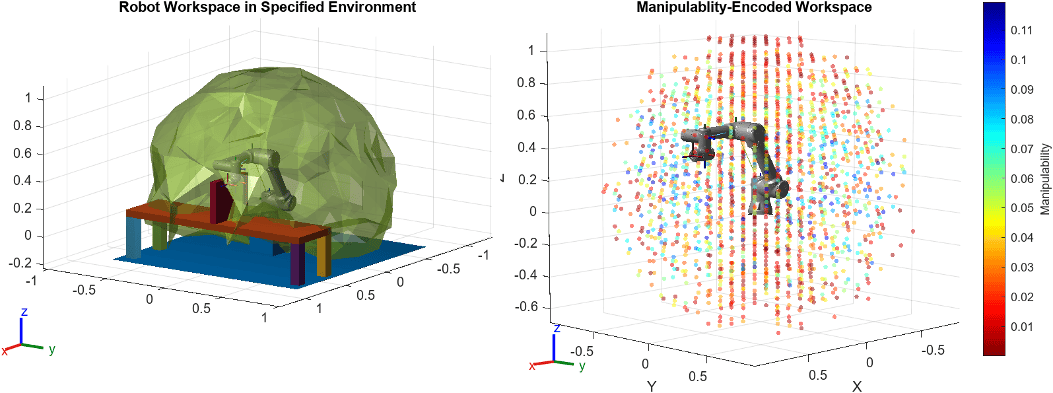
Use the generateRobotWorkspace and manipulabilityIndex functions to approximate the reachable space of a robot model end-effector and determine how well the robot can manipulate objects in different regions of the workspace, respectively. Use the showWorkspaceAnalysis function to visualize the workspace, encoded by the manipulability values.
These features enable you to identify regions in the robot workspace where the robot can achieve greater ranges of motion for tasks that require extensive movement, such as bin picking where the end-effector could have highly varied picking approaches based on the orientation and position of the object to be picked. You can also use the manipulability index as a metric for selecting inverse-kinematics solutions.
The first figure shows an alpha shape of the robot workspace in an obstacle environment. The second figure visualizes the workspace in an empty environment by mapping the potential positions of end effectors to the manipulability values of their corresponding joint configurations, depicted through a color gradient.
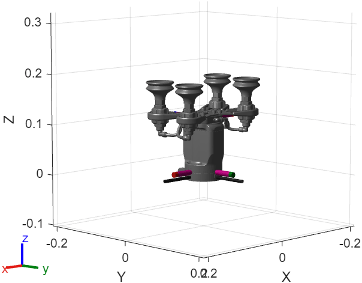
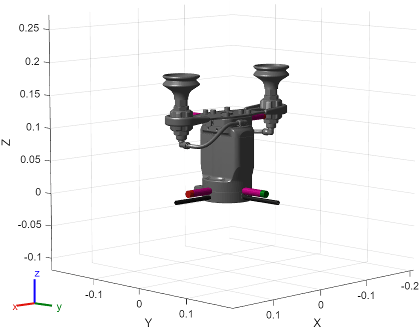
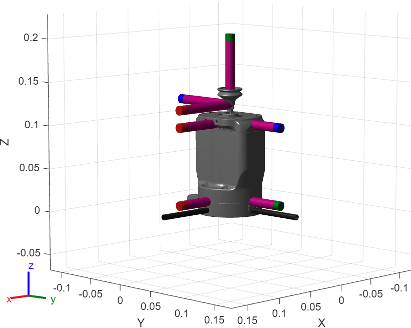
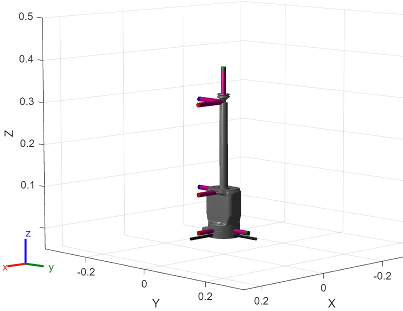
You can now retrieve these additional manipulator robots from the robot model library using the loadrobot and importrobot functions:
| Robot Model | Mesh Visualization |
|---|---|
"robotiqEPick4CupVacuumAssembly" |
|
"robotiqEPick2CupVacuumAssembly" |
|
"robotiqEPickVacuumCup" |
|
"robotiqEPickVacuumCup200mm" |
|