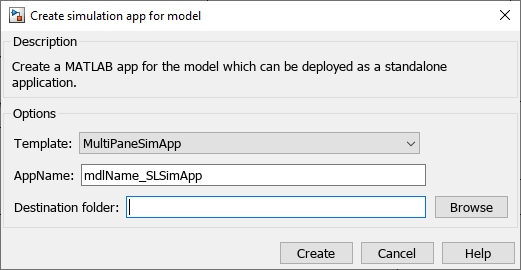
Starting in R2022b, you can automatically generate a MATLAB® app for a Simulink® model directly from the Simulink toolstrip. You can also select the template for generation of the app from a drop-down menu
On the Simulink toolstrip, under Save, select Export Model to Simulation App to view options for generating the app.
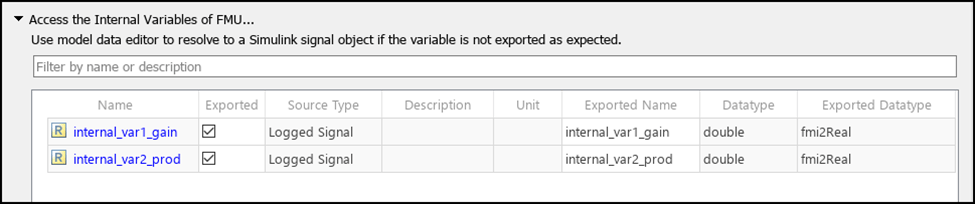
In R2022b, you can configure internal variables in an FMU as a datastore, logged signal, or test point.
On the Simulink toolstrip, under Save, select Export Model to Standalone FMU to view options for exporting an FMU with internal variables.