camlight
R2026bCreate or move light object in camera coordinates
Syntax
Description
camlight creates a light to the right and up from the camera
position.
camlight( uses the
specified light instead of creating a new light. Specify lt,___)lt as the
first argument followed by any of the input argument combinations in the previous
syntaxes.
cl = camlight(___) returns a Light
object. Use cl to move the light or modify properties of the light
after creating it. For a list of properties, see Light Properties.
Examples
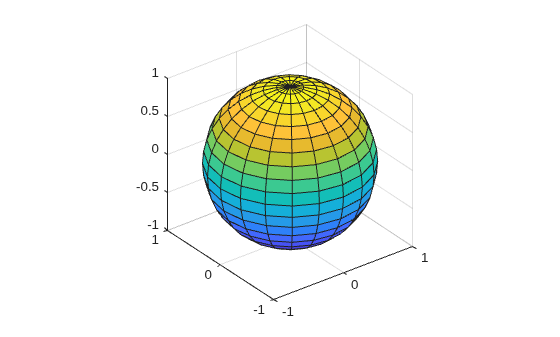
Create a sphere and shine a light on it. Position the light to the right and up from the camera position.
sphere
axis equal
camlight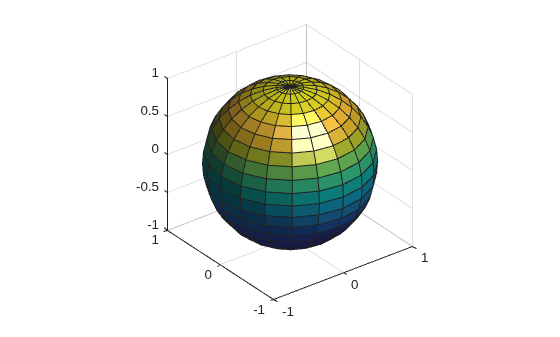
Add a second light to the left and up from the camera position.
camlight("left")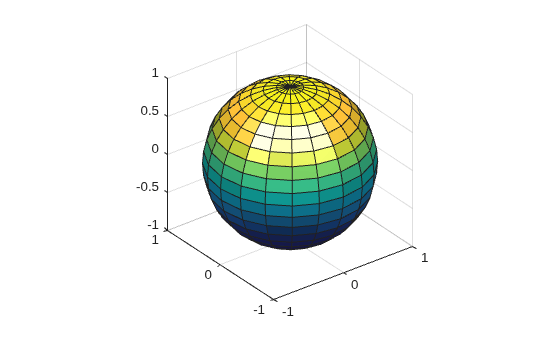
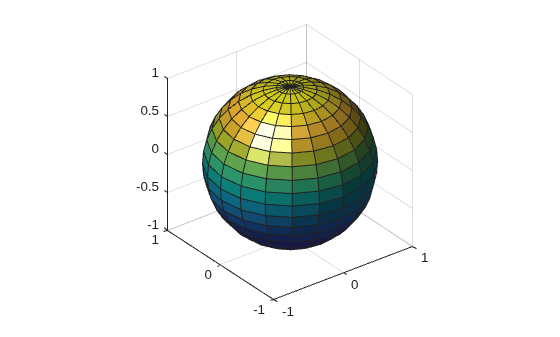
Create a sphere and shine a light on it. Position the light to the left and up from the camera position.
sphere
axis equal
cl = camlight("left");
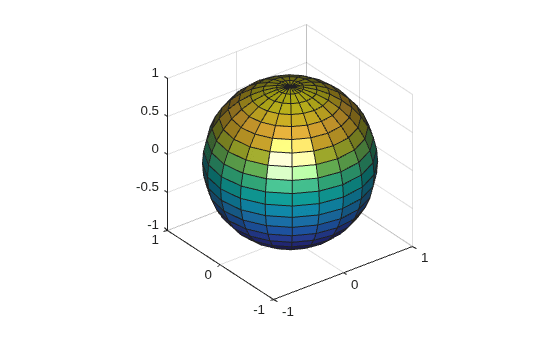
Move the light directly in front of the camera position.
camlight(cl,0,0);
Delete the light.
delete(cl)
Since R2019b
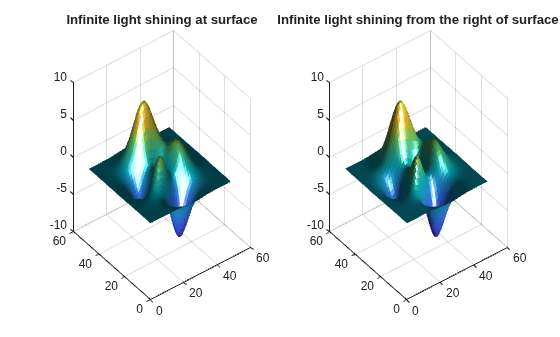
You can display a tiling of plots using the tiledlayout and nexttile functions. Use the tiledlayout function to create a 1-by-2 tiled chart layout. Use the nexttile function to create the Axes objects ax1 and ax2. Create a surface and corresponding light in each plot by specifying each Axes object as the first argument to surf and camlight.
In the left axes, create a surface and position a light at infinity shining directly towards the surface. In the right axes, create a surface and position a light at infinity shining from the right and above the surface.
tiledlayout(1,2)

% Left surface
ax1 = nexttile;
surf(ax1,peaks,EdgeColor="none")
lt1 = camlight(ax1,"headlight","infinite");
title("Infinite light shining at surface")

% Right surface
ax2 = nexttile;
surf(ax2,peaks,EdgeColor="none")
lt2 = camlight(ax2,"right","infinite");
title("Infinite light shining from the right of surface")
Input Arguments
Tips
The
camlightfunction sets thePositionandStyleproperties of theLightobject. The light does not track the camera. To keep the light in a constant position relative to the camera, callcamlightwhenever you move the camera.
Version History
Introduced before R2006a

