movie
R2026bPlay recorded movie frames
Description
movie( plays the movie centered in the
figure or axes identified by the figure or axes object h,...)h. Specifying the
figure or axes enables MATLAB® to fit the movie to the available size.
Examples
Use the getframe function in a loop to record frames of the peaks example function, then play the movie frames once.
Create a figure object h. Initialize the surface plot of the peaks function Z. Customize the figure axes.
h = figure;
Z = peaks;
surf(Z)
axis tight manual
ax = gca;
ax.NextPlot = 'replaceChildren';
Preallocate a 40-element array M to store the movie frames.
loops = 40;
M(loops) = struct('cdata',[],'colormap',[]);
For each iteration of j, capture each plot of function X as an individual frame. Store the frame in M.
Set the 'Visible' property of the figure object to 'off' to hide the surface plots while calculating X.
h.Visible = 'off';
for j = 1:loops
    X = sin(j*pi/10)*Z;
    surf(X,Z)
    drawnow
    M(j) = getframe;
end
Set the 'Visible' property of the figure to 'on' and play the movie in M once.
h.Visible = 'on';
movie(M);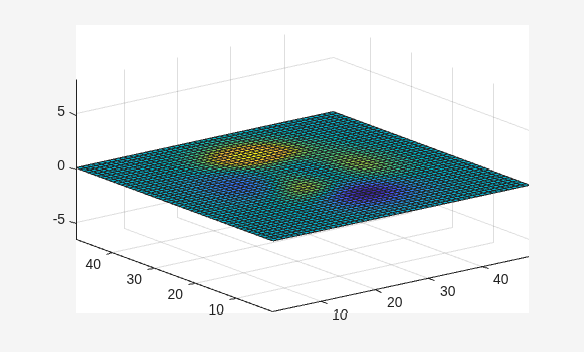
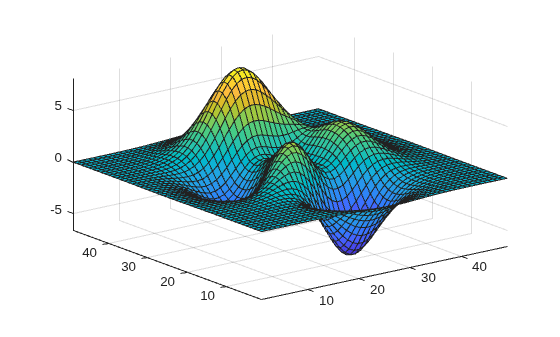
View the figure plots while they are calculated. Play the movie array once.
Create a figure object h and initialize the surface plot. Customize the figure axes.
h = figure;
Z = peaks;
surf(Z)
axis tight manual
ax = gca;
ax.NextPlot = 'replaceChildren';
Preallocate a 40-element array M to store the movie frames.
loops = 40;
M(loops) = struct('cdata',[],'colormap',[]);
Capture each plot of function X as an individual frame and store them in M.
for j = 1:loops
    X = sin(j*pi/10)*Z;
    surf(X,Z)
    drawnow
    M(j) = getframe;
end
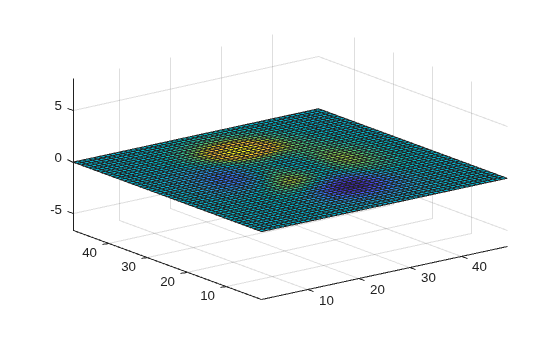
Play the movie in M once.
movie(M);
Play four frames of the movie array twice.
Create a figure object h and initialize the surface plot. Customize the figure axes.
h = figure;
Z = peaks;
surf(Z)
axis tight manual
ax = gca;
ax.NextPlot = 'replaceChildren';
Preallocate a 40-element array M to store the movie frames.
loops = 40;
M(loops) = struct('cdata',[],'colormap',[]);
Capture each plot of function X as an individual frame and store them in M.
Set the 'Visible' property of the figure object to 'off'.
h.Visible = 'off';
for j = 1:loops
    X = sin(j*pi/10)*Z;
    surf(X,Z)
    drawnow
    M(j) = getframe;
end
Set the 'Visible' property of the figure to 'on'. Play the first, fifteenth, twenty-third, and thirty-sixth frames in the movie in consecutive order twice. Set the movie to play 12 frames per second.
h.Visible = 'on';
movie(M,[2 1 15 23 36],12);
Specify the number of frames per second at which to play the movie.
Create a figure object h and initialize the surface plot. Customize the figure axes.
h = figure;
Z = peaks;
surf(Z)
axis tight manual
ax = gca;
ax.NextPlot = 'replaceChildren';
Preallocate a 40-element array M to store the movie frames.
loops = 40;
M(loops) = struct('cdata',[],'colormap',[]);
Capture each plot of function X as an individual frame and store them in M.
Set the 'Visible' property of the figure object to 'off'.
h.Visible = 'off';
for j = 1:loops
    X = sin(j*pi/10)*Z;
    surf(X,Z)
    drawnow
    M(j) = getframe;
end
Set the 'Visible' property of the figure to 'on'. Play the movie once at 6 frames per second.
h.Visible = 'on';
movie(M,1,6);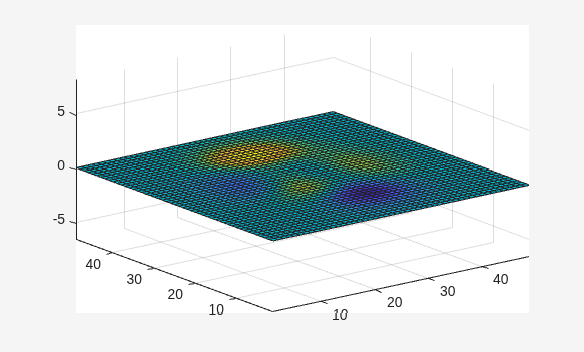
Play the movie frames in the bottom left corner of the figure.
Create a figure object h and initialize the surface plot. Customize the figure axes.
h = figure;
Z = peaks;
surf(Z)
axis tight manual
ax = gca;
ax.NextPlot = 'replaceChildren';
Preallocate a 40-element array M to store the movie frames.
loops = 40;
M(loops) = struct('cdata',[],'colormap',[]);
Set the 'Visible' property of the figure object to 'off'. Capture each figure in handle h as an individual frame and store them in M.
h.Visible = 'off';
for j = 1:loops
    X = sin(j*pi/10)*Z;
    surf(X,Z)
    drawnow
    M(j) = getframe(h);
end
Set the 'Visible' property of the figure to 'on'. Play the movie in M once at 12 frames per second and with an offset of 30 pixels in the x and y directions. Specify handle h to play the movie in the current figure.
h.Visible = 'on';
movie(h,M,1,12,[30 30 0 0]);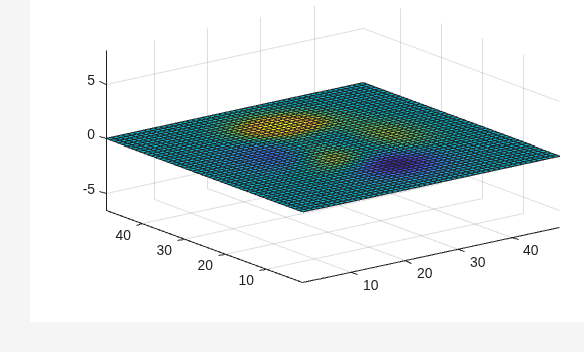
Input Arguments
Tips
The
moviefunction uses a default figure size of 560-by-420 and does not resize figures to fit movies with larger or smaller frames. To accommodate other frame sizes, you can resize the figure to fit the movie.Buffering the movie places all frames in memory. As a result, on Microsoft® Windows® and perhaps other platforms, a long movie (on the order of several hundred frames) can exhaust memory, depending on system resources. In such cases an error message is issued:
??? Error using ==> movie
Could not create movie frame
You can abort a movie by typing Ctrl-C.
Version History
Introduced before R2006a

