| Contents | Index |
HMobj = HeatMap(Data)
HeatMap(Data, ...'RowLabels', RowLabelsValue,
...)
HeatMap(Data, ...'ColumnLabels', ColumnLabelsValue,
...)
HeatMap(Data, ...'Standardize', StandardizeValue,
...)
HeatMap(Data, ...'Colormap', ColormapValue,
...)
HeatMap(Data, ...'DisplayRange', DisplayRangeValue,
...)
HeatMap(Data, ...'Symmetric', SymmetricValue,
...)
HeatMap(Data, ...'ImputeFun', ImputeFunValue,
...)
HeatMap(Data, ...'RowLabelsColor', RowLabelsColorValue,
...)
HeatMap(Data, ...'ColumnLabelsColor', ColumnLabelsColorValue,
...)
HeatMap(Data, ...'LabelsWithMarkers', LabelsWithMarkersValue,
...)
| Data | DataMatrix object or numeric matrix of data. |
| RowLabelsValue | Vector of numbers or cell array of text strings to label the rows in the heat map. Default is a vector of values 1 through M, where M is the number of rows in Data. |
| ColumnLabelsValue | Vector of numbers or cell array of text strings to label the columns in the heat map. Default is a vector of values 1 through N, where N is the number of columns in Data. |
| StandardizeValue | String or number specifying the dimension for standardizing the values in Data. The HeatMap function transforms the standardized values so that the mean is 0 and the standard deviation is 1 in the specified dimension. Choices are:
|
| ColormapValue | Either of the following:
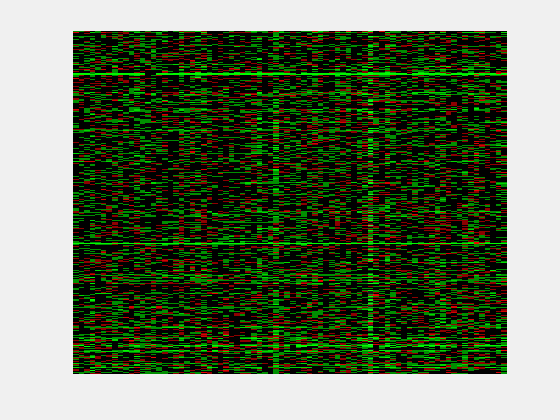
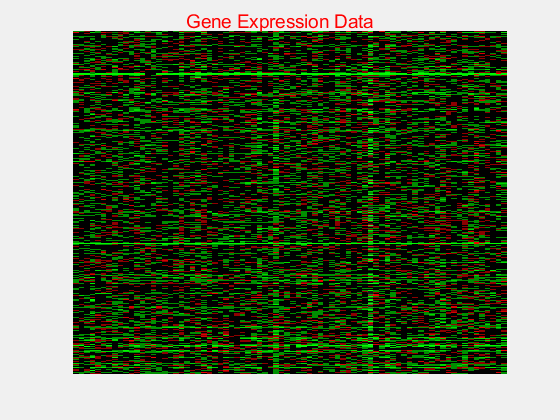
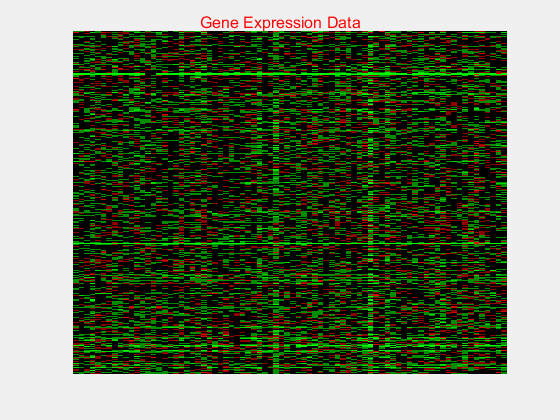
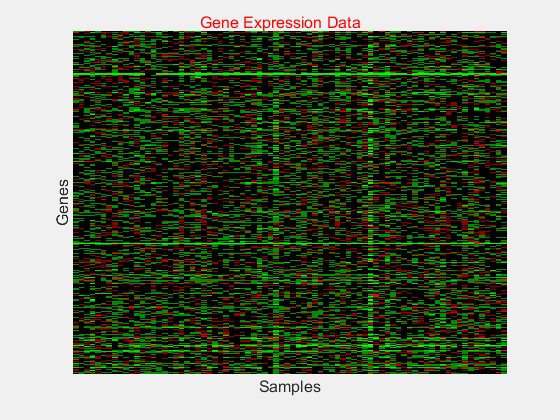
Default is redgreencmap, in which red represents values above the mean, black represents the mean, and green represents values below the mean of a row (gene) across all columns (samples). |
| DisplayRangeValue | Positive scalar that specifies the display range of standardized values. Default is the maximum absolute value in the input Data. For example, if you specify 3, there is a color variation for values between –3 and 3, but values >3 are the same color as 3, and values < –3 are the same color as –3. For example, if you specify redgreencmap for the 'Colormap' property, pure red represents values ≥ DisplayRangeValue, and pure green represents values ≤ –DisplayRangeValue. |
| SymmetricValue | Forces the color scale of the heat map to be symmetric around zero. Choices are true (default) or false. |
| ImputeFunValue | One of the following:
|
| RowLabelsColorValue | Structure or structure array containing color information for labeling the rows (y-axis) of the heat map. The structure or structures contain the following fields. If a single structure, then the fields contain a cell array of elements. If a structure array, then the fields contain a single element.
|
| ColumnLabelsColorValue | Structure or structure array containing color information for labeling the columns (x-axis) of the heat map. The structure or structures contain the following fields. If a single structure, then the fields contain a cell array of elements. If a structure array, then the fields contain a single element.
|
| LabelsWithMarkersValue | Controls the display of colored markers instead of colored text for the row labels and column labels. Choices are true or false (default). |
HMobj = HeatMap(Data) displays a heat map (2-D color image) of the data and returns an object containing the data and display properties.
HeatMap(Data, ...'PropertyName', PropertyValue, ...) calls HeatMap with optional properties that use property name/property value pairs. You can specify one or more properties in any order. Enclose each PropertyName in single quotation marks. Each PropertyName is case insensitive. These property name/property value pairs are as follows:
HeatMap(Data, ...'RowLabels', RowLabelsValue,
...) uses the contents of RowLabelsValue,
a vector of numbers or cell array of text strings, as labels for the
rows in the heat map. Default is a vector of values 1 through M,
where M is the number of rows in Data.
HeatMap(Data, ...'ColumnLabels', ColumnLabelsValue, ...) uses the contents of ColumnLabelsValue, a vector of numbers or cell array of text strings, as labels for the columns in the heat map. Default is a vector of values 1 through M, where M is the number of columns in Data.
HeatMap(Data, ...'Standardize', StandardizeValue, ...) specifies the dimension for standardizing the values in Data. The HeatMap function transforms the standardized values are so that the mean is 0 and the standard deviation is 1 in the specified dimension. StandardizeValue can be:
'column' or 1 — Standardize along the columns of data.
'row' or 2 — Standardize along the rows of data.
'none' or 3 (default) — Do not standardize.
HeatMap(Data, ...'Colormap', ColormapValue, ...) specifies the colormap to use to create the heat map. The colormap controls the colors used to display the heat map. ColormapValue is either an M-by-3 matrix of RGB values or the name of or handle to a function that returns a colormap, such as redgreencmap or redbluecmap. Default is redgreencmap.
Note In redgreencmap, red represents values above the mean, black represents the mean, and green represents values below the mean of a row (gene) across all columns (samples). In redbluecmap, red represents values above the mean, white represents the mean, and blue represents values below the mean of a row (gene) across all columns (samples). |
HeatMap(Data, ...'DisplayRange', DisplayRangeValue, ...) specifies the display range of standardized values. DisplayRangeValue must be a positive scalar. Default is the maximum absolute value in the input Data. For example, if you specify 3, there is a color variation for values between –3 and 3, but values >3 are the same color as 3, and values < –3 are the same color as –3.
For example, if you specify redgreencmap for the 'Colormap' property, pure red represents values ≥ DisplayRangeValue, and pure green represents values ≤ –DisplayRangeValue.
HeatMap(Data, ...'Symmetric', SymmetricValue, ...) controls whether the color scale of the heat map is symmetric around zero. SymmetricValue can be true (default) or false.
HeatMap(Data, ...'ImputeFun', ImputeFunValue, ...) specifies a function and optional inputs that impute missing data. ImputeFunValue can be any of the following:
Name of a function that imputes missing data.
Handle to a function that imputes missing data.
Cell array where the first element is the name of or handle to a function that imputes missing data. The remaining elements are property name/property value pairs used as inputs to the function.
HeatMap(Data, ...'RowLabelsColor', RowLabelsColorValue, ...) specifies color information for labeling the rows (y-axis) of the heat map.
HeatMap(Data, ...'ColumnLabelsColor', ColumnLabelsColorValue, ...) specifies color information for labeling the columns (x-axis) of the heat map.
HeatMap(Data, ...'LabelsWithMarkers', LabelsWithMarkersValue, ...) controls the display of colored markers instead of colored text for the row labels and column labels. Choices are true or false (default).
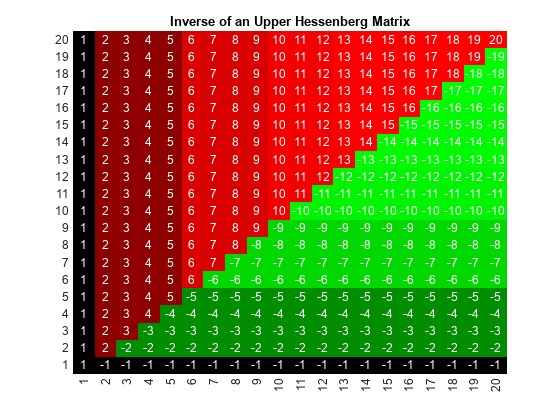
Create a matrix of data and use the HeatMap function to display a 2-D color image of the data.
data = gallery('invhess',20);
hmo = HeatMap(data)

addTitle | addXLabel | addYLabel | plot | redbluecmap | redgreencmap | view

See how to analyze, visualize, and model biological data and systems using MathWorks products.
Get free kit| © 1984-2012- The MathWorks, Inc. - Site Help - Patents - Trademarks - Privacy Policy - Preventing Piracy - RSS |