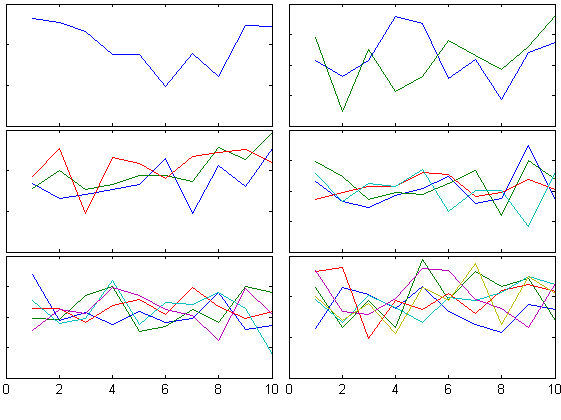
tight_subplot(Nh, Nw, gap, marg_h, marg_w)
Fills the figure with axes subplots with easily adjustable margins and gaps between the axes.

You are now following this Submission
- You will see updates in your followed content feed
- You may receive emails, depending on your communication preferences
Editor's Note: Popular File 2019
This file was selected as MATLAB Central Pick of the WeekCite As
Pekka Kumpulainen (2026). tight_subplot(Nh, Nw, gap, marg_h, marg_w) (https://www.mathworks.com/matlabcentral/fileexchange/27991-tight_subplot-nh-nw-gap-marg_h-marg_w), MATLAB Central File Exchange. Retrieved .
Acknowledgements
Inspired: COVID-19 World Spread Animation, imageslices, Tight subplot with units in centimeter, smplot for small multiples, subtightplot
General Information
- Version 1.1.0 (1.77 KB)
MATLAB Release Compatibility
- Compatible with any release
Platform Compatibility
- Windows
- macOS
- Linux

