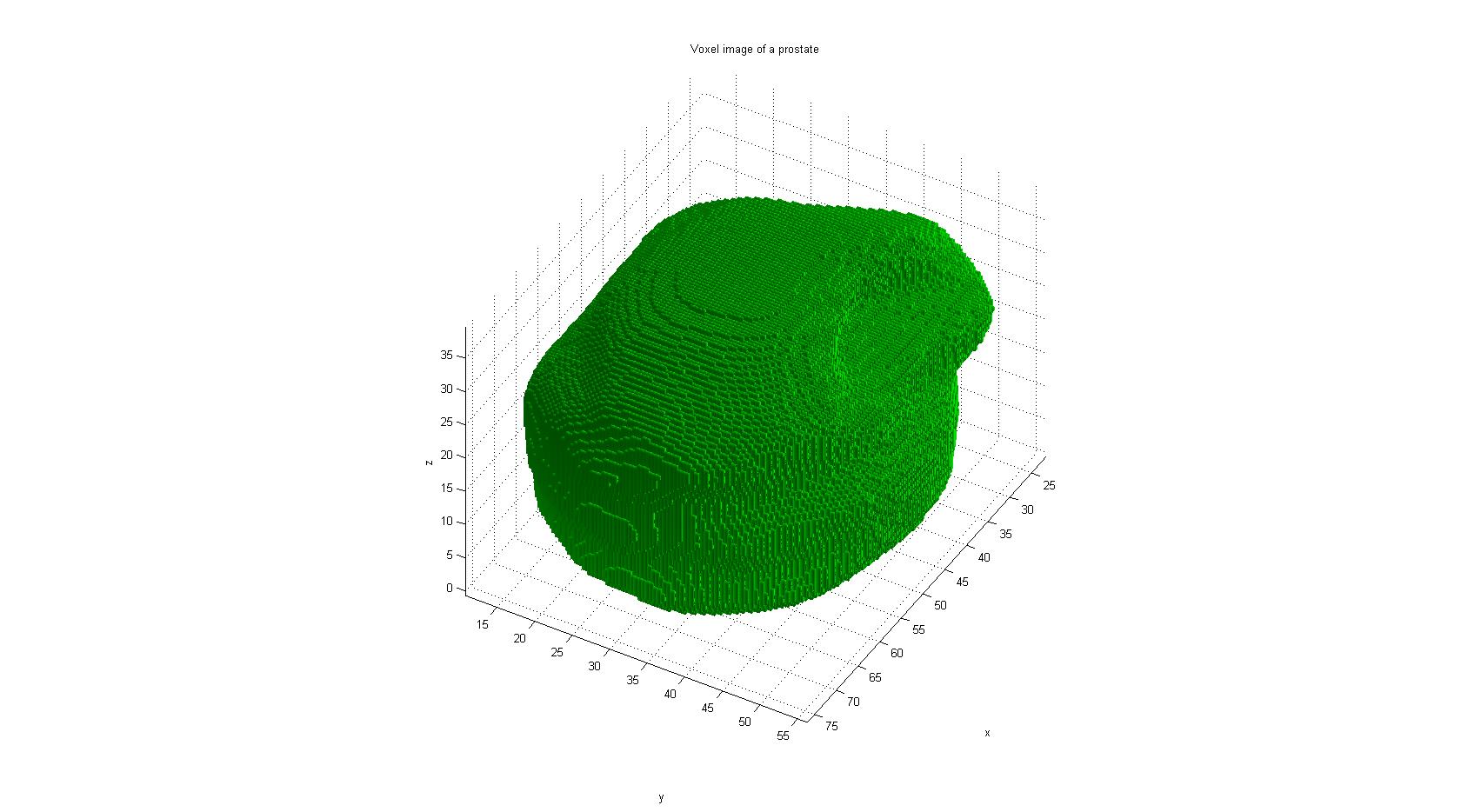
Voxel Image
This function gives an easy solution to show a voxel-based object. Just give the centers of the voxels and the voxel size, and you will get a nice 3D image. Some more features are available, like face color and edge color.
Syntax:
voxel_image(pts, vox_sz, color, alpha, edgec)
Parameters:
pts - n x 3 matrix with 3D points
vox_sz - scalar or 1 x 3 vector with voxel size
color - face color
alpha - face alpha (opacity)
edgec - edge color
Example:
pts = [1,1,1; 2,2,2];
vs = 0.5;
voxel_image(pts, vs);
view([-37.5, 30]);
This example creates two voxels (at (1,1,1) and (2,2,2)) with edges of length 0.5
Cite As
Stefan (2026). Voxel Image (https://www.mathworks.com/matlabcentral/fileexchange/30374-voxel-image), MATLAB Central File Exchange. Retrieved .
MATLAB Release Compatibility
Platform Compatibility
Windows macOS LinuxTags
Discover Live Editor
Create scripts with code, output, and formatted text in a single executable document.
