You are now following this Submission
- You will see updates in your followed content feed
- You may receive emails, depending on your communication preferences
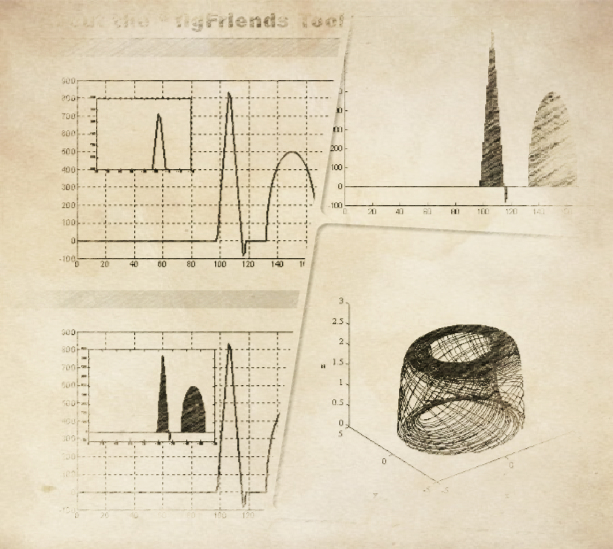
% Two main function!
% Main GUI is figFriends.m
%
% Usage: >> figFriends
%
% 1\ Put local amplificated figure into itself;
% Attention please:
% If you want to keep your original figure.fig after amplified the local part of this figure, you should delete the inserted sub-figure before you exit the figFriends tool.
% I.e., You should deleted the inserted object after save the new figure for your publish preparings.
%
% 2\ Put figure A into figure B;
% Attention please:
% It can be re-done on a target figure.fig., so multi-inserts in one figure is OK, too.
%
% About the toolkit;
% figFriends (Ver.1.0): A mini-tool for Professional Scientific Writings!
% Copyright:
% WTU MCS Lab. 2014-2020
% To whom to be contacted:
% Email: lioujie@gmail.com or liujie@wtu.edu.cn
% Created on:
% 2007-12-24 By LJ and DC at WHU.
% Lasted modified on:
% 2014-05-20 By L Q-Q and LJ at WTU.
Cite As
Liu JERRY (2026). figFriends_Tool_EN.zip (https://www.mathworks.com/matlabcentral/fileexchange/46666-figfriends_tool_en-zip), MATLAB Central File Exchange. Retrieved .
General Information
- Version 1.1.0.0 (324 KB)
MATLAB Release Compatibility
- Compatible with any release
Platform Compatibility
- Windows
- macOS
- Linux
