hourglass(time)

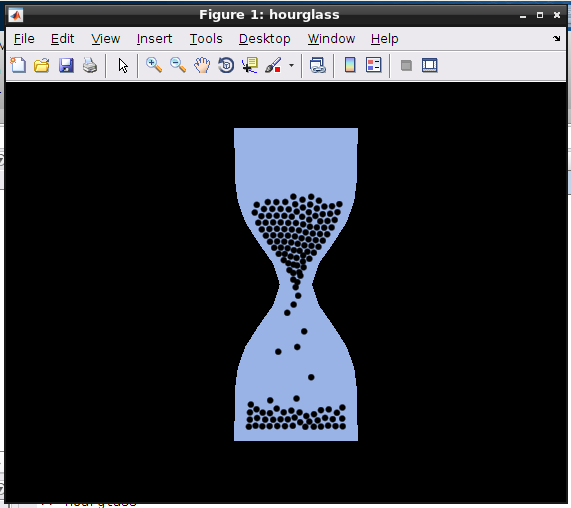
This is an hourglass simulation.

You are now following this Submission

Editor's Note: This file was selected as MATLAB Central Pick of the Week

This is an hourglass simulation.
Called without input arguments, it runs forever unless you close the figure. Called with input argument time, it will run once for the given period of time (in seconds).
Usage:
hourglass;
OR
hourglass(t);
You can expect more or less correct timing for t>20.
t is arbitrary, but i recommend to chose values between 30s and 600s.

Tillmann Stuebler, Dec 2016

Cite As

Tillmann Stübler (2026). hourglass(time) (https://www.mathworks.com/matlabcentral/fileexchange/60580-hourglass-time), MATLAB Central File Exchange. Retrieved .

Categories

Find more on Configure Simulation Conditions in Help Center and MATLAB Answers

General Information

MATLAB Release Compatibility

  • Compatible with any release

Platform Compatibility

  • Windows
  • macOS
  • Linux
Version Published Release Notes Action
1.1.0.0

it is now possible to call hourglass with a parameter t to let it run approximately t seconds.
Some modifications in equations of motion, and solver changed from ode45 to ode23.

1.0.0.0