
You are now following this Submission
- You will see updates in your followed content feed
- You may receive emails, depending on your communication preferences
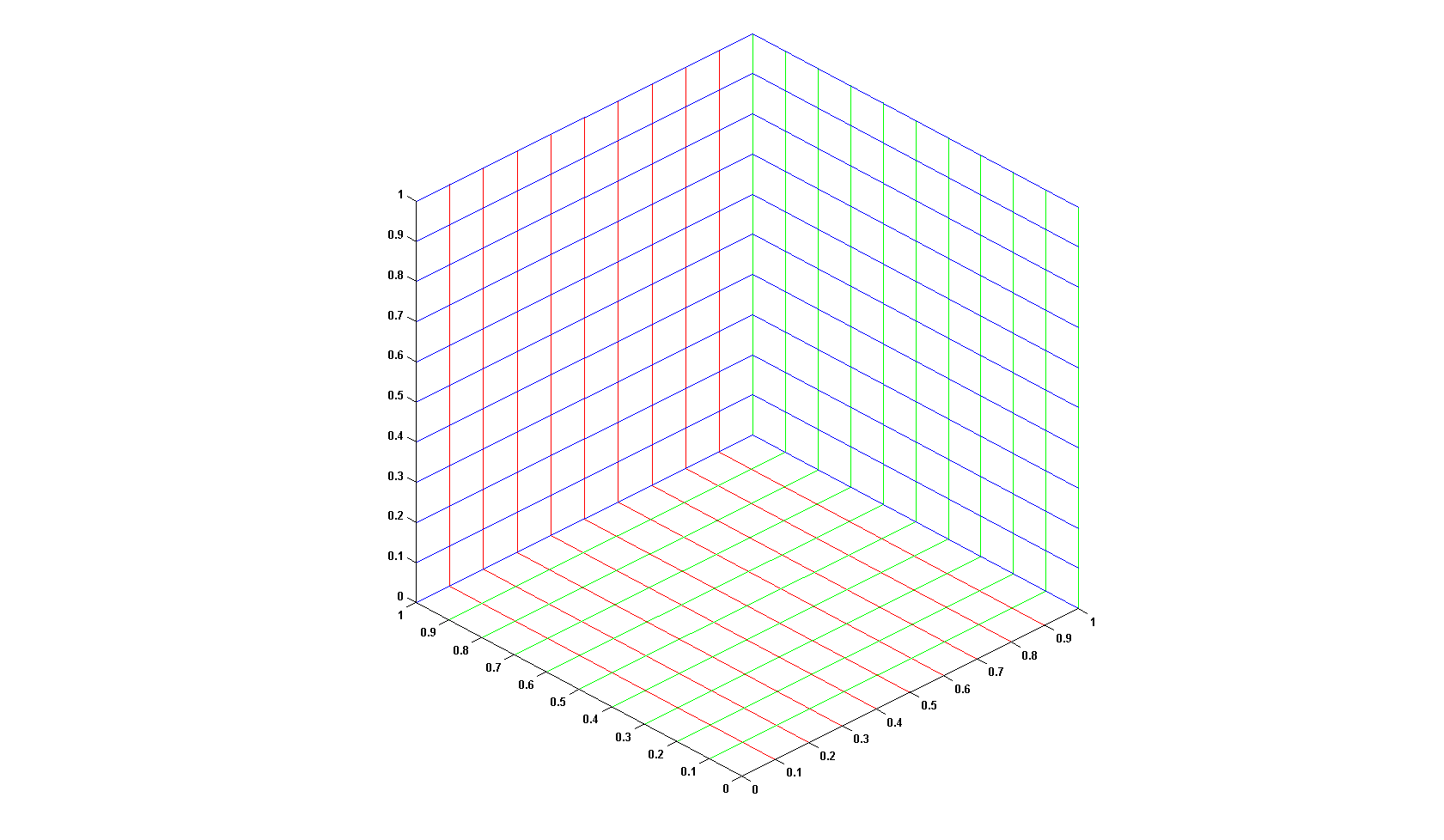
Use this function to change the color of gridlines to a color different to the label and box color, which is currently not implemented in Matlab.
-> http://www.mathworks.com/support/solutions/data/1-1PAYMC.html?solution=1-1PAYMC)
The general syntax for a call is:
gridcolor([ax1, ax2, ...], c_x, c_y, c_z)
Here ax1, ... are handles to existing axes (optional argument) and c_xyz are color specifications (e.g. 'r' or [1 0 0], also optional). If no axis handle is supplied, the call goes to the current axis (gca), if no color is supplied a standard color, which is defined in the first executable line of the file, is used.
The function should be called after the plot has been created and the grid has been turned on.
Example:
plot(1,1)
grid on
gridcolor([1 0 0], 'b')
This function is no longer tested for Matlab 6.5 or lower and will most likely not work for these versions. It should run on Matlab 7.0 or higher.
For further examples please refer to the examples in the header of the file.
Cheers
Sebi
PS.: I have included some lines from Yair Altmans "PropListener" example
Cite As
Sebastian Hölz (2026). gridcolor (https://www.mathworks.com/matlabcentral/fileexchange/9815-gridcolor), MATLAB Central File Exchange. Retrieved .
Acknowledgements
Inspired by: PropListener - add a callback to property value get/set event
General Information
- Version 1.3.0.0 (31.9 KB)
MATLAB Release Compatibility
- Compatible with any release
Platform Compatibility
- Windows
- macOS
- Linux
| Version | Published | Release Notes | Action |
|---|---|---|---|
| 1.3.0.0 | Version 0.99
|
||
| 1.1.0.0 | 09.01.2009 Fixed bug found by Christian S. Hansen. This prevented the axis and labels to be displayed correctly. |
||
| 1.0.0.0 | Found another small bug ... |
