brighten
R2026bBrighten or darken colormap
Description
brighten( shifts the
intensities of all colors in the current colormap in the same direction. The
colors brighten when beta)beta is between 0
and 1, and they darken when beta is
between -1 and 0. The magnitude of the
change is proportional to the magnitude of beta. Use this
syntax to adjust colors for all graphics objects in the current figure that use
a colormap.
newmap = brighten(___)
Examples
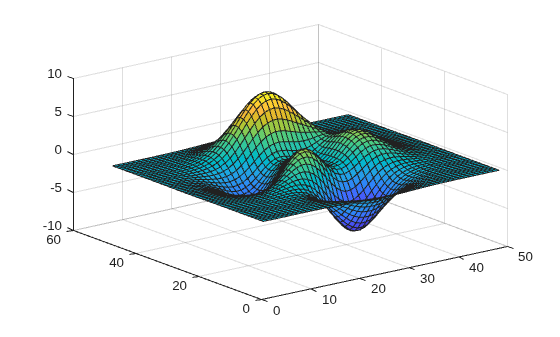
Create a surface plot with the default colormap.
surf(peaks);
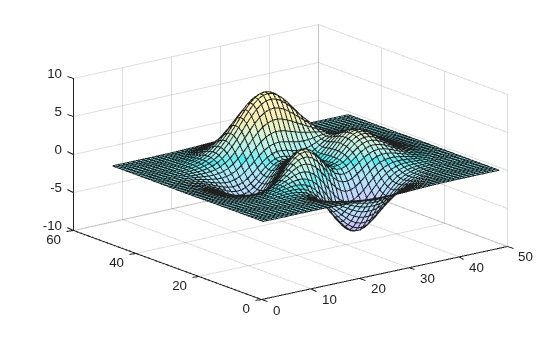
Brighten the colormap for current figure.
brighten(.8);
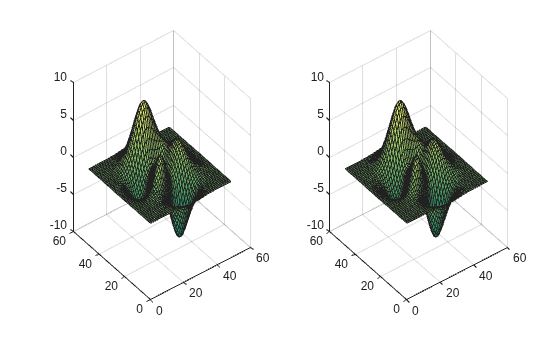
Display two surface plots that use the summer colormap in a tiled chart layout.
t = tiledlayout(1,2);
ax1 = nexttile;
surf(ax1,peaks);
ax2 = nexttile;
surf(ax2,peaks);
colormap(summer)
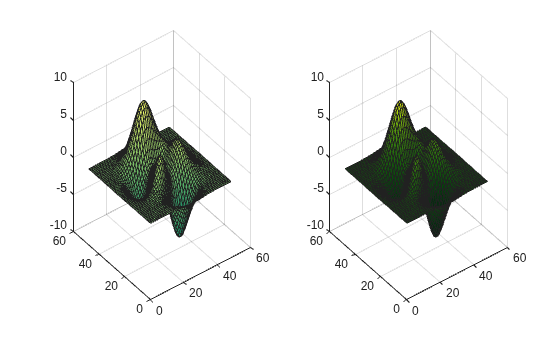
Darken the summer colormap and apply it to the second surface.
newmap = brighten(summer,-.7);
colormap(ax2,newmap)
Input Arguments
Output Arguments
Version History
Introduced before R2006a

