cla
R2026bClear axes
Description
cla deletes all graphics objects that have visible handles from the
current axes. The handle is visible if the HandleVisibility
property of the object is set to 'on'. The next plot added to
the axes uses the first color and line style based on the
ColorOrder and LineStyleOrder
properties of the axes. If axes do not exist, then this command creates
one.
Examples
Plot two sine waves. Then, clear the line plots from the axes.
x = linspace(0,2*pi);
y1 = sin(x);
plot(x,y1)

hold on
y2 = sin(2*x);
plot(x,y2)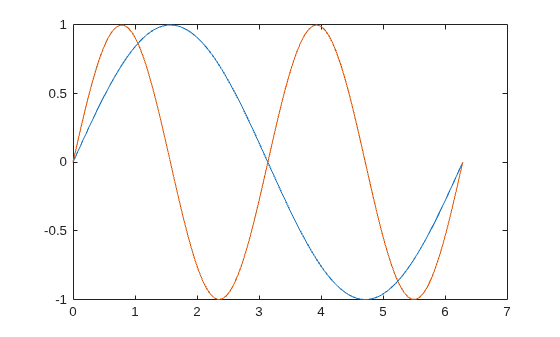
cla
cla clears the line plots and resets the ColorIndex and LineStyleIndex properties of the axes to 1. Subsequent plots start from the beginning of the color order and line style order. For example, plot another sine wave.
y3 = sin(3*x);
plot(x,y3)
hold off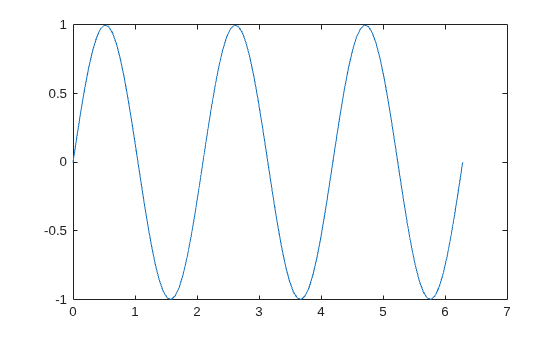
You can display a tiling of plots using the tiledlayout and nexttile functions. Call the tiledlayout function to create a 2-by-1 tiled chart layout. Call the nexttile function to create the axes objects ax1 and ax2. Add plots to both axes.
tiledlayout(2,1)
ax1 = nexttile;
surf(ax1,peaks)

ax2 = nexttile;
contour(ax2,peaks)
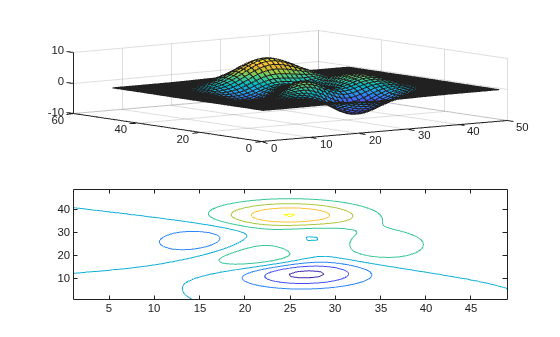
Clear the surface plot from the upper axes by specifying ax1 as an input argument to cla.
cla(ax1)
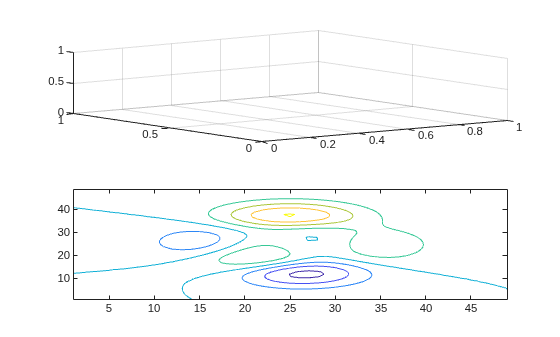
Now, reset all properties for the axes, including the camera properties that control the view, by using the optional input argument 'reset'.
cla(ax1,'reset')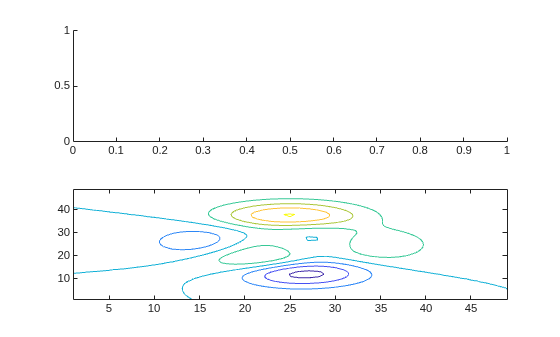
Create a line plot and set the axis limits.
x = linspace(0,2*pi);
y = sin(x);
plot(x,y)
axis([0 5 -2 2])
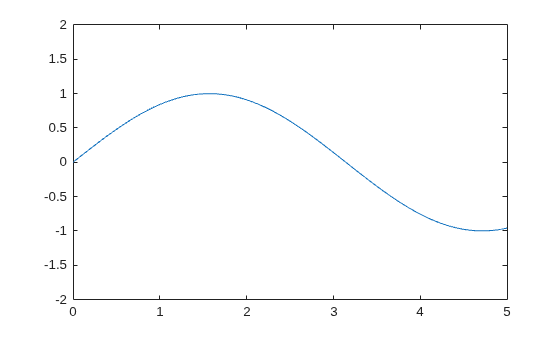
Clear the line plot from the axes and reset all the axes properties to their default values. cla reset resets all properties of the current axes, except for the Position and Units properties.
cla reset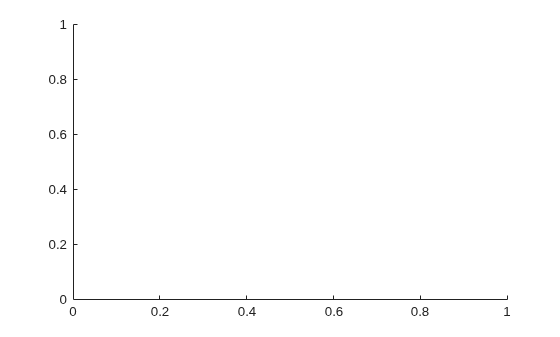
Input Arguments
Algorithms
The cla command resets the ColorOrderIndex and
LineStyleOrderIndex properties of the current axes to
1.

