clf
R2026bClear figure
Description
clf deletes all children of the current figure that have visible
handles.
clf('reset') deletes all children of the current figure regardless
of their handle visibility. It also resets the figure properties to their default values,
except for some figure
properties unaffected by reset. Alternatively, you can reset the figure using the
clf reset command without parentheses.
f = clf(___) returns the figure for any of the previous
syntaxes.
Examples
Create a line plot. Then, set the background color of the current figure.
x = linspace(0,2*pi);
y = sin(x);
plot(x,y)

f = gcf;
f.Color = [0 0.5 0.5];
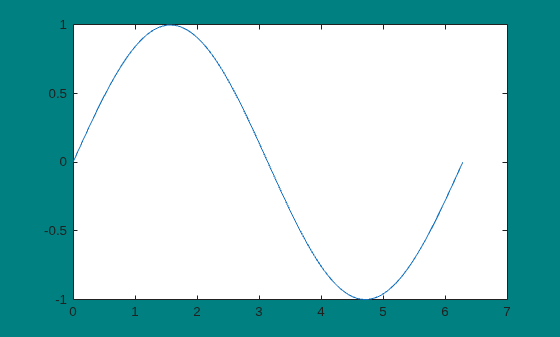
Clear the figure using a call to clf. The function call deletes the plot. However, it does not affect the background color of the figure.
clf
Now, reset the figure properties and return the children of the figure. clf('reset') resets the background color to its default value.
f = clf('reset');
f.Children
ans = 0×0 empty GraphicsPlaceholder array.
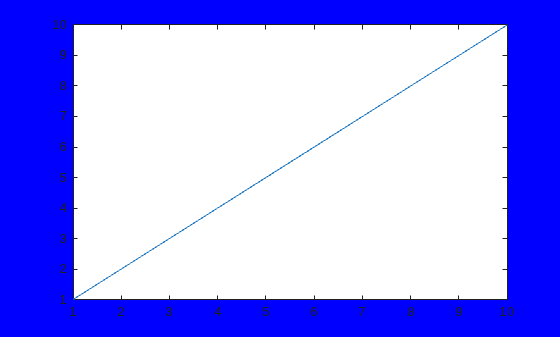
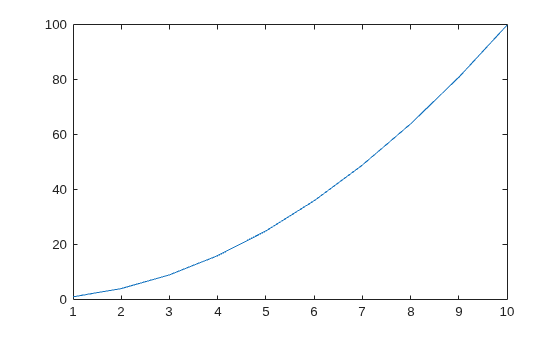
Create two figures, each with a line plot. Set the background color of the first figure.
f1 = figure('Color','b');
plot(1:10)
f2 = figure;
plot((1:10).^2)
Clear the line plot from the first figure without resetting the background color of the figure.
clf(f1)
Now, reset all properties of the first figure.
clf(f1,'reset')Create a figure with a white background. Then, create a surface plot.
figure('Color','w')
peaks
z =  3*(1-x).^2.*exp(-(x.^2) - (y+1).^2) ...
   - 10*(x/5 - x.^3 - y.^5).*exp(-x.^2-y.^2) ...
   - 1/3*exp(-(x+1).^2 - y.^2)
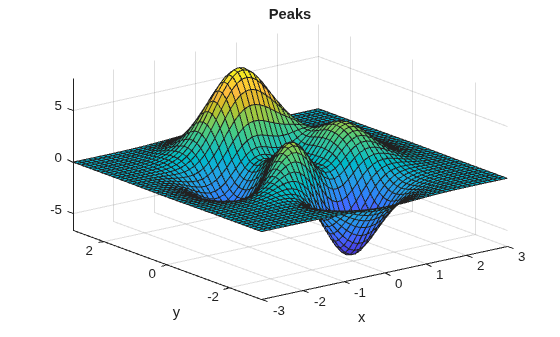
Clear the surface plot from the figure and reset all figure properties to their default values. clf reset resets all properties of the current figure, except for the Position, Units, PaperPosition, and PaperUnits properties.
clf resetInput Arguments
More About
Tips
To clear the contents of a figure, you can alternatively use Clear Figure from the figure window's Edit menu. Using Clear Figure deletes all children of the figure that have visible handles.

