close
R2026bClose one or more figures
Description
close closes the current figure. Calling close
is equivalent to calling close(gcf).
close force closes the current figure, even if the figure has a
CloseRequestFcn callback that has been specified to prevent users
from closing the figure window.
close all closes all figures whose handles are visible. A figure
handle is hidden if the HandleVisibility property is
set to 'callback' or 'off'.
close all hidden closes all figures, including figures with hidden
handles.
close all force closes all figures, including figures for which the
CloseRequestFcn callback has
been specified to prevent users from closing the figure window.
status = close(___) returns the
status of the close operation for any of the previous syntaxes. The
function returns 1 if the figure or figures close and
0 otherwise. When specifying the output status, you
must enclose input arguments that are character vectors in parentheses; for example,
status = close('all','hidden').
Examples
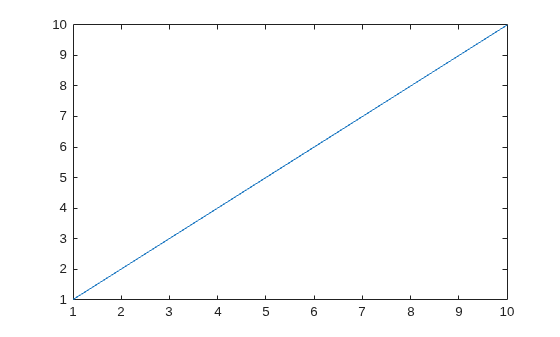
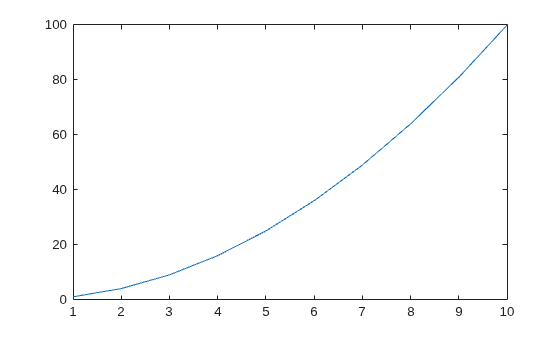
Create two figures, each with a line plot.
f1 = figure;
plot(1:10)
f2 = figure;
plot((1:10).^2)
Close the first figure and display the value of f1.
close(f1)
f1
f1 =
  handle to deleted Figure
Close the current figure.
close
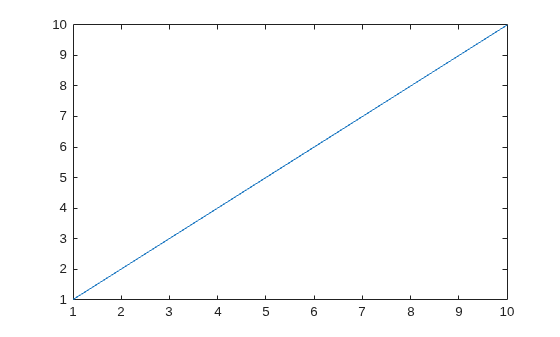
Create three figures, and then create a line plot. By default, the plot function targets the current figure (f3).
f1 = figure;
f2 = figure;
f3 = figure;
plot(1:10)
Close figures f1 and f2 simultaneously.
close([f1 f2])
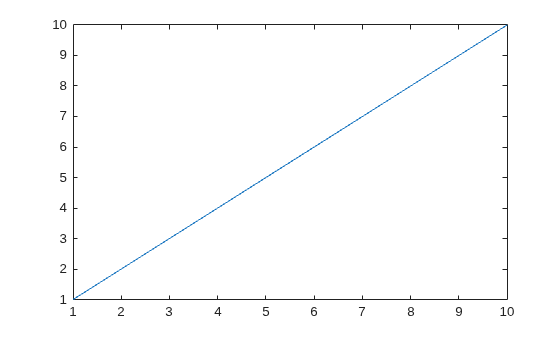
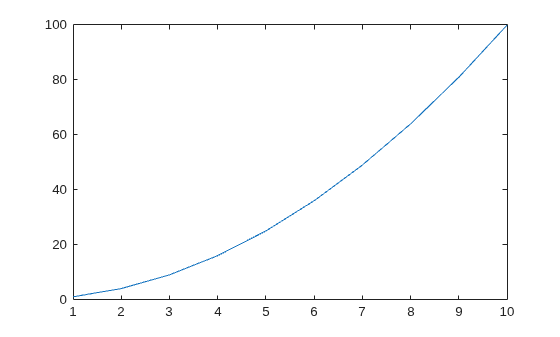
Create two figures with specified numbers. Include a line plot in each figure.
figure(1)
plot(1:10)
figure(2)
plot((1:10).^2)
Close the second figure by passing its number to the close function.
close(2)
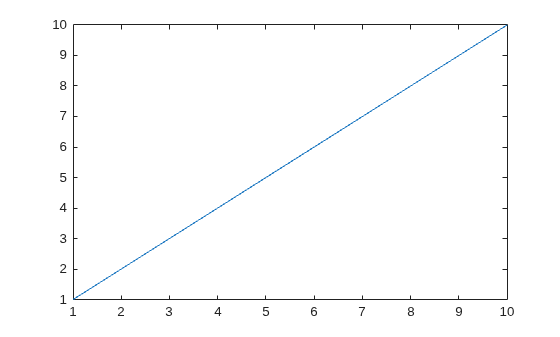
Create a figure, specify its name, and then create a line plot.
figure('Name','Measured Data');
plot(1:10)
Close the figure using its name.
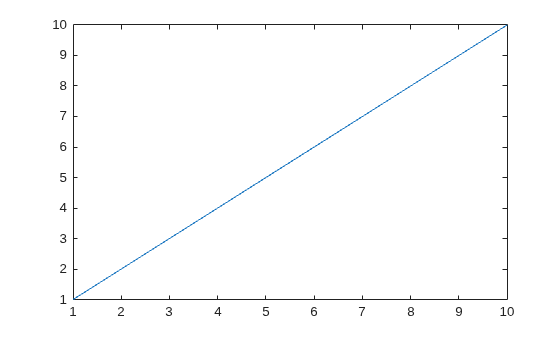
close('Measured Data')Create two figures, each with a line plot.
f1 = figure;
plot(1:10)
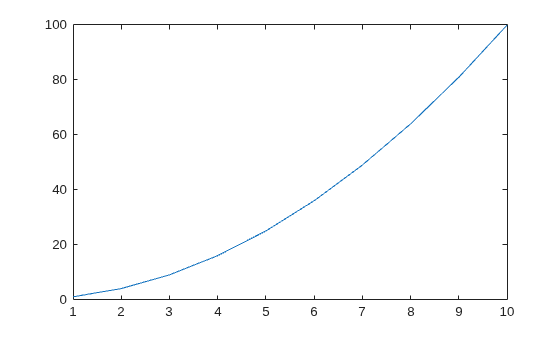
f2 = figure;
plot((1:10).^2)
Close figure f1. Verify that the figure is closed by displaying its status.
status = close(f1)
status =
1
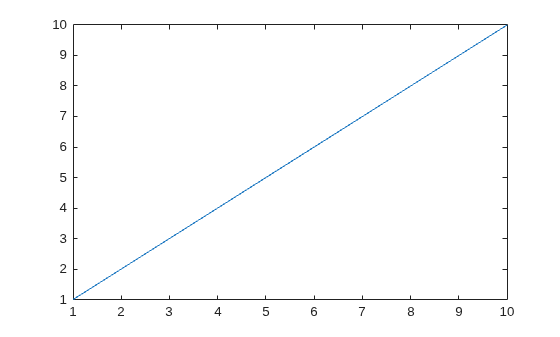
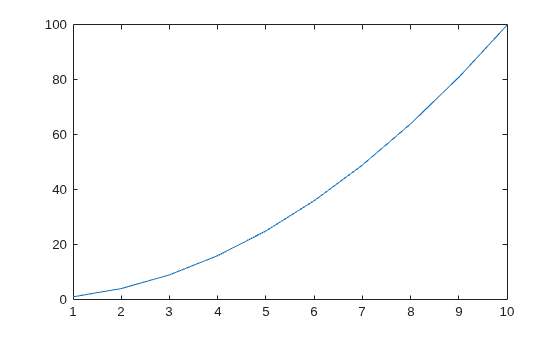
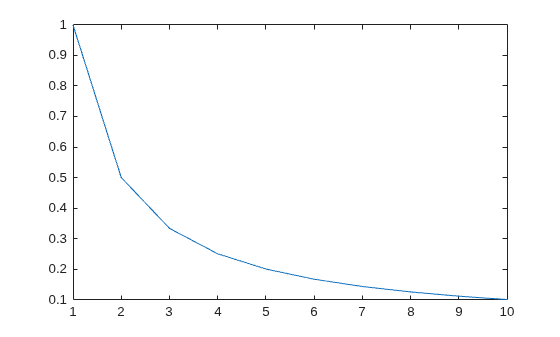
Create three figures whose handles are visible, and include a line plot in each figure.
f1 = figure;
plot(1:10)
f2 = figure;
plot((1:10).^2)
f3 = figure;
plot(1./(1:10))
Close all of the figures simultaneously.
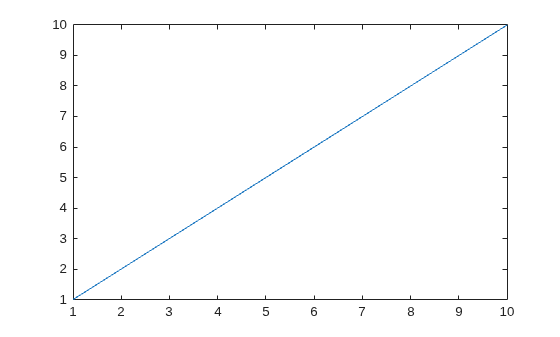
close allCreate three figures, each with a line plot. Set the HandleVisibility property of the last figure to 'off'.
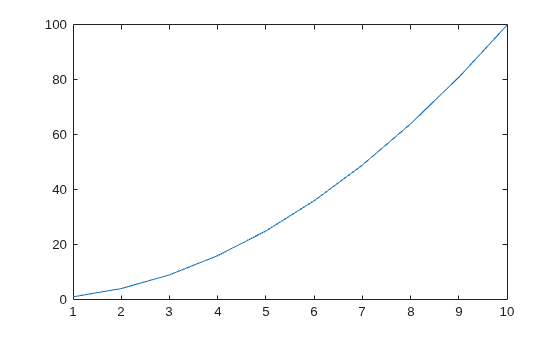
f1 = figure;
plot(1:10)
f2 = figure;
plot((1:10).^2)
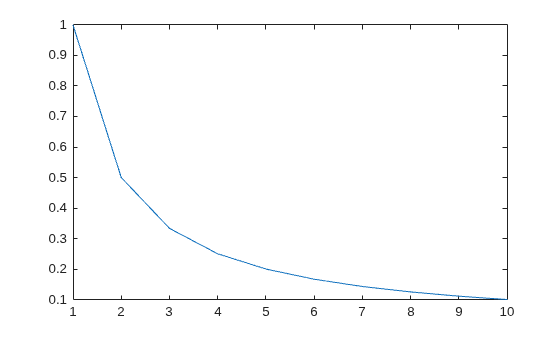
f3 = figure('HandleVisibility','off');
plot(1./(1:10))
Close all of the figures. Notice that you cannot close f3 by calling close all because it has a hidden handle.
close all hidden
The CloseRequestFcn property enables you to specify a close request callback, which executes whenever a user attempts to close the figure window. For example, you can display a dialog box asking to confirm or cancel the close operation or to prevent users from closing a figure that contains a UI.
Create a figure whose window cannot be closed by setting the CloseRequestFcn property to an empty character vector. Then, add a line plot to the figure.
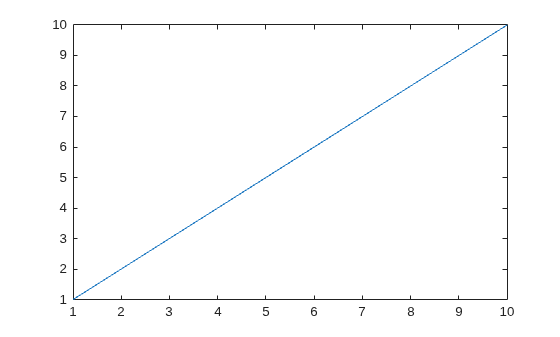
f1 = figure('CloseRequestFcn','');
plot(1:10)
Create a second figure with a line plot.
f2 = figure;
plot((1:10).^2)
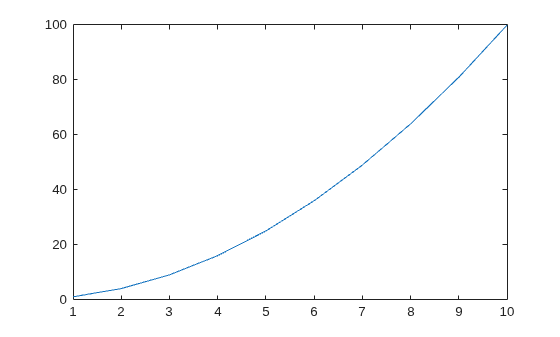
If you try to close the figures using the close all syntax, MATLAB® closes only f2. To close both f1 and f2, use the close all force syntax.
close all force
Input Arguments
Tips
To delete all figures unconditionally, use these statements:
set(groot,'ShowHiddenHandles','on')
c = get(groot,'Children');
delete(c)
When implementing a
CloseRequestFcncallback, do not use a call toclose. Callingclosein the body of the callback sets up a recursion that results in a MATLAB warning. Instead, implement the callback using thedeletefunction.deleteremoves the figure without executing theCloseRequestFcncallback.If you call
closeon a figure without specifying theCloseRequestFcnproperty, the default value of the property,closereq, unconditionally deletes the figure and closes its window. To prevent deletion when callingclose, implement aCloseRequestFcncallback.
Algorithms
The close function evaluates the CloseRequestFcn
property of the specified figure f using this statement:
eval(get(f,'CloseRequestFcn'))CloseRequestFcn enables you to either delay or abort the closing of a
figure once close has been invoked. For example, you can display a dialog
box to confirm that the user really wants to close the figure or save and clean up before
closing.
The default value of CloseRequestFcn, closereq,
closes the current figure using delete(get(groot,'CurrentFigure')). If you
specify an array of figure handles, close executes the callback specified
by CloseRequestFcn for each figure.
If an error terminates the execution of a CloseRequestFcn callback,
then the figure is not closed.
Version History
Introduced before R2006a

