drawnow
R2026bUpdate figures and process callbacks
Syntax
Description
drawnow updates figures and processes any
pending callbacks. Use this command if you modify graphics objects
and want to see the updates on the screen immediately.
drawnow limitrate limits the number of updates to 20 frames per second.
If it has been fewer than 50 milliseconds since the last update, or if the
graphics renderer is busy (either with the previous change or because it is
initializing), then drawnow skips the new update at that
time. Use this command if you are updating graphics objects in a loop and do not
need to see every update on the screen. Skipping updates can create faster
animations. Pending callbacks are processed, so you can interact with figures
during animations.
drawnow nocallbacks defers callbacks, such as the
ButtonDownFcn callback, until the next full
drawnow command. Use this option if you want to prevent
callbacks from interrupting your code. Deferring callbacks temporarily disables
figure interactions, such as mouse clicks or resizing the figure. Deferring
callbacks does not affect animation speed.
drawnow limitrate nocallbacks limits the number of updates to 20 frames
per second and skips updates if the renderer is busy. This syntax also prevents
callbacks from interrupting your code, which temporarily disables figure
interactions.
drawnow update skips updates if the renderer is busy and defers
callbacks. This syntax is not recommended. Use the limitrate
option instead.
drawnow expose updates figures, but defers callbacks. This syntax is not
recommended. Use the nocallbacks option instead.
Examples
Create an animation of a line growing as it accumulates 2,000 data points. Use drawnow to display the changes on the screen after each iteration through the loop.
h = animatedline;
axis([0 4*pi -1 1])
x = linspace(0,4*pi,2000);

for k = 1:length(x)
    y = sin(x(k));
    addpoints(h,x(k),y);
    drawnow
end
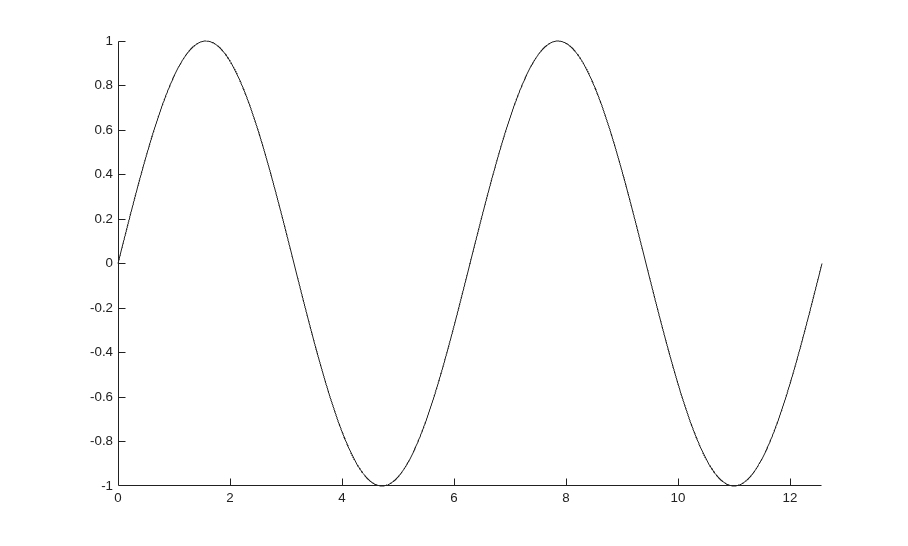
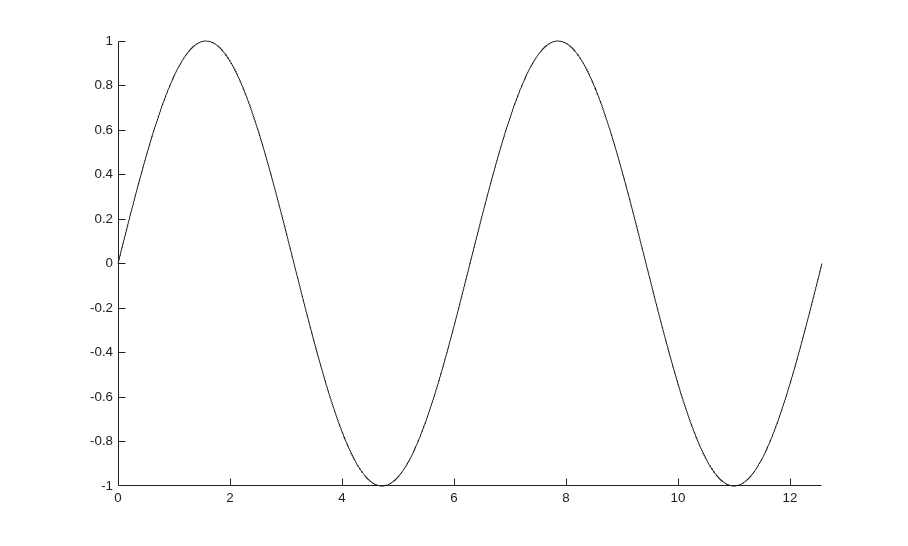
Create an animation of a line growing as it accumulates 10,000 points by completing these steps:
Create an animated line object (
h) and call theaxisfunction to create an axes object with specific x- and y-axis limits.Call
drawnowimmediately after theaxiscommand to complete figure and axes initialization.Create a
forloop that adds points to the animated line and updates the plot.
Drawing each update on the screen might be slow since there are 10,000 points. You can make it faster by limiting the number of updates with the limitrate option. Calling the drawnow limitrate command before the end of the loop displays the changes, but only if 50 milliseconds has elapsed since the last iteration.
After the loop, display the final updates by calling drawnow one more time.
x = linspace(0,4*pi,2000);
h = animatedline;
axis([0 4*pi -1 1])
drawnow  % Complete initialization

for k = 1:length(x)
    y = sin(x(k));
    addpoints(h,x(k),y);
    drawnow limitrate  % Display changes
end

drawnow % Display final updates
Compute all the data before the animation loop.
h = animatedline;
axis([0 4*pi -1 1])
drawnow % Complete initialization
x = linspace(0,4*pi,10000);
y = sin(x);

for k = 1:length(x)
    addpoints(h,x(k),y(k));
    drawnow limitrate  % Display changes
end
drawnow % Display final updates
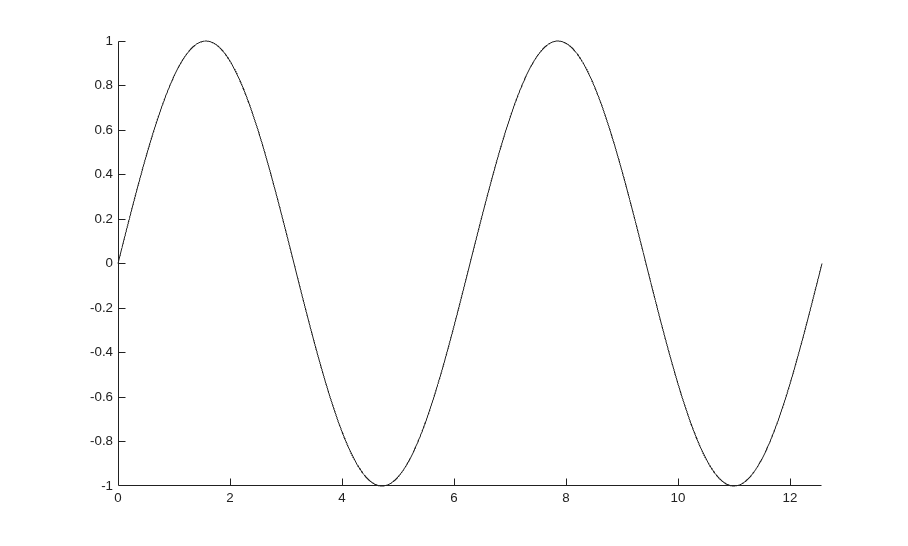
If you have long computations, precomputing the data can improve performance. Precomputing minimizes the computation time by letting the computation run without interruptions. Additionally, it helps ensure a smooth animation by focusing on only graphics code in the animation loop.
More About
Tips
The
nocallbacksoption always adds interrupting callbacks to the queue. If you want to discard interrupting callbacks, then use theInterruptibleandBusyActionproperties instead.
Extended Capabilities
Version History
Introduced before R2006a

