show
Display scope window
Syntax
Description
show( shows the scope
window.scope)
Examples
The timescope object requires one of these products:
DSP System Toolbox™
Navigation Toolbox™
Sensor Fusion and Tracking Toolbox™
Create a sinusoidal signal with two tones, one at 0.3 kHz and the other at 3 kHz.
t = (0:1000)'/8e3; xin = sin(2*pi*0.3e3*t)+sin(2*pi*3e3*t);
Create a timescope object and view the sinusoidal signal by calling the time scope object scope.
scope = timescope(SampleRate=8e3,... TimeSpanSource="property",... TimeSpan=0.1); scope(xin)
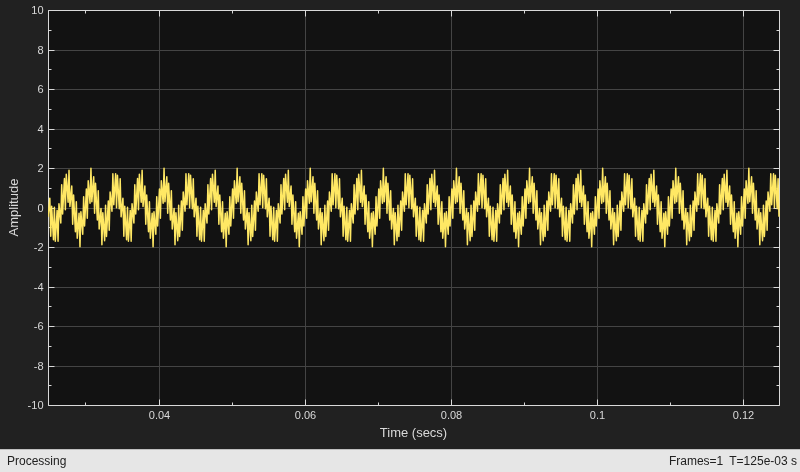
Run release to allow changes to property values and input characteristics. The scope automatically scales the axes.
release(scope);
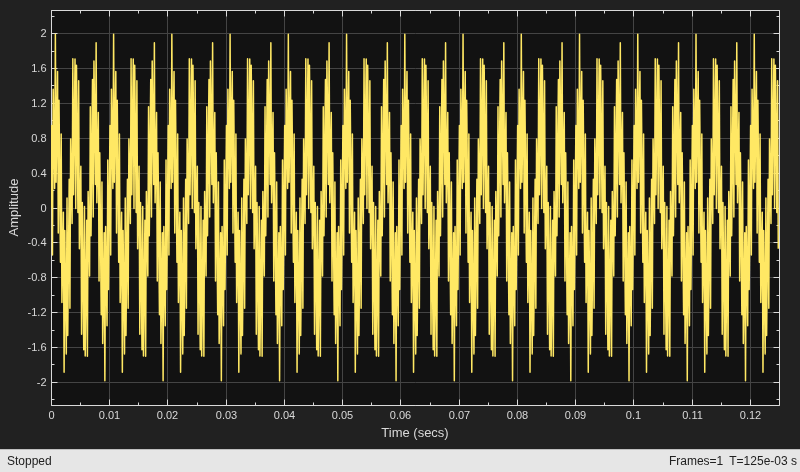
Hide the scope window.
if(isVisible(scope)) hide(scope) end
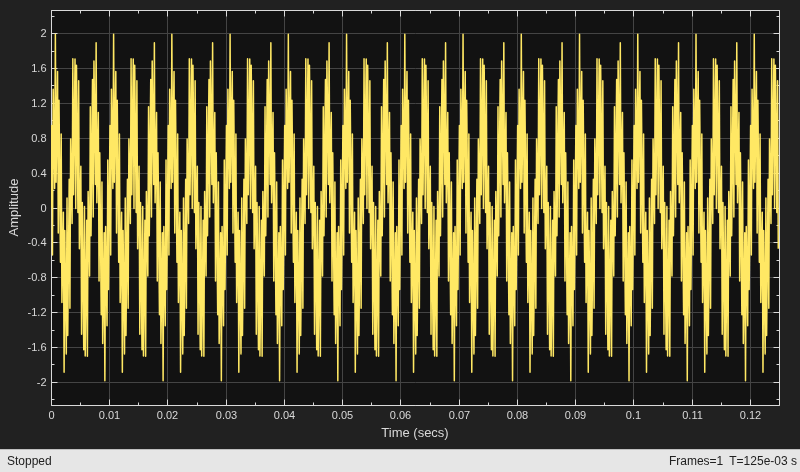
Show the scope window.
if(~isVisible(scope)) show(scope) end
Input Arguments
Scope object whose window you want to show, specified as a
timescope object.
Example: myScope = timescope;
show(myScope)
Version History
Introduced in R2020a
MATLAB Command
You clicked a link that corresponds to this MATLAB command:
Run the command by entering it in the MATLAB Command Window. Web browsers do not support MATLAB commands.
Select a Web Site
Choose a web site to get translated content where available and see local events and offers. Based on your location, we recommend that you select: .
You can also select a web site from the following list
How to Get Best Site Performance
Select the China site (in Chinese or English) for best site performance. Other MathWorks country sites are not optimized for visits from your location.
Americas
- América Latina (Español)
- Canada (English)
- United States (English)
Europe
- Belgium (English)
- Denmark (English)
- Deutschland (Deutsch)
- España (Español)
- Finland (English)
- France (Français)
- Ireland (English)
- Italia (Italiano)
- Luxembourg (English)
- Netherlands (English)
- Norway (English)
- Österreich (Deutsch)
- Portugal (English)
- Sweden (English)
- Switzerland
- United Kingdom (English)