Detect and Address Logical Errors
R2026bIdentify logical errors where coverage conditions cannot satisfy all expected values by using dead logic detection.
Topics
- Dead Logic Detection
Describes the two analysis modes for dead logic detection in Simulink® Design Verifier™.
- Common Causes for Dead Logic
Describes several scenarios that results in dead logic.
- Detect Dead Logic Caused by an Incorrect Value
Example showing how to find an incorrect input specification using a dead logic result.
- Check for Specified Minimum and Maximum Value Violations
Describes how to analyze the model to verify that specified design minimum and maximum values are honored.
- Minimum and Maximum Input Constraints
An overview of how the Simulink Design Verifier analysis considers specified input minimum and maximum values.
- Specify Input Ranges on Simulink and Stateflow Elements
Describes how the analysis handles minimum and maximum values on Simulink and Stateflow® elements.
- Analyze Models for Design Errors
Run a Design Error Detection Analysis and interpret the results.
Featured Examples
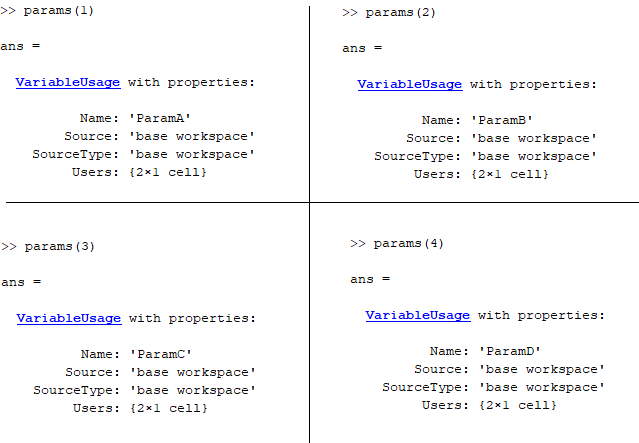
Analyze Results for Dead Logic Analysis
Determine potential causes for dead logic in the analysis.
Debug Enhanced Modified Condition Decision Coverage Using Model Slicer
Find the Simulink Design Verifier generated objectives related to a specific model object using Model Slicer.
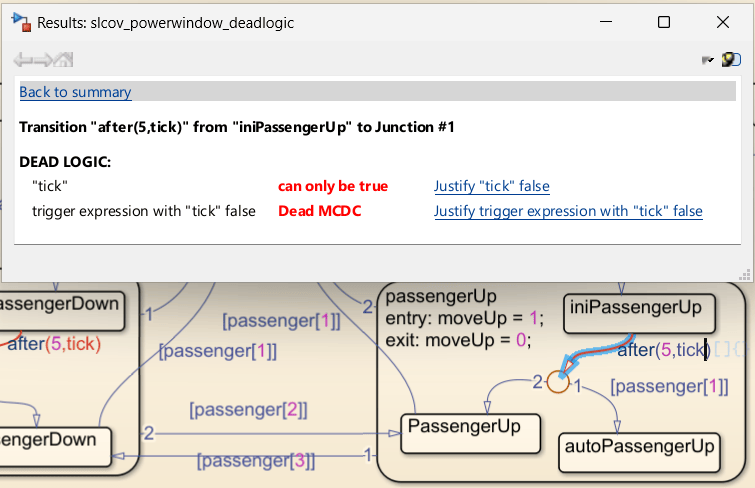
Identify and Resolve Missing Coverage Caused by Dead Logic
Use Simulink® Design Verifier™ to identify and resolve missing coverage associated with dead logic in the Simulink Coverage™ report.

