Specify and Verify Design Requirements
R2026bSafety requirements define undesired behaviors in a model. Simulink® Design Verifier™ uses property proving to verify that properties associated with model requirements hold under all possible input values or provides counterexamples that lead to violations. You use Simulink Design Verifier to model design requirements as properties and then Prove Properties in a Model.
Blocks
 | Proof Assumption | Constrain signal values when proving model properties |
 | Proof Objective | Define objectives that signals must satisfy when proving model properties |
 | Assertion | Check whether signal is zero |
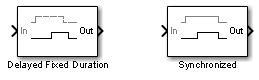 | Detector | Detect true duration on input and construct output true duration based on output type |
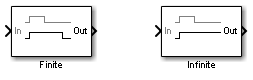 | Extender | Extend true duration of input |
 | Implies | Specify condition that produces a certain response |
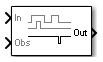 | Within Implies | Verify response occurs within desired duration |
 | Verification Subsystem | Specify proof or test objectives without impacting simulation results or generated code |
Functions
Topics
- Prove Model Properties
Workflow and techniques for proving model properties.
- Prove Properties in a Model
Prove model properties that you specify using a Proof Objective block.
- Debug Property Proving Violations by Using Model Slicer
Use Model Slicer to debug your design with assertion blocks.
- Prove System-Level Properties Using Verification Model
An example that uses a verification model to prove system-level properties.
- Property Proving Using Proof Objective Block
You can use Simulink® Design Verifier™ to model design requirements as properties and then prove properties in a model.
- Property Proving Using MATLAB Function Block
This example shows how to verify the seat belt reminder design model.
- Property Proving Using MATLAB Truth Table Block
This example shows how to verify the seat belt reminder design model referenced in the top block above.
- Property Proving with an Assumption Block
This example shows how to perform a Simulink® Design Verifier™ property proof using a Proof Assumption block.
- Property Proving with an Invalid Property
This example shows how to find an invalid property using Simulink® Design Verifier™ property proving analysis.
- Debounce Temporal Properties
Model temporal system requirements for property proving and test case generation.
- Power Window Controller Temporal Properties
This example shows how to model temporal system requirements in a power window controller model for property proving and test case generation using Simulink® Design Verifier™ Temporal Operator blocks.
- Prove Properties in Large Models
Use Simulink Design Verifier workflows and best practices for proving properties in large models.
- Verify and Validate a Model and Code
Define requirements, test models and code, check for design errors and standards compliance, and measure test coverage.
- Isolate Verification Logic with Observers
Use Observer blocks to isolate verification logic in a model.
Featured Examples
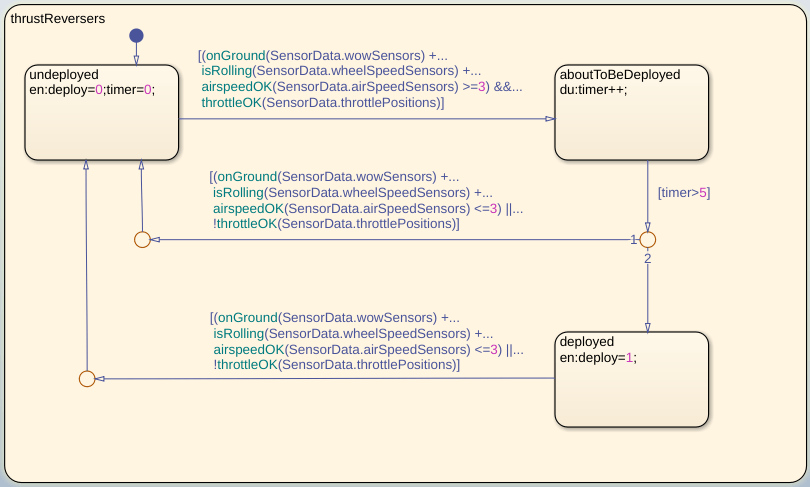
Validate Requirements by Analyzing Model Properties
Analyze a control system model for adherence to requirements modeled as properties, and investigate property violations by using dependency analysis.
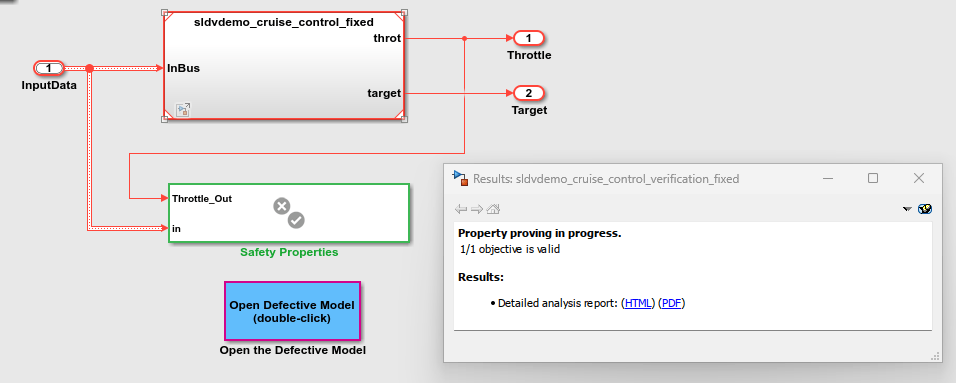
Find and Debug Property Violation Using Simulink Design Verifier
Use Simulink Design Verifier to find and debug property violation in model.
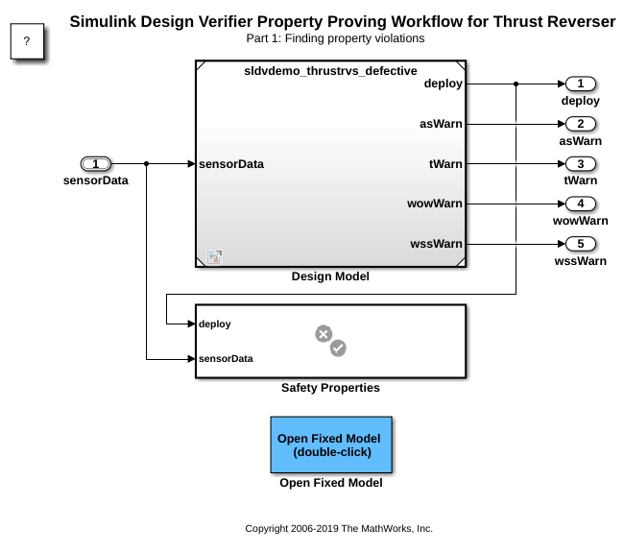
Property Proving Workflow for Thrust Reverser
Verify safety properties in a thrust reverser design model. The Properties block below it contains four safety properties. Simulink® Design Verifier™ analyzes the design model and safety properties to prove correctness or to identify counterexamples. The use of model referencing eliminates the need to add verification content to the design model, allowing the verification content to exist independently from the design.
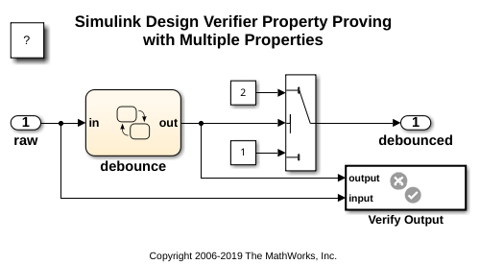
Property Proving with Multiple Properties
Perform a property proving analysis with multiple properties. The model is configured for the analysis to attempt to prove that:
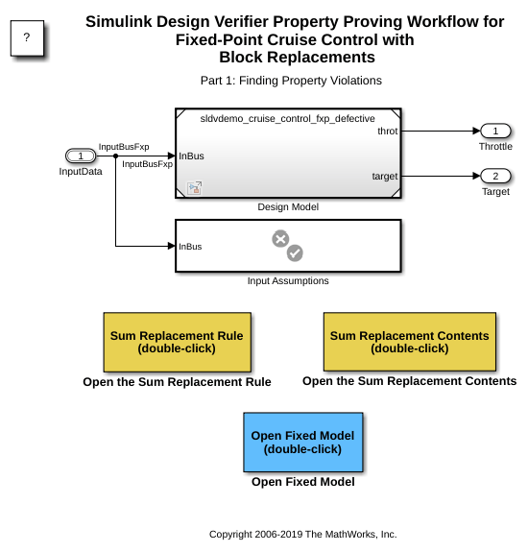
Property Proving Workflow for Fixed-Point Cruise Control with Block Replacements
Prove properties in a fixed-point cruise control algorithm. It references the design model using model reference so that the original design model is unchanged. A block replacement rule specifies the property that checks if an overflow is possible. The verification subsystem specifies an assumption on the range of the speed input during property proving. This model configures Simulink® Design Verifier™ to apply a block replacement to the Sum block that feeds the outport of the fixed-point PI Controller in the referenced model and return a counterexample that demonstrates an overflow.
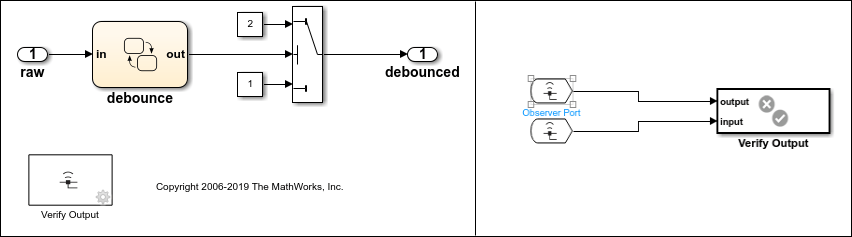
Use Observer Reference Blocks for Property Proving Analysis
Perform property proving analysis using Observer Reference blocks.
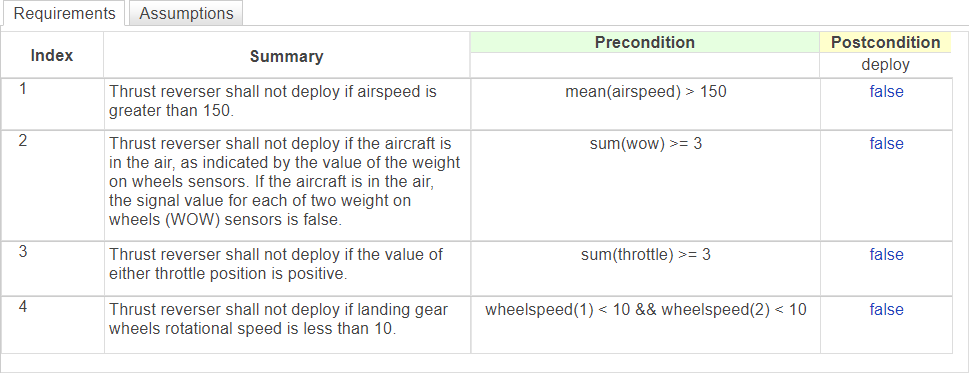
Prove Properties with Requirements Table Blocks
Use a Requirements Table block and Simulink Design Verifier to prove properties of a model.

