Video From Workspace
R2026bImport video from MATLAB workspace
Video From Workspace block

To add a block to a model, double-click the canvas and start typing the block name. Then, select the block from the list.
Libraries:
Computer Vision Toolbox /
Sources
Description
The Video From Workspace block imports a video from the MATLAB® workspace. The output of the block depends on the format of the video in the workspace.
If the video is represented by an M-by-N-by-T array, the block outputs a grayscale video. M and N are the number of rows and columns in each video frame, and T is the number of frames in the video.
If the video is represented by an M-by-N-by-C-by-T array, the block outputs a color video. M and N are the number of rows and columns in each video frame, C is the number of color channels, and T is the number of frames in the video.
Note
If you generate code from a model that contains this block, it takes long to compile the code as the Simulink® Coder™ puts all of the video data into the
.cfile. To shorten code generation time, convert your video data into a format supported by the From Multimedia File or Read Binary File block.The Video From Workspace block also supports
fiobjects. For more information onfiobjects, seefi(Fixed-Point Designer).
Examples
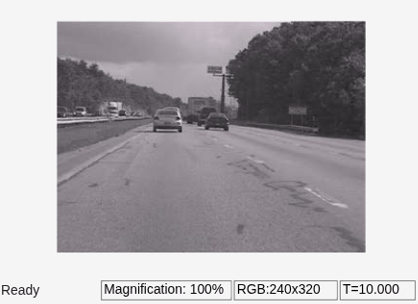
Import Video from MATLAB Workspace
Import a video from MATLAB® to Simulink® workspace by using Video From Workspace block.
Ports
Output
Parameters
Block Characteristics
Data Types |
|
Multidimensional Signals |
|
Variable-Size Signals |
|
Programmatic Use: Add Block
To add the block programmatically, use the add_block function with one of these library block paths as the source.
"visionsources/Video From Workspace"
Example: add_block("visionsources/Video From Workspace","myModel/myBlock",MakeNameUnique="on")
Extended Capabilities
Version History
Introduced before R2006a

