You are now following this Submission
- You will see updates in your followed content feed
- You may receive emails, depending on your communication preferences
Cite As
Daniel Warren (2026). Add Text To Image (https://www.mathworks.com/matlabcentral/fileexchange/40959-add-text-to-image), MATLAB Central File Exchange. Retrieved .
General Information
- Version 1.2.0 (7.69 KB)
MATLAB Release Compatibility
- Compatible with any release
Platform Compatibility
- Windows
- macOS
- Linux
| Version | Published | Release Notes | Action |
|---|---|---|---|
| 1.2.0 | Included drawnow call in BitmapFont and removed dependency on Image Processing Toolbox as suggested by B Treeby. Also added a separate version which adds a border to the text with custom colour and thickness. |
||
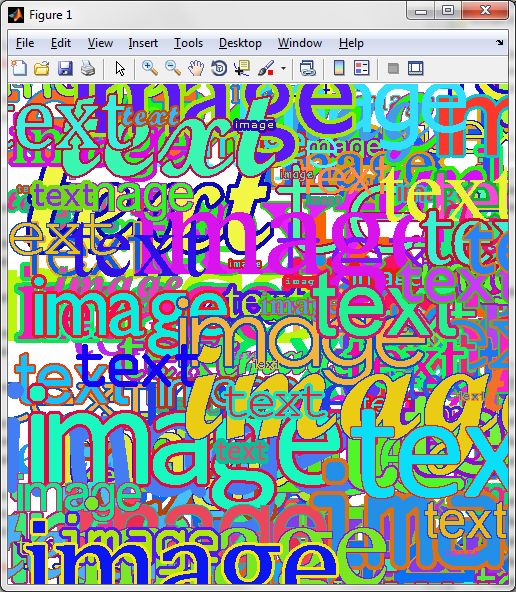
| 1.1.0 | Wrote a demonstration script to produce the screenshot, which revealed a vertical clipping bug when using large fonts - this has been fixed. Also avoided some error conditions when requested position is almost or completely outside the image. |
||
| 1.0.0 |

