get
R2026bQuery graphics object properties
Syntax
Description
get( displays the properties and property
values for the specified graphics object h)h in the Command Window.
h must be a single object. If h is empty ([ ]),
get does nothing and does not return an error or warning.
v = get(h,propertyNames)h.
If
his a single object andpropertyNamesis a string or character vector that specifies one property,getreturns the value of the specified property. Ifhis a single object andpropertyNamesis a cell array that specifies one or more properties,getreturns a1-by-n cell array containing the values of the specified properties, where n is the number of properties inpropertyNames.If
his a vector of objects,getreturns an m-by-n cell array containing the values of the specified properties, where m is the number of elements inhand n is the number of properties contained inpropertyNames.
v = get(h,defaultTypeProperty)h. defaultTypeProperty is the word
default concatenated with the object type (for example,
Figure) and the property name (for example, Color)
in quotes. For example, v = get(groot,"defaultFigureColor") returns the
default value of the Color property of Figure objects
for the graphics root object, groot.
v = get(groot,factoryTypeProperty)groot. factoryTypeProperty is the
word factory concatenated with the object type (for example,
Figure) and the property name (for example, Color)
in quotes. For example, v = get(groot,"factoryFigureColor") returns the
factory-defined value of the Color property of Figure
objects.
Examples
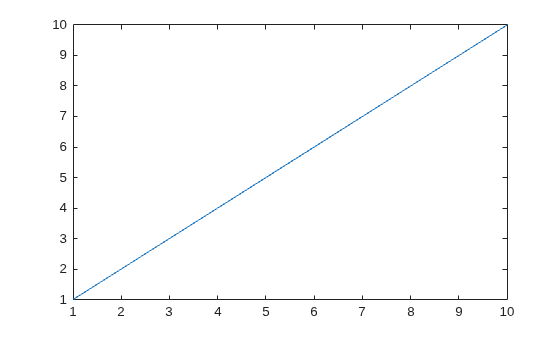
Create a line plot and return the Line object as p. List all of the properties and current values of the object.
p = plot(1:10);
get(p)
      AffectAutoLimits: on
    AlignVertexCenters: off
            Annotation: [1×1 matlab.graphics.eventdata.Annotation]
          BeingDeleted: off
            BusyAction: 'queue'
         ButtonDownFcn: ''
              Children: [0×0 GraphicsPlaceholder]
              Clipping: on
                 Color: [0.0660 0.4430 0.7450]
             ColorMode: 'auto'
           ContextMenu: [0×0 GraphicsPlaceholder]
             CreateFcn: ''
       DataTipTemplate: [1×1 matlab.graphics.datatip.DataTipTemplate]
             DeleteFcn: ''
           DisplayName: ''
      HandleVisibility: 'on'
               HitTest: on
         Interruptible: on
              LineJoin: 'round'
             LineStyle: '-'
         LineStyleMode: 'auto'
             LineWidth: 0.5000
                Marker: 'none'
       MarkerEdgeColor: 'auto'
       MarkerFaceColor: 'none'
         MarkerIndices: [1 2 3 4 5 6 7 8 9 10]
            MarkerMode: 'auto'
            MarkerSize: 6
                Parent: [1×1 Axes]
         PickableParts: 'visible'
              Selected: off
    SelectionHighlight: on
           SeriesIndex: 1
           SourceTable: [0×0 table]
                   Tag: ''
                  Type: 'line'
              UserData: []
               Visible: on
                 XData: [1 2 3 4 5 6 7 8 9 10]
             XDataMode: 'auto'
           XDataSource: ''
             XVariable: ''
                 YData: [1 2 3 4 5 6 7 8 9 10]
             YDataMode: 'manual'
           YDataSource: ''
             YVariable: ''
                 ZData: [1×0 double]
             ZDataMode: 'auto'
           ZDataSource: ''
             ZVariable: ''
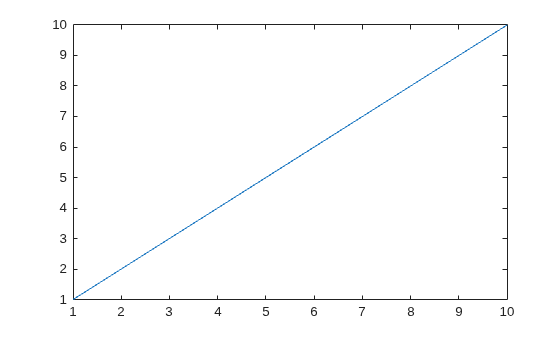
Create a line plot and return the Line object as p. Get the current value of the LineWidth property.
p = plot(1:10);
get(p,"LineWidth")ans = 0.5000
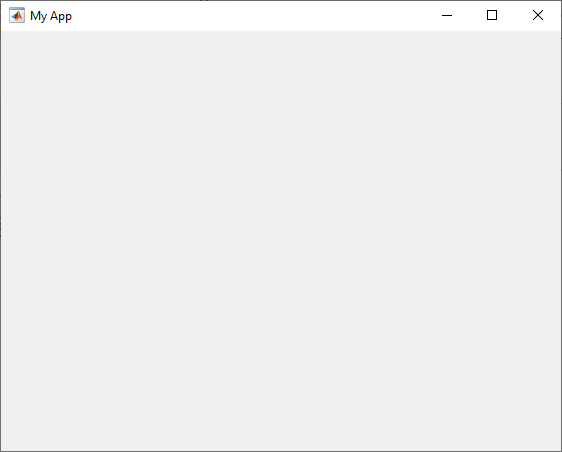
Create a figure with the title My App. Get the current values of the Name, Position, and Color properties of the figure.
fig = uifigure("Name","My App");
props = {"Name","Position","Color"};
get(fig,props)
ans = 1×3 cell array
{'My App'} {[334 361 560 420]} {[0.9608 0.9608 0.9608]}
Get the default values defined on the root for all graphics objects.
get(groot,"default")ans = struct with fields:
defaultFigurePosition: [161 234 560 337.1114]
defaultFigurePaperPositionMode: 'auto'
defaultFigureVisible: off
defaultFigureToolBar: 'none'
defaultFigureMenuBar: 'none'
defaultFigureWindowStyle: 'normal'
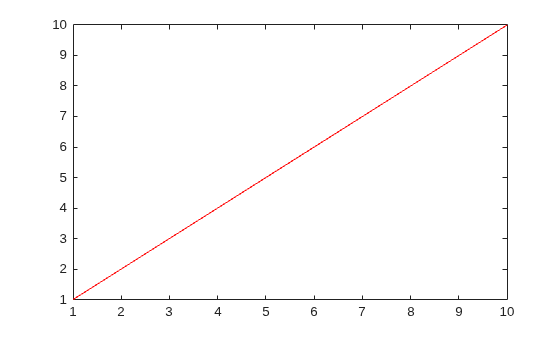
Create a red line plot and return the Line object as p.
p = plot(1:10,"Color","red");
Get the current and default values of the Color property defined for p.
get(p,"Color")ans = 1×3
1 0 0
get(p,"defaultLineColor")ans = 1×3
0.1294 0.1294 0.1294
Get the factory-defined value of the MarkerSize property defined on the root for all Line objects.
get(groot,"factoryLineMarkerSize")ans = 6
Input Arguments
Output Arguments
Version History
Introduced before R2006a

