EtherCAT Sync SSC/SoE Download
R2026bTransmit data synchronously to subordinate device represented by service data object
EtherCAT Sync SSC/SoE Download block

To add a block to a model, double-click the canvas and start typing the block name. Then, select the block from the list.
Libraries:
Simulink Real-Time /
EtherCAT
Description
The EtherCAT Sync SSC/SoE Download block provides synchronous SERCOS interface (SErial Real time COmmunication Specification) over EtherCAT® (SoE) download. The block selects an IDN in the specified subordinate device and sends a download (write) request. The block then waits until it receives a response to the request or until the timeout period expires.
The response to an operation takes several ticks of the main task sample time. Assign the synchronous blocks a sample time slower than the main task sample time.
Examples
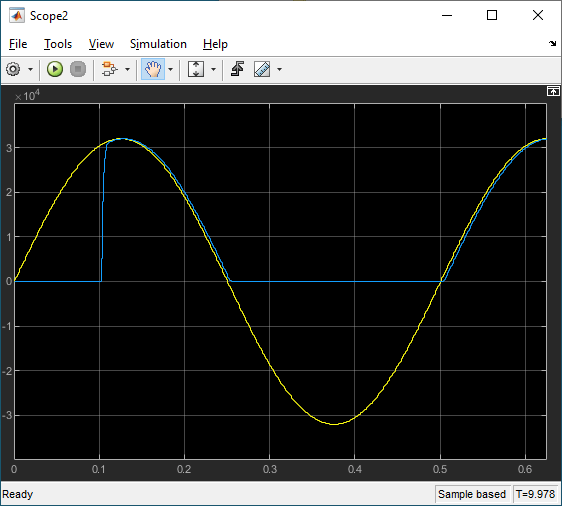
EtherCAT Protocol with Beckhoff Analog IO Subordinate Devices EL3062 and EL4002
Communicate with EtherCAT devices using the Beckhoff® analog I/O terminals EL3062 and EL4002.
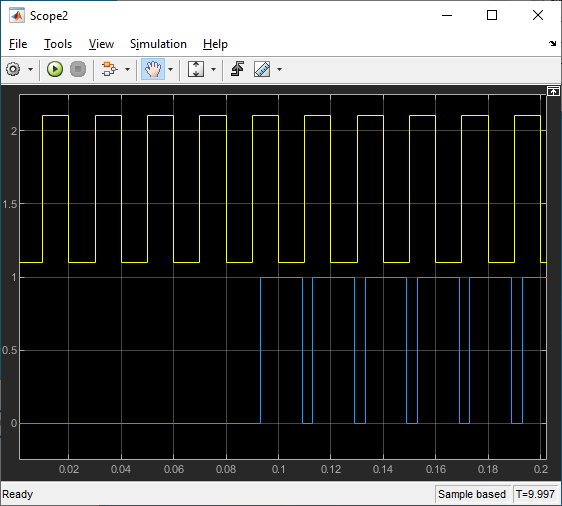
EtherCAT Protocol with Beckhoff Digital IO Subordinate Devices EL1004 and EL2004
Communicate with EtherCAT devices using the Beckhoff digital I/O terminals EL1004 and EL2004.
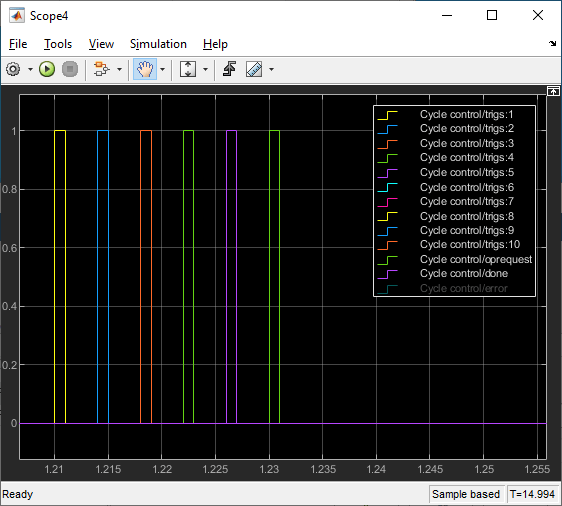
EtherCAT Protocol Sequenced Writing SoE Subordinate Device Configuration Variables
Use SoE blocks and a simple state machine to write configuration values to variables that can only be written before going to EtherCAT Op state.
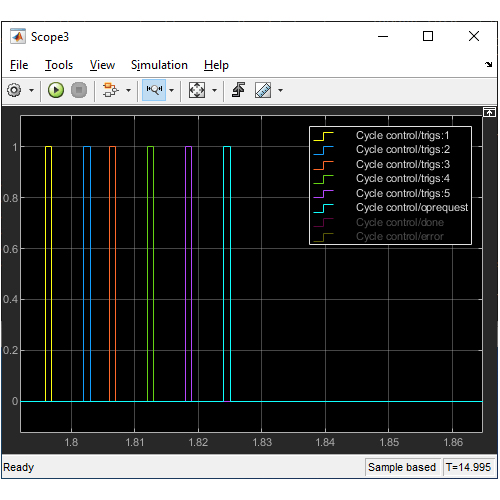
EtherCAT Protocol Sequenced Writing CoE Subordinate Device Configuration Variables
Use CoE blocks and a simple state machine to write configuration values to variables that can only be written before going to EtherCAT Op state.
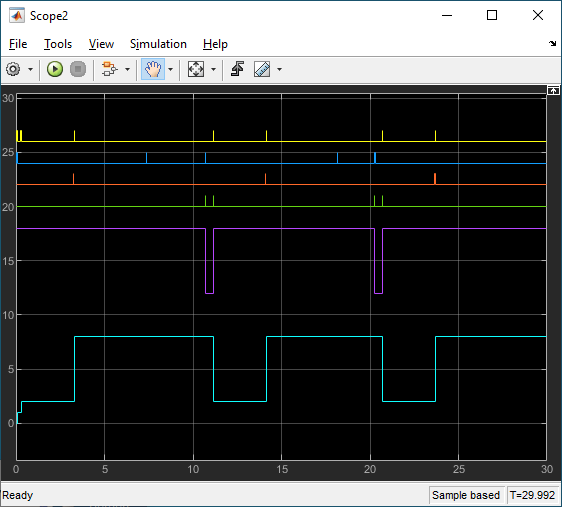
EtherCAT Protocol Detect Network Failure and Reset
Use the EtherCAT Notifications block to detect a failure in the connected network and to restart the network when the failure is corrected.
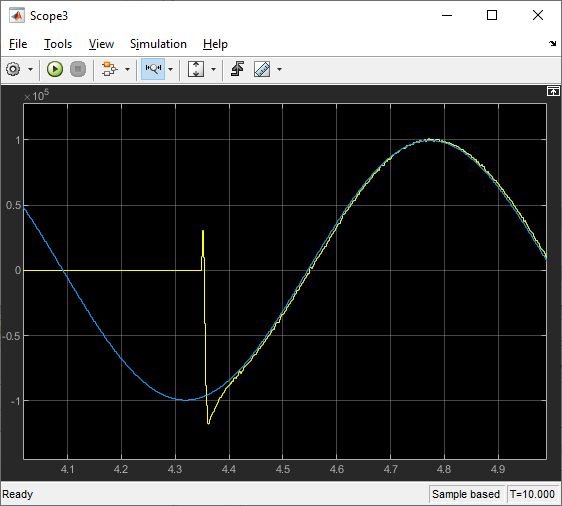
EtherCAT Protocol Motor Velocity Control with Accelnet Drive
Control the velocity of a motor by using EtherCAT communication.
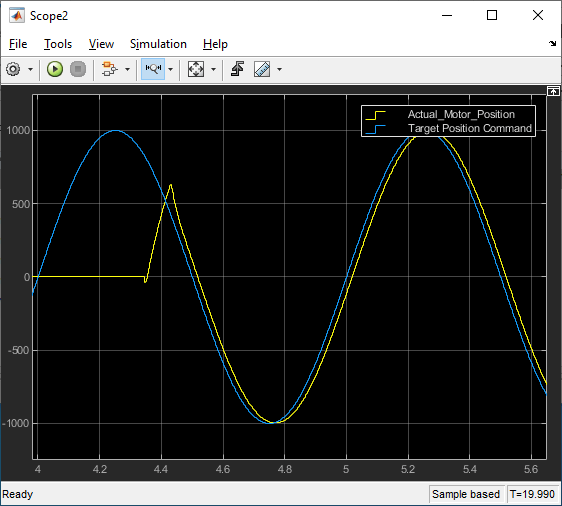
EtherCAT Protocol Motor Position Control with Accelnet Drive
Control the position of a motor by using EtherCAT communication.
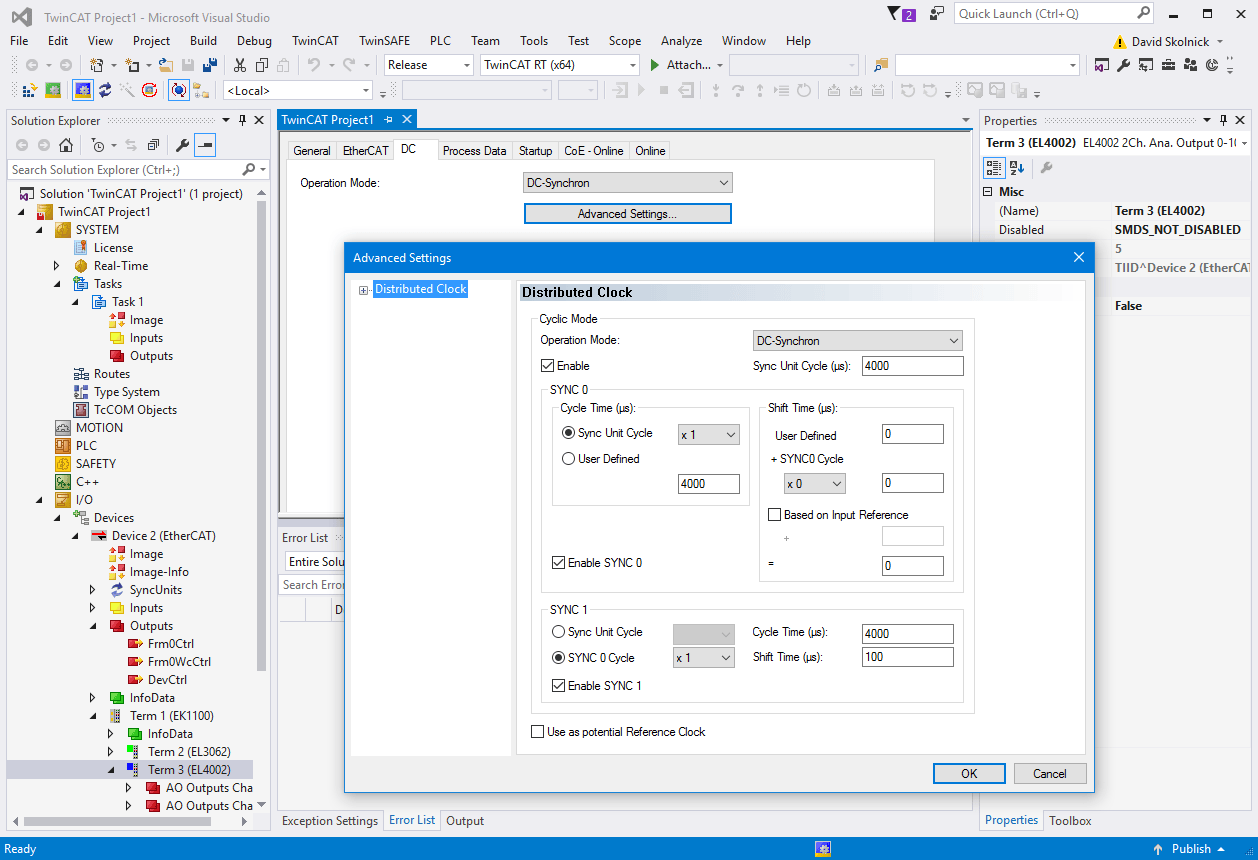
Generate ENI Files for EtherCAT Devices
Generate EtherCAT network information (ENI) files to use in Simulink® Real-Time™ with EtherCAT devices.
Ports
Input
Output
Parameters
Programmatic Use: Add Block
To add the block programmatically, use the add_block function with one of these library block paths as the source.
"slrealtimeethercatlib/EtherCAT Sync SSC//SoE Download"
Example: add_block("slrealtimeethercatlib/EtherCAT Sync SSC//SoE Download","myModel/myBlock",MakeNameUnique="on")
Extended Capabilities
Version History
Introduced in R2020b

