Stream Camera Image Using Video Send Block
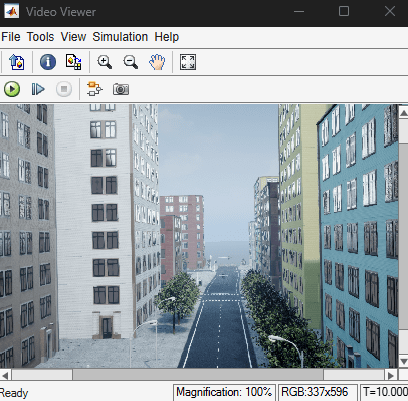
R2026bThis example shows how to verify your GStreamer configuration by streaming a camera image using the Video Send block. If the Video Viewer displays the image after you run the model, your GStreamer installation works correctly.
Before you run this example, Install and Configure GStreamer to Send Video Streams.
Load the StreamCameraImage.slx Simulink® model
open_system("StreamCameraImage.slx")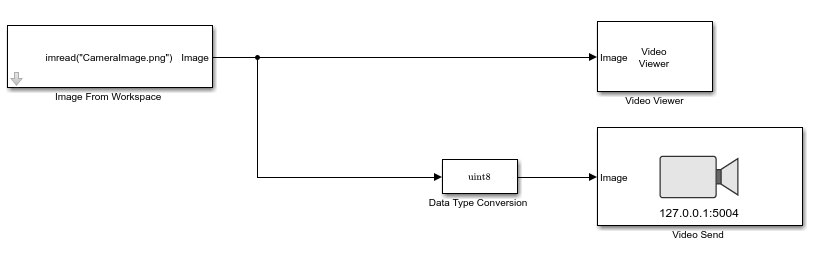
The model uses these blocks:
Image From Workspace (Computer Vision Toolbox) — Reads the camera image from the workspace.
Video Viewer (Computer Vision Toolbox) — Shows the camera image when you run the simulation.
Data Type Conversion (Simulink) — Converts image signal to unsigned 8 bit integer.
Video Send — Sends the video stream. By default, the block streams the image to the remote address 127.0.0.1 and port 5004.
To run the model, click Run  . The Video Viewer block shows the camera image.