[Podcast] What's behind the Big Change in the new MATLAB Desktop?
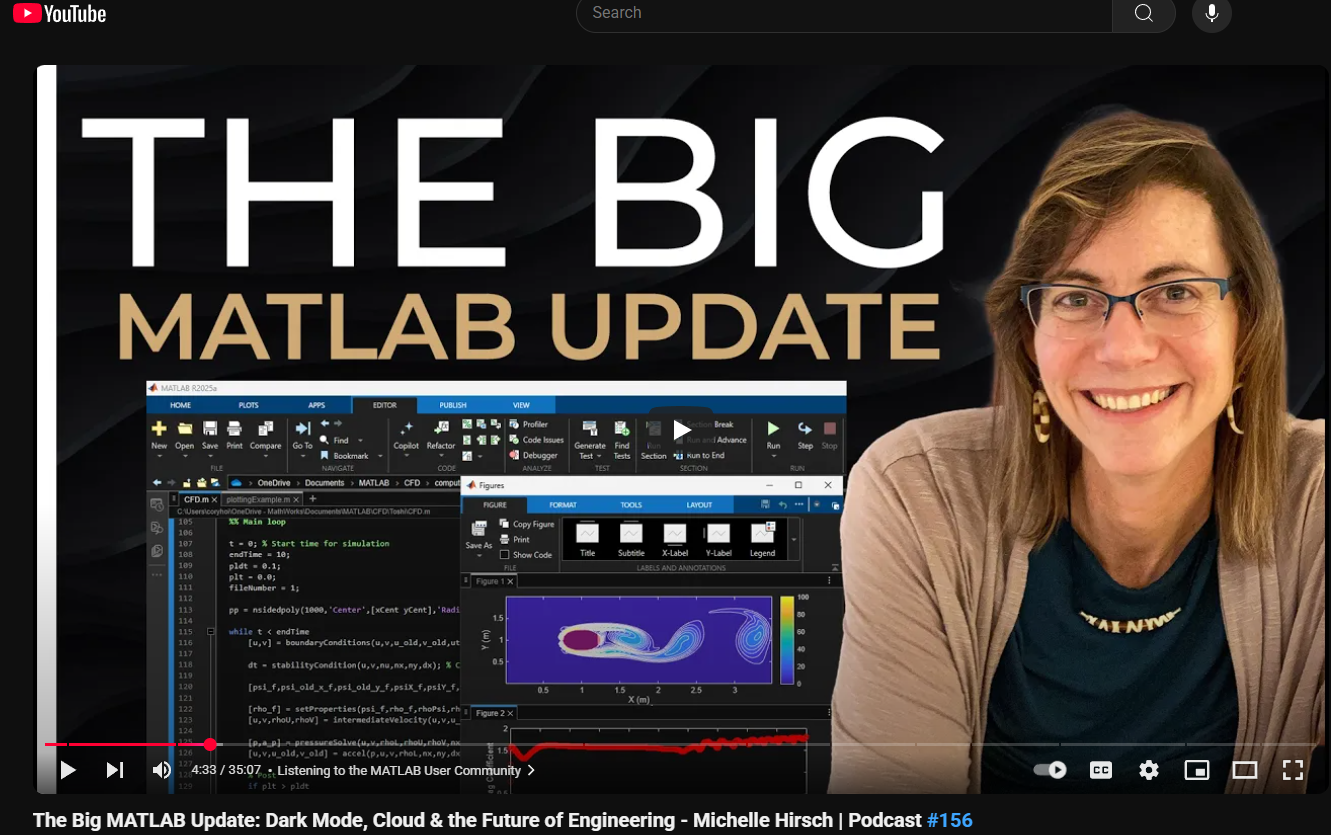
This just came out. @Michelle Hirsch spoke to Jousef Murad and answer his questions about the big change in the desktop in R2025a and explained what was going on behind the scene. Enjoy!
The Big MATLAB Update: Dark Mode, Cloud & the Future of Engineering - Michelle Hirsch
6 Comments
Time Descending
Sad but I can only agree with many others here. Have beem updating ML versions before with good confidence and very little hazzle. Not so with ML 2025. It is rather disruptive experience. Examples
- Corrupt paths. Reinstalled.
- Search in "Find Files" returns NO results whatever. Tries findFiles() in command window - not on path despite beeing a "base function" in ML? (I assume the panel used the same behind the scenes).
- Toolbox dependencies graph window - crashes constantly. I do like the ability to find the dependencies though. If it works.
- Toolbox analyzes reports missing file for an addStyle(), i.e. a native function, in a ML app. Opens file in app code editor, does nothing apparent. Closes it. Now it's not suddenly missing?
- Sluggish startup with some pointless dimmed overlay. Might not be 2025 to blame, just did not have that experience earlier.
- Slow plotting
- Projects polluting my git-source by all kinds of temp/resource files. I might need to learn and do right here - but still really annoying stuff just gets added.
- Want to know a toolbox version? Before, intuituvely go to "Home/Add-Ons/Manage Add-Ons" and voila. Installed toolboxes and versions listed. Now, a side panel is shown and shows a list of "Recommended for You" - WTF?!?There is also "Installed" toolbox section. Problem is, it randomly does not show all installed toolboxes, just some. Ehmm... Seems like a GUI graphical issues, since if I search for the toobox, it does appear. Finally, there is a tiny link "Manage" at the very bottom of the pane and THAT finally brings me back the panel found in earlier MLs and shows me the version.
- Toolbox creation - where did the generate documentation go?
- Toolbox creation - Add "Getting Started Guide". I add my GettingStared.mlx. But the toolbox package panel still does not list it.
I am sure there are new ways to do things and "get used to". But it takes quite some time to figure out how or if it is a ML bug.
I hope I will learn new ways but I certainly also hope Mathworks does not slip down some rabbit hole where graphical candy and online integrations with questionable value gets in the way of a stable tool. ML has been one of the absolute best "tools" - please let it remain that way Mathworks.

Im am rather unsatisfied with all the noisy features added to matlab 2025a.
I used to work peacefully and efficiently with older versions.
A present, I spend much too much time just to find out how I could do as I did before.
And, worse, matlab2025a is unstable and has crashed totally a number of times. This never happened to me in the last 20 years or so.

TL;DR "MathWorks transitioned from Java to JavaScript to focus on a single code base for the desktop. This will improve the responsiveness to the user needs as the JavaScript technology stack opens up new opportunities in the cloud-based workflows. While the new desktop looks familiar, the behavior changed and users need to get used to it. MathWorks is welcoming feedback to improve the user experience."

In all the many years that I have been using matlab, the R2025a feels like a major, major, step down. Everything is sluggish with figures taking 30 seconds to appear. We encountered all kinds of buggy behavior in areas that used to work flawless. IMHO this was a major mistake and will further push your customers to Python. Sadly, even I am seriously considering that option.

Sorry, but I don't want to "get used to it". The product is for the user and not a "holy grail" we users are blessed to be allowed to use.
The new workflow/design seems to affect quite some users if you read the numerours threads. It would be nice to have at least the option to switch to the old format.

At some point, companies that don't respond to the needs of their users lose those users. Python has become increasingly attractive lately.
Sign in to participate

