delete
R2026bSyntax
Description
Examples
Create a satellite scenario object.
sc = satelliteScenario;
Add a satellite to the scenario using Keplerian elements.
semiMajorAxis = 10000000;                           % meters
eccentricity = 0;
inclination = 0;                                    % degrees
rightAscensionOfAscendingNode = 0;                  % degrees
argumentOfPeriapsis = 0;                            % degrees
trueAnomaly = 0;                                    % degrees
sat1 = satellite(sc,semiMajorAxis,eccentricity, ...
    inclination,rightAscensionOfAscendingNode, ...
    argumentOfPeriapsis,trueAnomaly,Name="Satellite 1");
Visualize the scenario by using the Satellite Scenario Viewer.
viewer = satelliteScenarioViewer(sc);
[startLat,startLon,startAlt] = campos(viewer);
pause(2)
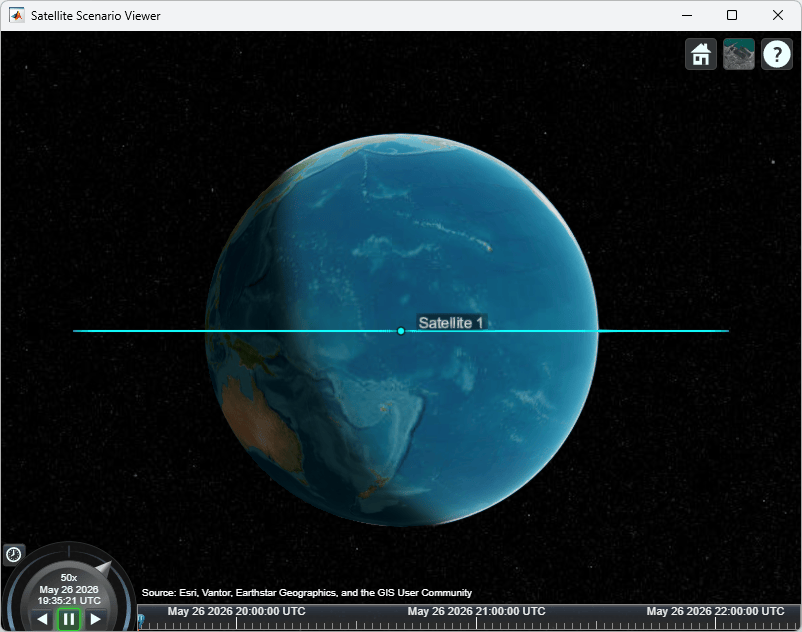
Delete the first satellite from the scenario.
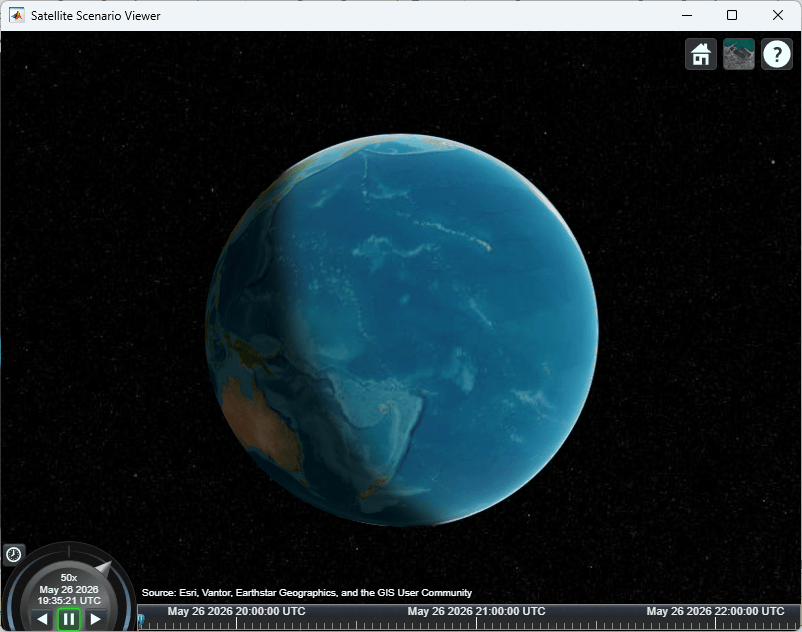
delete(sat1);
Visualize the updated scenario. The first satellite is no longer present.
campos(viewer);
Input Arguments
Version History
Introduced in R2026b

