Get Started with AUTOSAR Blockset
R2026bAUTOSAR Blockset provides apps and blocks for developing AUTOSAR Classic and Adaptive software using Simulink® models. You can design and map Simulink models to software components using the AUTOSAR Component Designer app. Alternatively, the blockset lets you generate new Simulink models for AUTOSAR by importing software component and composition descriptions from AUTOSAR XML (ARXML) files.
AUTOSAR Blockset provides blocks and constructs for AUTOSAR library routines and Basic Software (BSW) services, including NVRAM and Diagnostics. By simulating the BSW services together with your application software model, you can verify your AUTOSAR ECU software without leaving Simulink.
AUTOSAR Blockset lets you create AUTOSAR architecture models in Simulink (requires System Composer™). In the AUTOSAR architecture model, you can author software compositions, components with interfaces, data types, profiles, and stereotypes. You can add simulation behavior, including BSW service components. Alternatively, you can round-trip (import and export) software descriptions via ARXML files.
AUTOSAR Blockset supports C and C++ production code generation (with Embedded Coder®). It is qualified for use with the ISO 26262 standard (with IEC Certification Kit).
Tutorials
- STEP 1: Create Algorithmic Model Content That Represents AUTOSAR Software Component Behavior
- STEP 2: Configure Elements of AUTOSAR Software Component for Simulink Modeling Environment
- STEP 3: Simulate and Optionally Generate AUTOSAR Software Component Code (Requires Embedded Coder)
- STEP 1: Create AUTOSAR Adaptive Software Component Model
- STEP 2: Configure AUTOSAR Adaptive Software Component Ports and Interfaces
- STEP 3: Simulate AUTOSAR Adaptive Software Component Model and Generate Code
- STEP 1: Create AUTOSAR Classic Software Architecture Model
- STEP 2: Add AUTOSAR Classic Compositions and Components and Link Component Implementations
- STEP 3: Simulate AUTOSAR Classic Compositions in Software Architecture
- STEP 4: Optional: Generate and Package Composition ARXML and Component Code (Requires Embedded Coder)
- STEP 1: Create AUTOSAR Adaptive Software Architecture Model
- STEP 2: Add AUTOSAR Adaptive Software Compositions and Components
- STEP 3: Configure Port Interfaces of AUTOSAR Adaptive Components, Compositions, and Architectures
- STEP 4: Simulate AUTOSAR Adaptive Software Composition Behavior
- STEP 5: Configure Middleware Network Bindings and Deployment Properties for AUTOSAR Adaptive Software Architecture
- STEP 6: Export ARXML and Generate C++ Code from AUTOSAR Adaptive Software Architecture
Develop AUTOSAR Software Component Model
Learn the basics of developing AUTOSAR classic software components in the Simulink environment.
Develop AUTOSAR Adaptive Software Component Model
Learn the basics of developing AUTOSAR Adaptive software components in the Simulink environment.
Develop AUTOSAR Classic Software Architecture Model
Learn the basics of authoring AUTOSAR compositions and components in a software architecture canvas (requires System Composer).
Develop AUTOSAR Adaptive Software Architecture Model
About AUTOSAR and the Simulink Environment
- AUTOSAR Standard
Describes an automotive software architecture that has application, run-time environment, and basic software layers.
- What Is AUTOSAR?
Overview of AUTomotive Open System ARchitecture (AUTOSAR) for software applications.
- Comparison of AUTOSAR Classic and Adaptive Platforms
Develop Classic Platform and Adaptive Platform AUTOSAR software components as Simulink models.
- Model AUTOSAR Classic Component and Elements in Simulink
AUTOSAR components and elements in Simulink.
- Model AUTOSAR Adaptive Component and Elements in Simulink
Model the structure and behavior of AUTOSAR adaptive software components in Simulink.
- AUTOSAR Software Components and Compositions
Develop and assemble reusable AUTOSAR software components into AUTOSAR compositions.
Featured Examples
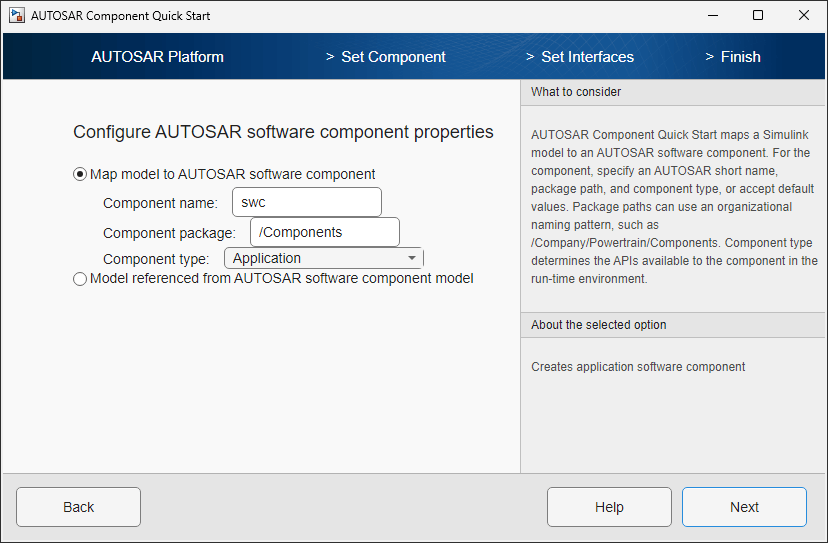
Create and Configure AUTOSAR Software Component
Create an AUTOSAR software component model from an algorithm model.
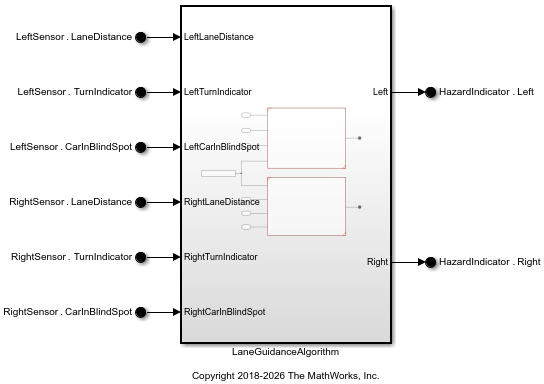
Create and Configure AUTOSAR Adaptive Software Component
Create an AUTOSAR Adaptive software component model from a Simulink® model.
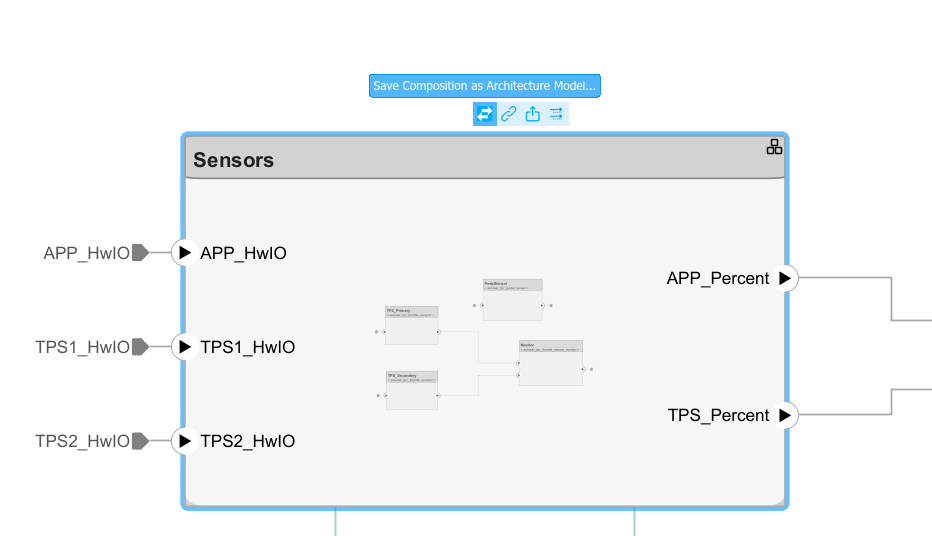
Author AUTOSAR Compositions and Components in Architecture Model
Develop AUTOSAR compositions and components for the Classic Platform using an architecture model.

