Get Started with Real-Time Linux
R2026bThe Embedded Coder® Support Package for Real-Time Linux® takes you from simulation to on-target prototyping on embedded or virtual real-time Linux devices.
You can deploy and run real-time applications on real-time Linux devices directly from your Simulink model. You can create, control, and instrument real-time applications using the MATLAB® API or custom apps built with App Designer.
Functions
slrealtime.setupTarget | Set up a target Linux device with root-capable SSH connection (Since R2026a) |
slrealtime.fmu.compileFMUSources | Compile FMU file that contains source code (Since R2022a) |
slrealtime.ProtectedModel.addTarget.addTarget | Add model protection support to Linux target device (Since R2026a) |
slrealtime.ModelReference.protect | Add model protection support to Linux target device (Since R2026a) |
slrtlinux.wsl.configure | Configure WSL2 on development computer with Debian distribution name SLRT (Since R2026b) |
slrtlinux.wsl.getIPAddress | Get IP address of WSL distribution named SLRT (Since R2026b) |
slrtlinux.wsl.isRunning | Check whether WSL distribution named SLRT is running (Since R2026b) |
slrtlinux.wsl.isTargetSetup | Check whether WSL distribution for Linux target device is configured for Simulink Real-Time (Since R2026b) |
slrtlinux.wsl.launch | Start WSL distribution named SLRT and open a terminal
window (Since R2026b) |
slrtlinux.wsl.setupTarget | Configure a WSL distribution for a Linux target device (Since R2026b) |
slrtlinux.wsl.shutdown | Shut down all or selected WSL distribution on Linux target device (Since R2026b) |
Blocks
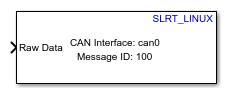 | CAN Receive | Receive message from CAN network (Since R2026b) |
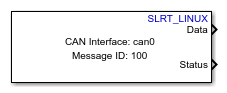 | CAN Transmit | Transmit message to CAN network (Since R2026b) |
Topics
- Install Support Package
Steps to install support package.
- Prerequisites for Real-Time Linux Setup
Set up a Linux target device to use with the support package.
- Configure Development Computer for Real-Time Linux
Configure the development computer for connecting to the Linux target device.
- Target Devices for Real-Time Linux
Identify Linux target devices to configure for the support package.
- Set Up Virtual Linux Target Device
Set up Linux virtual machines to use with the support package.
- Target Device Configuration for Real-Time Linux
Configure a Linux target device with support package software.
- Build and Deploy Real-Time Application to Linux Target Device
Build Simulink model and deploy application onto Linux target device.
- Simulate Real-Time Applications on Linux Target Devices
Perform model simulation in different modes for the deployed applications.
- Troubleshoot Issues for Real-Time Linux
Troubleshoot problems that you encounter while using the Embedded Coder Support Package for Service-Oriented Applications on Linux.
Featured Examples
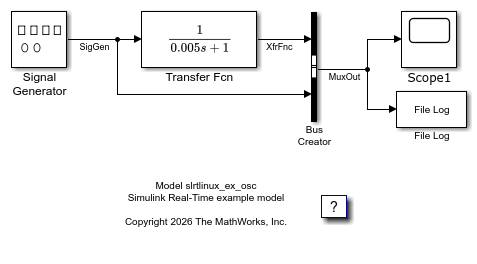
Create and Run Real-Time Application from Simulink Model on Linux Target Device
Create and run real-time application on Linux target device.
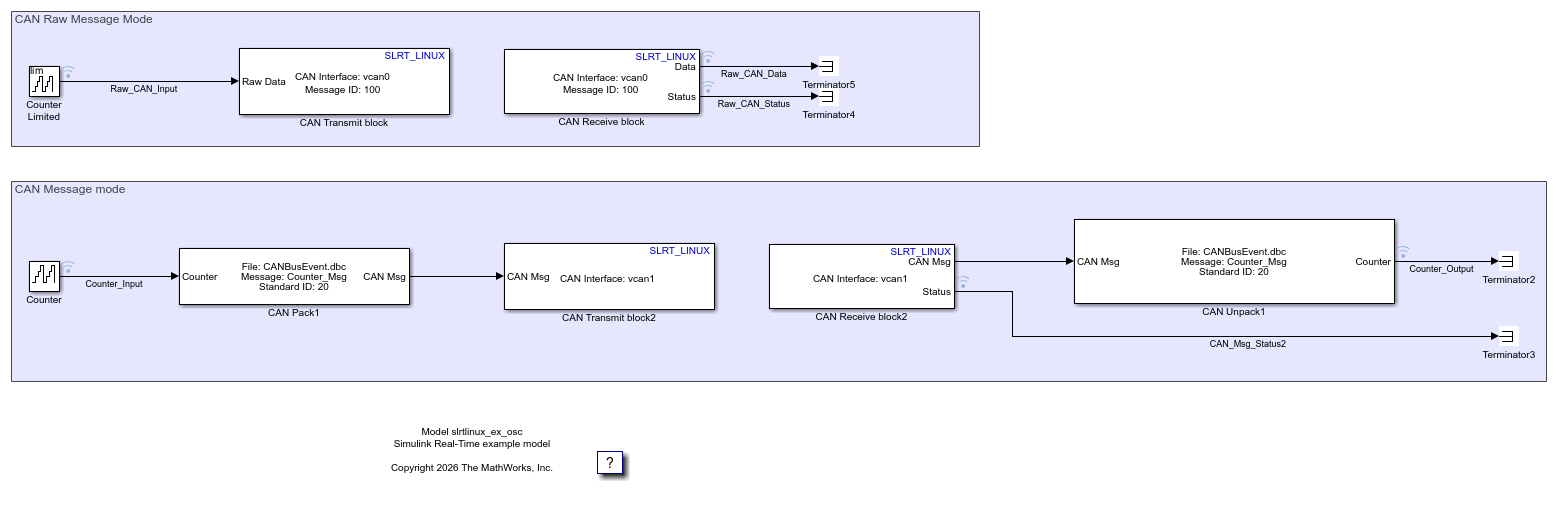
Transmit and Receive CAN Raw Data and Messages on Virtual Linux Target Device
Transmit and receive CAN raw data or messages on virtual Linux target device.

