addVoid
R2026bCreate void regions inside 3-D geometry
Syntax
Description
g3 = addVoid(g1,g2)g1 using all cells of
g2. All cells of the geometry g2 must be
contained inside one cell of the geometry g1. Ensure that the
geometries do not have enclosed cavities and do not intersect one another.
Note
After modifying a geometry, always call generateMesh to ensure a
proper mesh association with the new geometry.
Examples
Create and plot a geometry.
g1 = multicuboid(2,2,2,Zoffset=-1);
pdegplot(g1,CellLabels="on",FaceAlpha=0.5)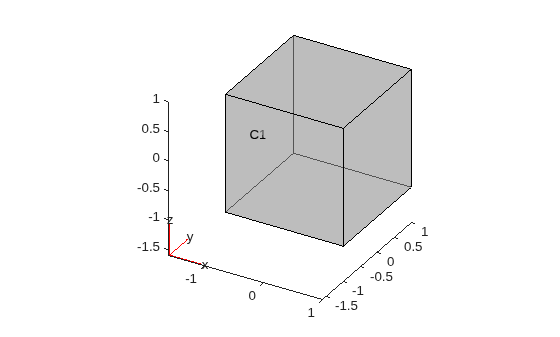
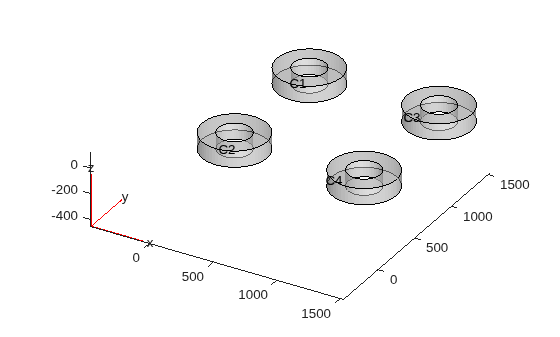
Import and plot another geometry.
g2 = importGeometry("DampingMounts.stl");
pdegplot(g2,CellLabels="on",FaceAlpha=0.5)
Scale and move the second geometry to fit entirely within the cube g1.
g2 = scale(g2,[1/1500 1/1500 1/100]);
g2 = translate(g2,[-0.5 -0.5 -0.5]);
Plot the result.
pdegplot(g2,CellLabels="on",FaceAlpha=0.5)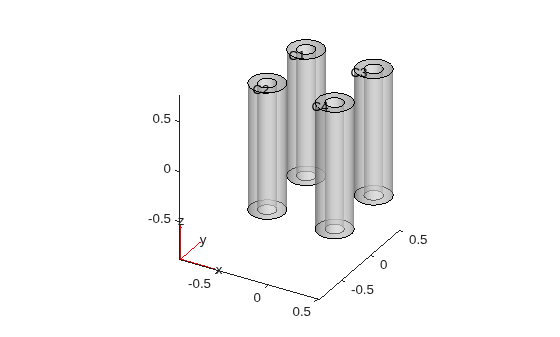
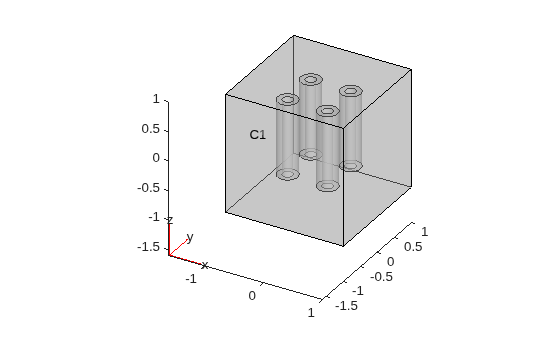
Create void regions inside the cube using the cells of the geometry g2. Plot the result.
g3 = addVoid(g1,g2);
pdegplot(g3,CellLabels="on",FaceAlpha=0.4)