Image and Video Processing
R2026bUse Raspberry Pi Blockset along with Deep Learning Toolbox™ and Computer Vision Toolbox™ to implement image and video processing applications on Raspberry Pi hardware.
Topics
- Modularize Installation of Third-Party Packages and Libraries for Raspberry Pi Hardware
This section describes the workflow for downloading the core and optional application-based libraries and packages.
- Use Raspberry Pi Camera Board for Bookworm Raspbian Linux Operating System
Workaround steps to use Raspberry Pi camera board for Bookworm operating system.
Featured Examples
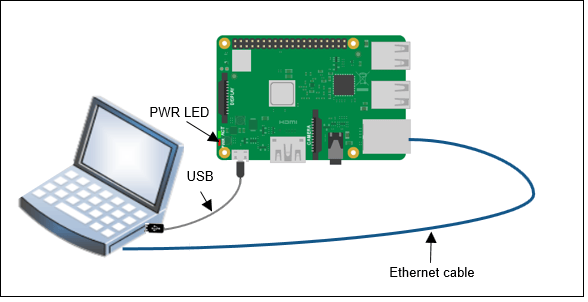
Classify Static Image Using Deep Learning on Raspberry Pi
Generate and deploy code for an image classification algorithm using Raspberry Pi® Blockset. The algorithm uses the ResNet-50 neural network to identify the image that is passed as an input using the command line of Raspberry Pi.
Capturing and Stitching Panoramic Images Using ArduCam Multi Camera Adapter Module
Capture images using ArduCam Multi Camera Adapter Module attached to Raspberry Pi® and stitch the images to obtain a panoramic image using SURF feature detection and matching.
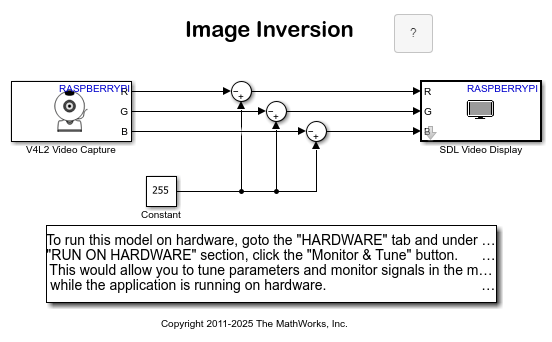
Implement Image Inversion Algorithm Using Raspberry Pi
Use the V4L2 Video Capture and the SDL Video Display blocks from the Raspberry Pi® block library to implement an image inversion algorithm with a Simulink® model, and to run the model on Raspberry Pi hardware.
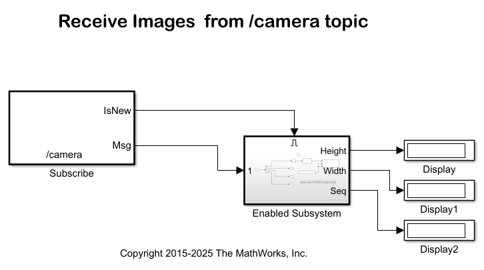
Stream Images from Raspberry Pi Using Robot Operating System
Stream images captured from a webcam on a Raspberry Pi® board to the host computer using a ROS communication interface. In this example, you stream images from your Raspberry Pi board to your host computer using the ROS Publish blocks. You use the ROS MATLAB® command line interface to display the images on your host computer.
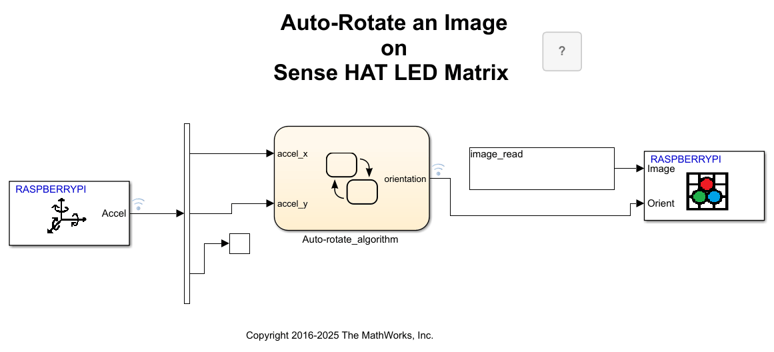
Auto-Rotate Image Displayed on Raspberry Pi Sense HAT LED Matrix
Develop a Simulink® model to implement an algorithm to read the Accelerometer On-board Sense HAT and control the rotation of the image displayed on the LED matrix.
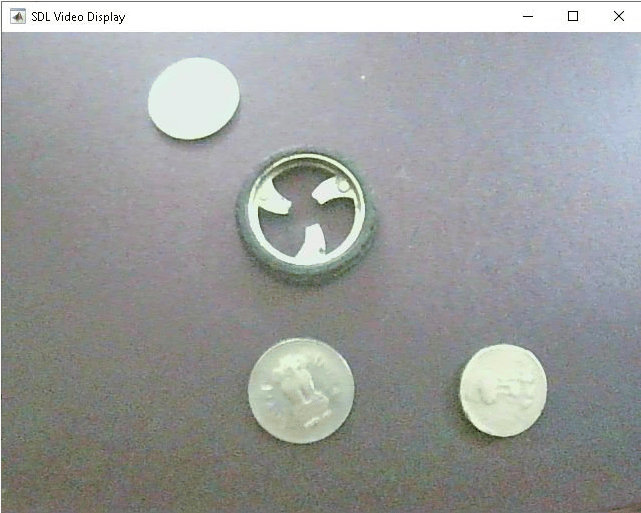
Configure Image and Device Properties of Raspberry Pi V4L2 Video Capture Block to Detect Objects
Configure the image and device properties of the V4L2 Video Capture block from Raspberry Pi® Blockset and observe the output in the SDL Video Display block. This example also shows how to tune the image properties of the V4L2 Video Capture block to detect objects in a noisy and distorted real-time video.
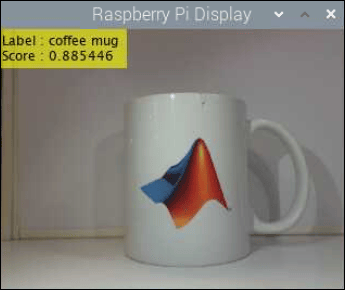
Identify Objects Within Live Video Using ResNet-50 on Raspberry Pi Hardware
Predict the objects in a live video stream on Raspberry Pi® by deploying an image classification algorithm using Raspberry Pi Blockset. The algorithm uses ResNet-50 neural network to identify the objects captured by the webcam that is connected to the Raspberry Pi hardware.
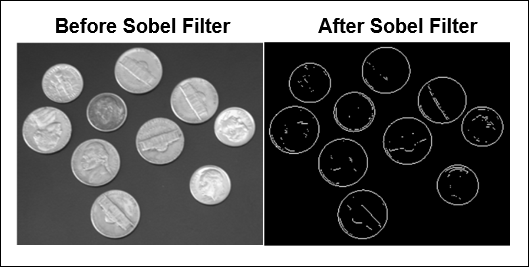
Detect Boundaries of Objects Within Video Using Raspberry Pi
Identify the boundaries of objects in a live video stream on Raspberry Pi® hardware by using a MATLAB Function block with Raspberry Pi Blockset. The process of identifying boundaries of objects is known as edge detection. This example implements the Sobel edge detection algorithm to identify the boundaries of the objects.

Customize Color Within Video Using Raspberry Pi
Replace a particular color in a live video stream with an image on Raspberry Pi® hardware by using a MATLAB Function block.
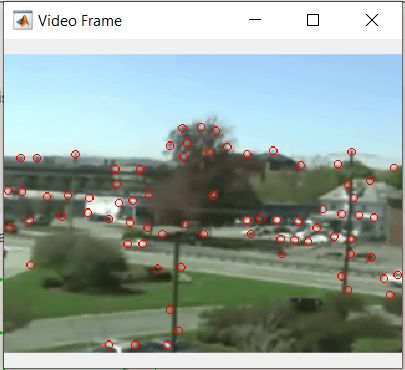
Video Mosaicking Using Raspberry Pi Pan Tilt HAT
Use the Pan Tilt HAT block from Raspberry Pi® Blockset to create a mosaic from a video sequence. Video mosaicking is the process of stitching video frames together to form a comprehensive view of a scene. The resulting mosaic image is a compact representation of the video data. This technique is often used in video compression and surveillance applications.
Configure Image and Device Properties of Raspberry Pi V4L2 Video Capture Block to Detect Objects
Configure the image and device properties of the V4L2 Video Capture block from Raspberry Pi® Blockset and observe the output in the SDL Video Display block. This example also shows how to tune the image properties of the V4L2 Video Capture block to detect objects in a noisy and distorted real-time video.
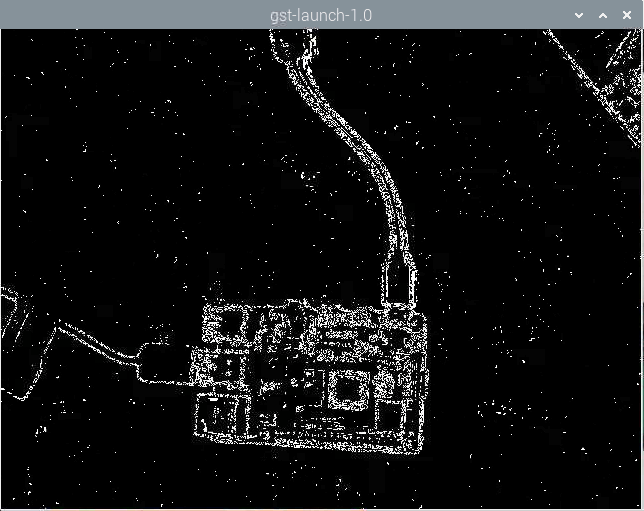
Stream Video over Network Using Raspberry Pi RTSP Video Stream Transmit Block
Use the RTSP Video Stream Transmit block from Raspberry Pi® Blockset to stream a live video over a network using real-time streaming protocol (RTSP).
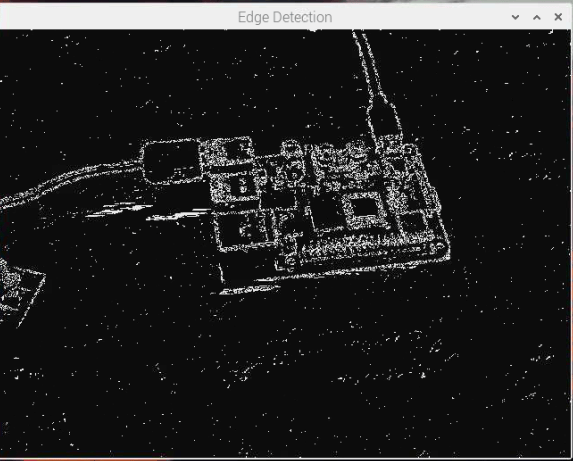
Receive Video over Network Using Raspberry Pi RTSP Video Stream Receive Block
Use the RTSP Video Stream Receive block from the Raspberry Pi® Blockset to receive a live video over a network using real-time streaming protocol (RTSP).

