Automotive Applications
R2026bSimulink allows you to model and simulate a variety of automotive systems. You can model and simulate the vehicle and environment, and develop control algorithms for automotive applications. These example models illustrate automotive applications.
In addition, the following products extend the Simulink environment for automotive applications:
Powertrain Blockset provides fully assembled reference application models of automotive powertrains, including gasoline, diesel, hybrid, and electric systems.
Vehicle Dynamics Blockset provides fully assembled reference application models that simulate driving maneuvers in a 3-D environment.
Automated Driving Toolbox provides algorithms and tools for designing, simulating, and testing ADAS and autonomous driving systems.
Model-Based Calibration Toolbox provides apps and design tools for optimally calibrating complex engines and powertrain subsystems.
Topics
- Getting Started with Powertrain Blockset (Powertrain Blockset)
Run the conventional vehicle reference application and examine the final drive gear ratio impact on fuel economy and tailpipe emissions.
- Get Started with the Virtual Vehicle Composer (Vehicle Dynamics Blockset)
Use the Virtual Vehicle Composer app to configure, build, test, and analyze a virtual vehicle.
- Simulate Simple Driving Scenario and Sensor in Unreal Engine Environment (Automated Driving Toolbox)
Learn the basics of configuring and simulating scenes, vehicles, and sensors in a virtual environment rendered using the Unreal Engine® from Epic Games®.
- Hybrid and Electric Vehicle Reference Application Projects (Powertrain Blockset)
Start building your own hybrid and electric vehicle models with reference application projects.
- Migration to Service-Oriented Architecture Using Model-Based Design
Use model-based design to migrate a monolithic Simulink model to a service-oriented architecture.
Featured Examples
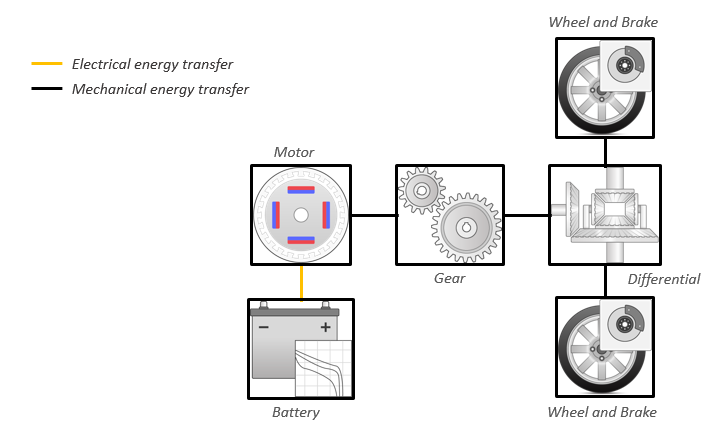
Build Full Electric Vehicle Model
Build a vehicle with a motor-generator, battery, direct-drive transmission, and powertrain control algorithms using the electric vehicle (EV) reference application.
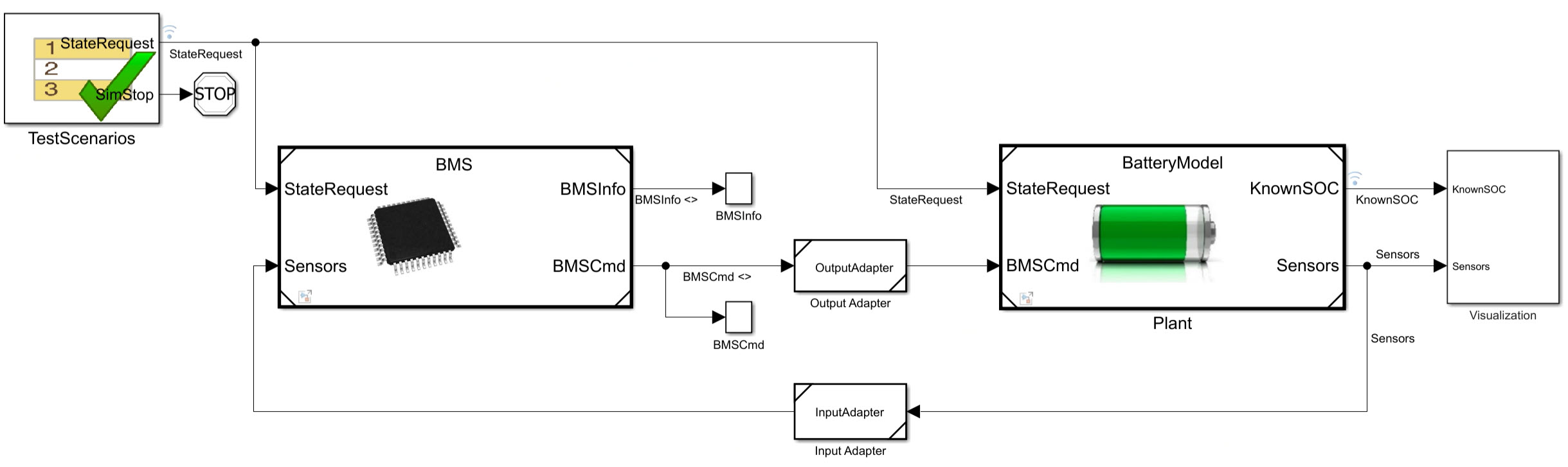
Use Model-Based Design to Build a Battery Management System
Build a battery management system using a model-based design workflow from requirements through architecture, design, and test.
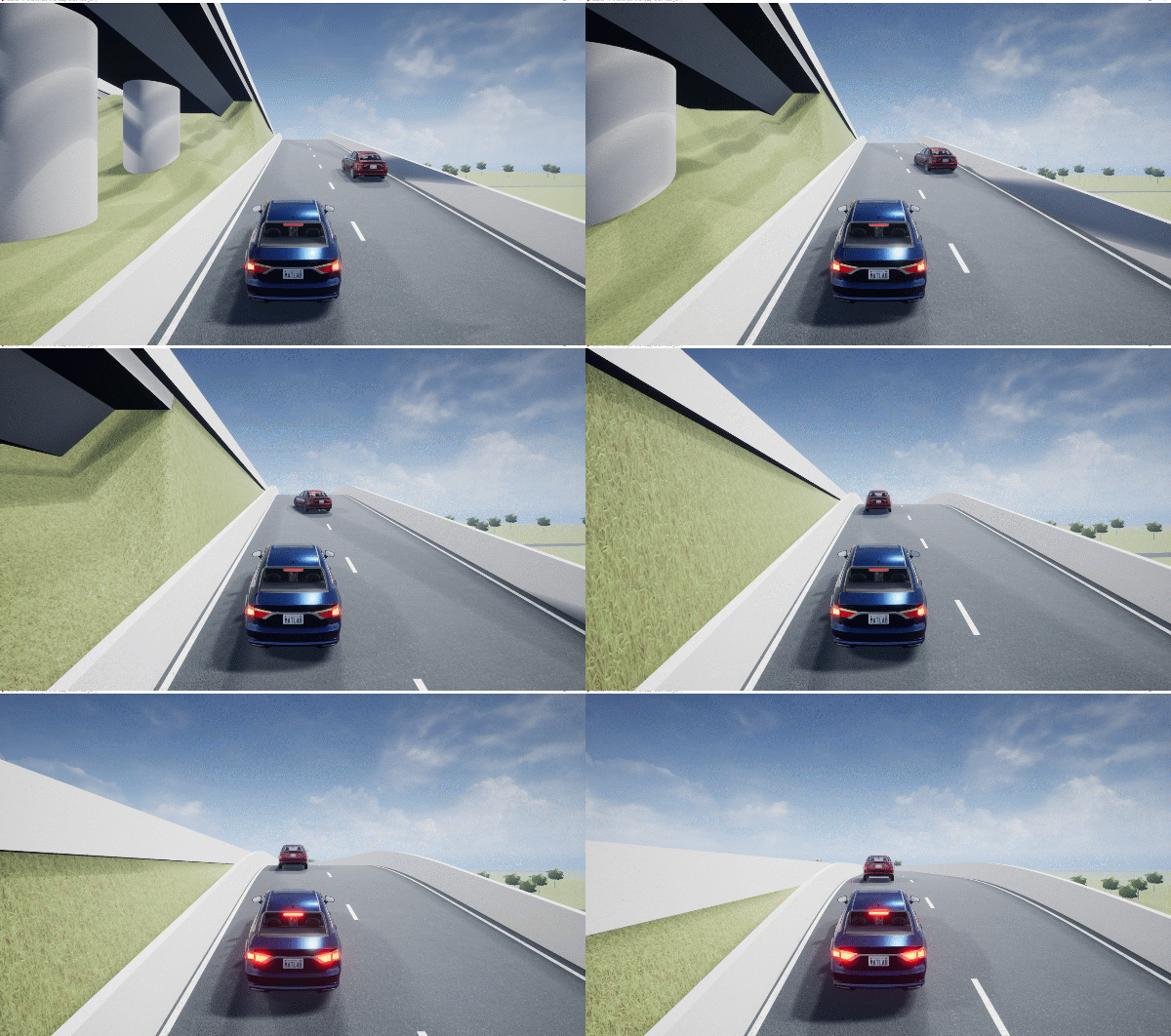
Autonomous Emergency Braking with High-Fidelity Vehicle Dynamics
Design autonomous emergency braking system with 14DOF vehicle dynamics in Simulink and cosimulate with RoadRunner Scenario.
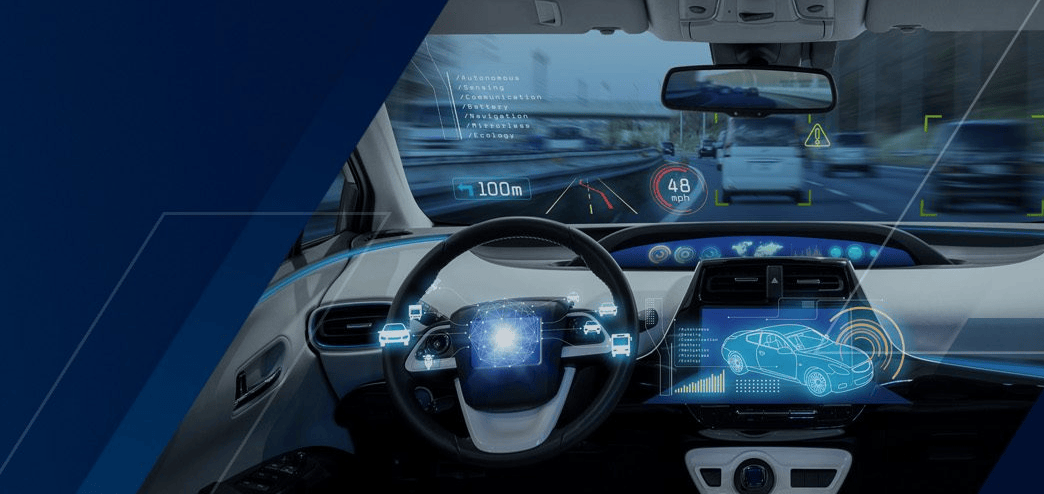
Highway Lane Following: A Model-Based Design Example for ISO 26262:2018
Demonstrates the use of Simulink to apply a Model-Based Design workflow to an ISO 26262 ASIL D project.

Develop, Resize, and Calibrate Motors with Dynamometer Test Harness
Develop a control test bench, resize e-motors, and calibrate controllers using the motor dynamometer reference application.
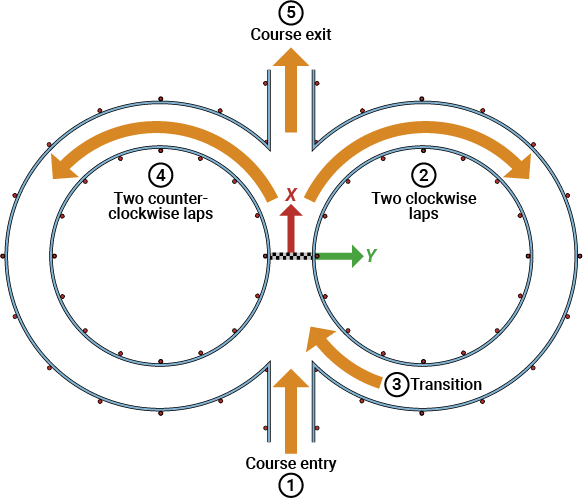
Generate Skidpad Test
Generate skidpad tests for student competitions. View simulation in 3D environment.
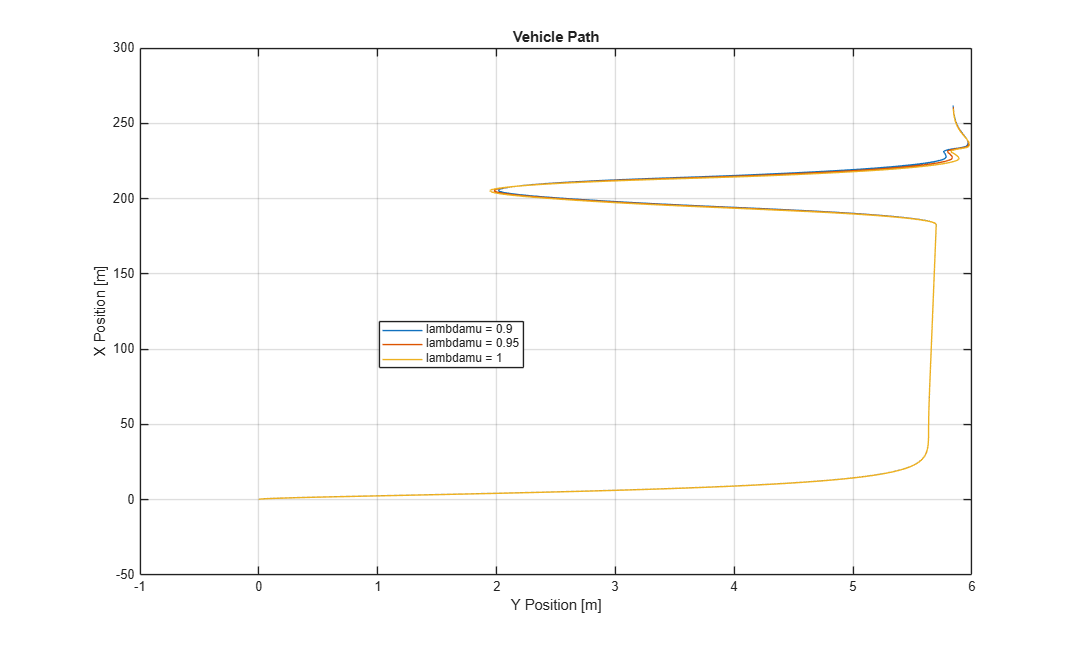
Yaw Stability on Varying Road Surfaces
To study yaw stability on different road surfaces, use the vehicle dynamics double-lane change reference application.
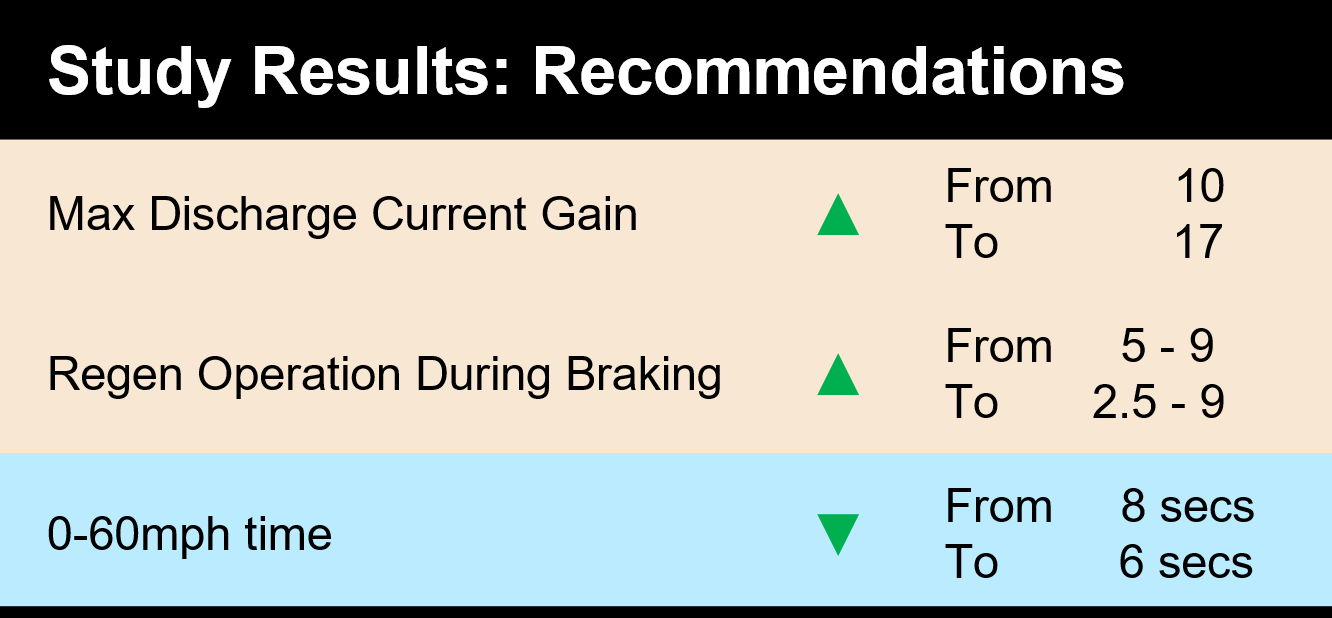
Scaling Virtual Calibration and System Design with parsim and AWS
Use Amazon Web Services (AWS) and the parsim function to
scale virtual calibration and system design to run simulations in the
cloud.
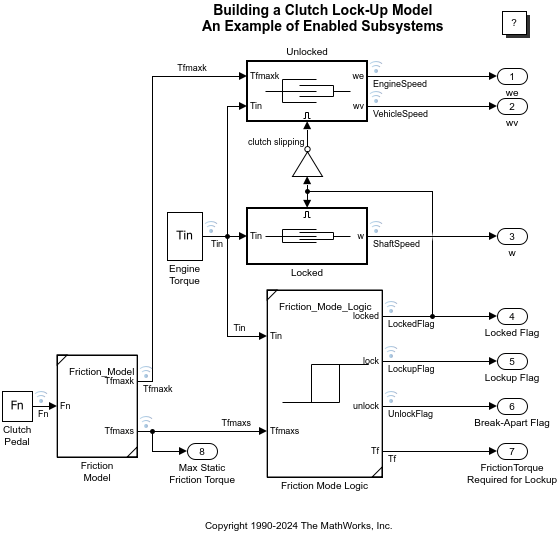
Build a Clutch Lockup Model
Model a clutch system using enabled subsystems.
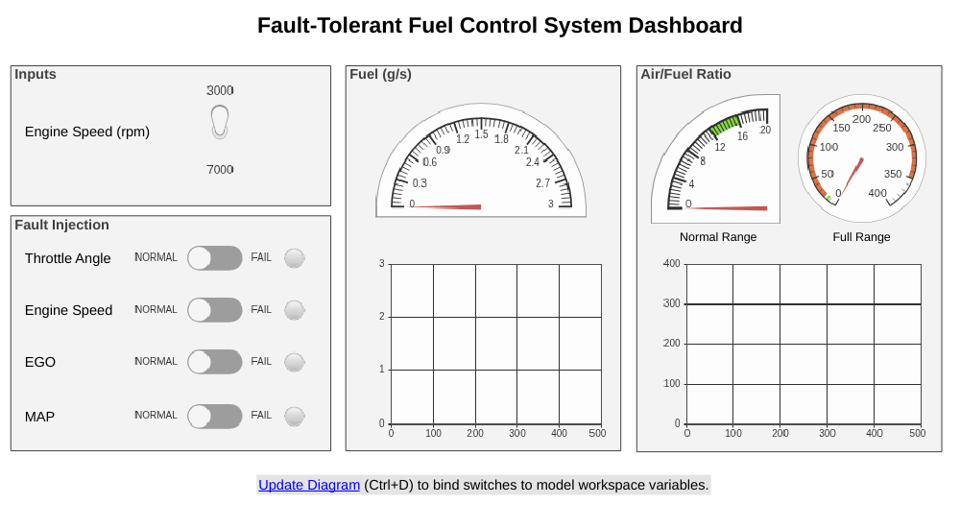
Model Fault-Tolerant Fuel Control System
Combine Stateflow® and Simulink® capabilities to model hybrid systems. This type of modeling is useful for systems that have many possible operational modes based on discrete events. Simulink handles traditional signal flow while Stateflow implements changes in control configuration. This example describes a fuel control system for a gasoline engine. The system is robust because it detects individual sensor failures, and dynamically reconfigures the control system for uninterrupted operation.
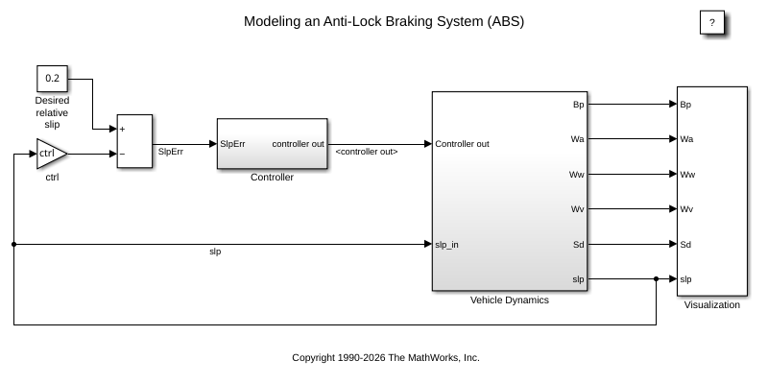
Model an Anti-Lock Braking System
Model a simple Anti-Lock Braking System (ABS). The model simulates the dynamic behavior of a vehicle under hard braking conditions. The model represents a single wheel, which may be replicated a number of times to create a model for a multi-wheel vehicle.
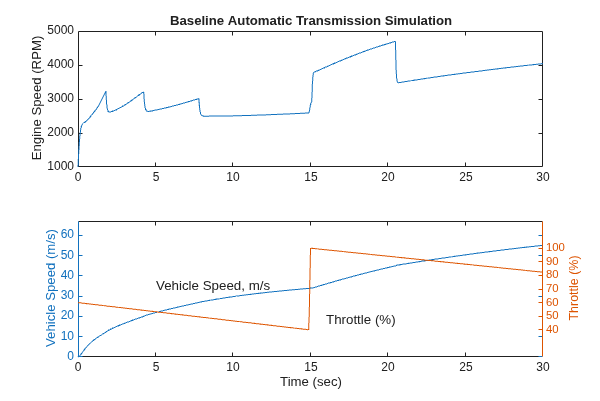
Model an Automatic Transmission Controller
Model an automotive drivetrain using Simulink®. In this model, a Stateflow® chart implements the transmission control logic and integrates directly with the Simulink model, combining control logic and drivetrain dynamics in a clear and intuitive structure.
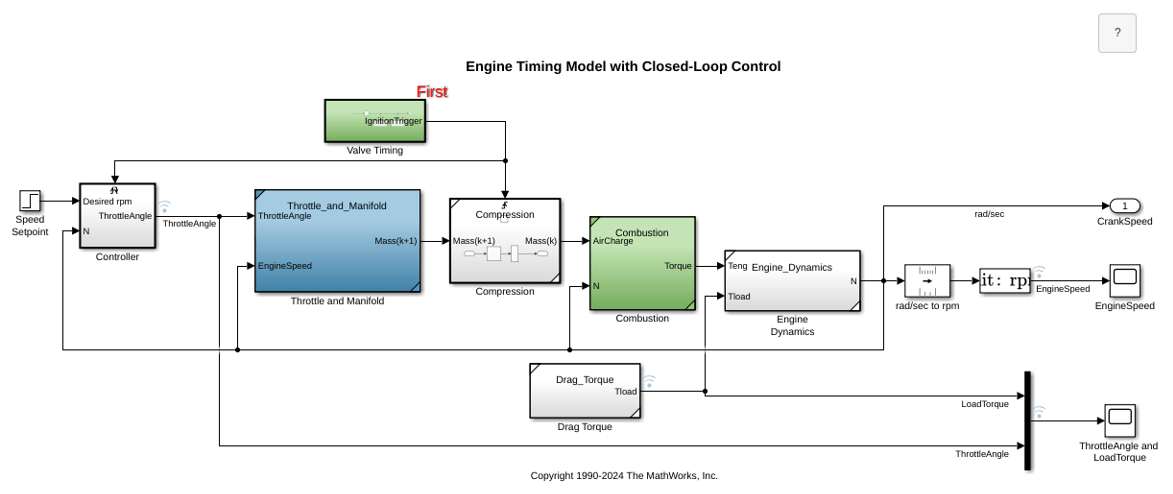
Engine Timing Model with Closed Loop Control
Develop and implement a closed loop control algorithm for the open loop engine model described in Model Engine Timing Using Triggered Subsystems. In this example, the model sldemo_enginewc contains a controller that regulates engine speed using a fast throttle actuator such that changes in load torque have minimal effect. The controller is implemented using a discrete PI controller.
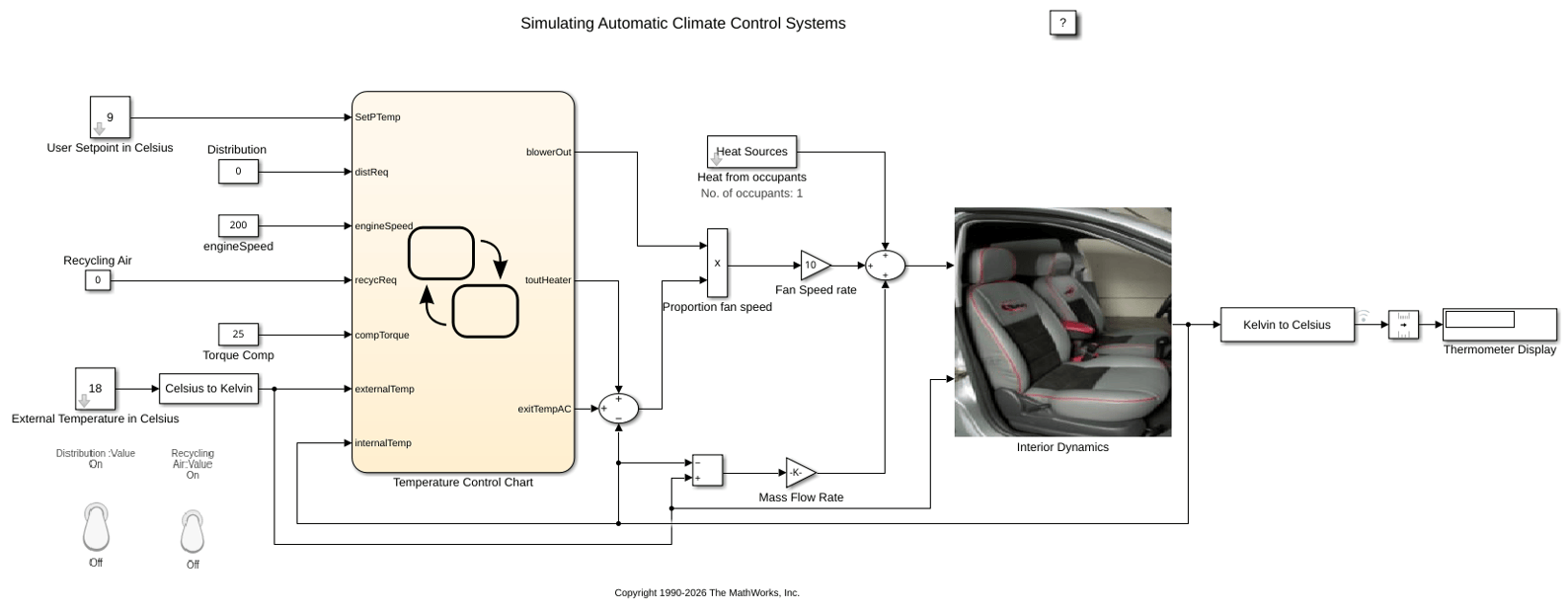
Simulating Automatic Climate Control Systems
Simulate an automatic climate control system in a car using Simulink® and Stateflow®. In the User Setpoint in Celsius block, set the desired cabin temperature. In the External Temperature in Celsius block, set the outside temperature. The Thermometer Display block shows the temperature reading from a sensor behind the driver's head, representing the temperature the driver feels.
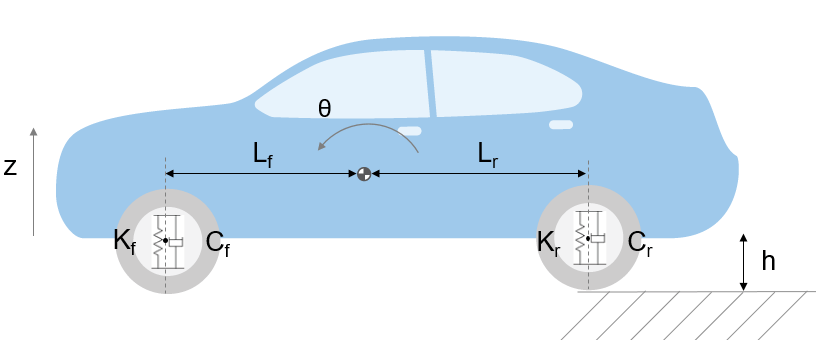
Automotive Suspension
Model a simplified half-car system that includes independent front and rear vertical suspensions. The model also incorporates body pitch and bounce degrees of freedom. The example provides a description of the model to demonstrate how simulation can be used to investigate ride characteristics. You can use this model in conjunction with a powertrain simulation to study longitudinal shuffle resulting from changes in throttle setting.
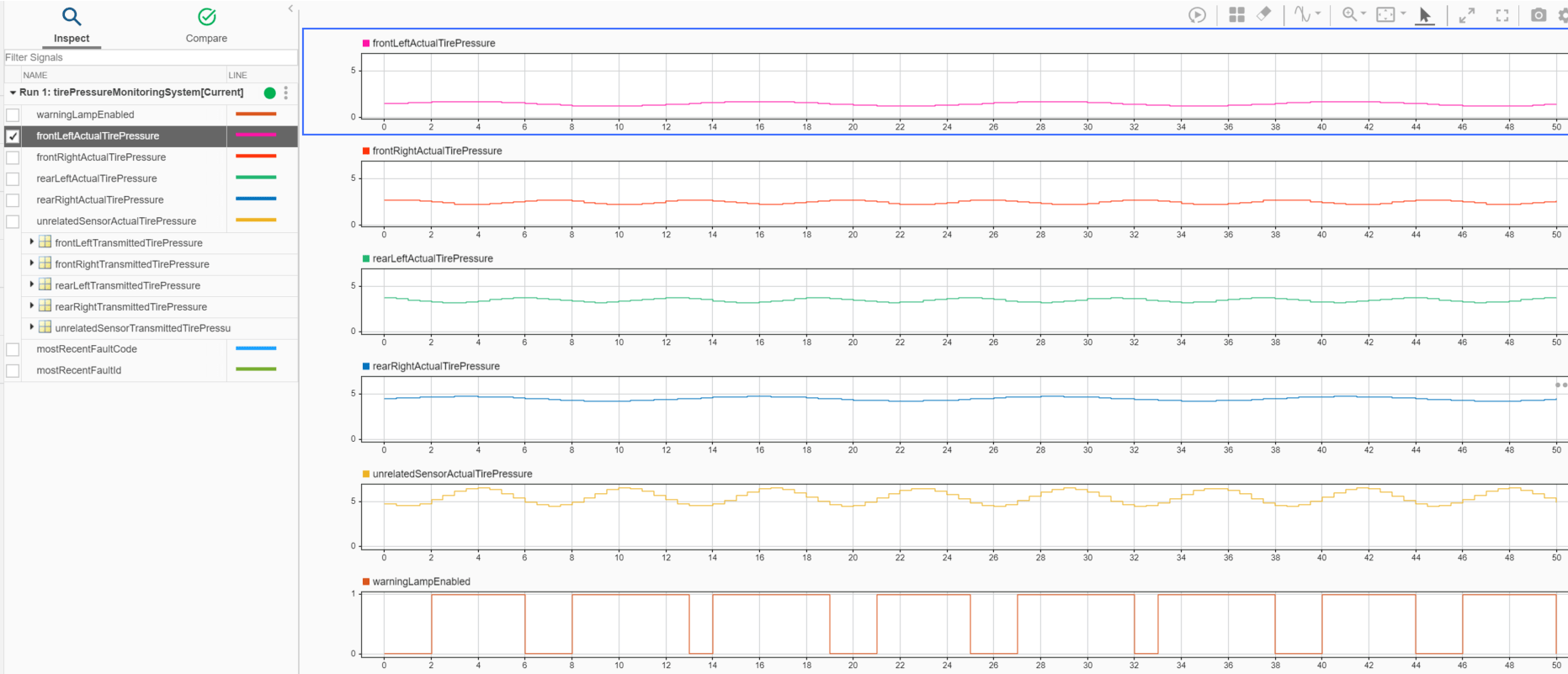
Wireless Tire Pressure Monitoring System with Fault Logging
Model a wireless tire pressure monitoring system with fault logging using message communication.

