Standard File Formats
R2026bRead, write, and get information about data files
Read, write, and get information about geospatial data files. For information about supported file formats, see Supported Geospatial File Formats for Import and Export.
Functions
Objects
RasterInfo | Information about geospatial raster data file |
RPCCoefficientTag | Rational Polynomial Coefficients Tag |
Topics
Supported File Formats
- Supported Geospatial File Formats for Import and Export
File formats that Mapping Toolbox™ can read and write, and recommended functions. - Functions That Read and Write Geospatial Data
Functions that read and write geospatial file formats and geospatial data products.
Raster Data
- Merge Multiple Raster Tiles Using Datastore
Merge multiple raster tiles from data sets such as DTED, GTOPO30, or GLOBE DEM by using a custom datastore. - Export Images and Raster Grids to GeoTIFF
Write data referenced to standard geographic and projected coordinate systems to GeoTIFF files.
Vector Data
- Read Data from OpenStreetMap Files
OpenStreetMap® files identify locations using tags. Extract information from OpenStreetMap files based on their tags. (Since R2023b) - Data Stored in OpenStreetMap Layers
This topic describes the data stored in each layer of an OpenStreetMap file. (Since R2023b) - Display Buildings from OpenStreetMap Files
Read buildings from OpenStreetMap files. Visualize the buildings and their attributes using colors and data tips. (Since R2023b) - Select Shapefile Data to Read
Import a subset of elements in a shapefile by filtering elements according to attribute names and values. - Export Vector Geodata
You can export geodata as a shapefile, which can be exchanged between different geographic information systems. You can also create KML files to upload geodata to the web. - Exporting Vector Data to KML
Structure geographic point, line, and polygon vector data and export the data to a KML file.
Featured Examples
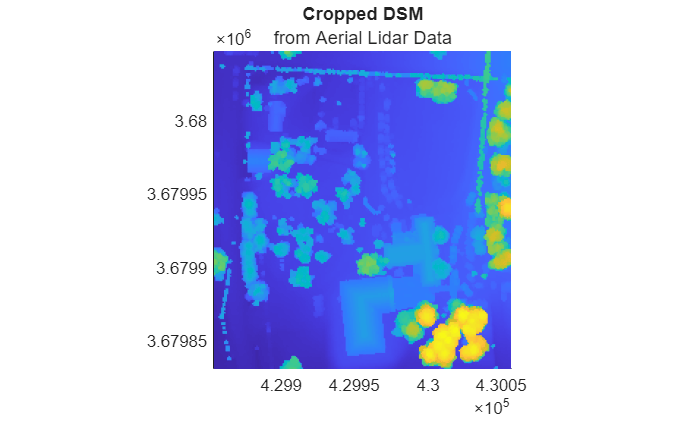
Create, Process, and Export Digital Surface Model from Lidar Data
Create a digital surface model (DSM) from aerial lidar data, reference the model to projected coordinates, update the model, and export the result to a GeoTIFF file.
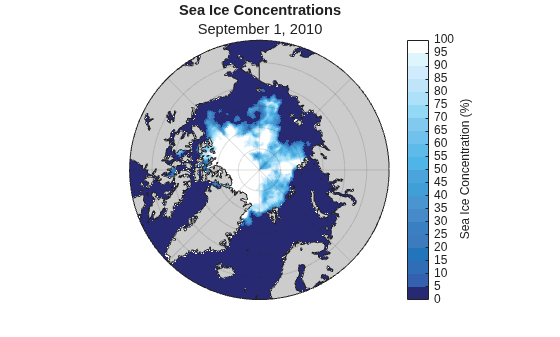
Visualize Sea Ice Concentrations from GRIB Data
Read sea ice concentrations from a GRIB file and visualize the data using a 2-D map, an animated GIF, and histograms.

