Model Preparation for Real-Time Simulation
R2026bA library of I/O driver blocks provides connections between physical I/O devices and real-time models. To observe how Simulink® models respond to real-world behavior, use the Simulink Desktop Real-Time™ block library to create a real-time application from a Simulink model. Set the model configuration parameters to values consistent with real-time execution. The real-time application runs on your computer with the Simulink Desktop Real-Time kernel. See Prepare for Real-Time Execution.
Functions
sldrtkernel | Install and remove Simulink Desktop Real-Time kernel |
rtwho | Display information about development computer status |
sldrtconfigset | Attach and activate default Simulink Desktop Real-Time configuration set |
SLDRT.run | Run model in real time by using Simulink Desktop Real-Time kernel (Since R2023b) |
createTimer | Create timer in real-time kernel (Since R2023b) |
loadExecutable | Load executable into real-time kernel (Since R2023b) |
loadDriver | Load driver instance into real-time kernel (Since R2023b) |
stop | Stops execution of current model simulation run and causes MATLAB to wait until execution stops (Since R2023b) |
wait | Wait for model execution to complete (Since R2023b) |
Objects
SLDRT.RunStatus | Get simulation run status and get data from scopes and logged signals (Since R2023b) |
RT.Kernel | Get real-time kernel property information and access child object for timers, executables, and drivers (Since R2023b) |
RT.Timer | Represent timer in real-time kernel (Since R2023b) |
RT.Executable | Represent executable in real-time kernel (Since R2023b) |
RT.Driver | Represent device driver in real-time kernel (Since R2023b) |
RT.DriverImage | Represent a binary image of device driver for real-time kernel (Since R2023b) |
Tools
| Board setup | Open a board-specific dialog box to set up the data acquisition board for Simulink Desktop Real-Time |
Blocks
 | Analog Input | Read from one or multiple analog input channels |
 | Analog Output | Write to one or multiple analog output channels |
 | Counter Input | Read from one or multiple counter-input channels |
 | Encoder Input | Read from one or multiple incremental encoder input channels |
 | Frequency Output | Write to one or multiple frequency or PWM output channels |
 | Digital Input | Read from one or multiple digital input channels |
 | Digital Output | Write to one or multiple digital output channels |
 | ThingSpeak Input | Read input fields from ThingSpeak channel |
 | ThingSpeak Output | Write output fields to ThingSpeak channel |
 | Packet Input | Read binary data or a CAN message from a communication channel |
 | Packet Output | Write binary data or a CAN message to a communication channel |
 | Servo Output | Write to standard servo output channels |
 | Stream Input | Read formatted ASCII data from communication channel |
 | Stream Output | Write formatted ASCII data to communication channel |
 | Other Input | Read from one or more input channels not handled by specific blocks |
 | Other Output | Write to one or more output channels not handled by specific blocks |
 | Real-Time Sync | Synchronize model execution to real time in Connected IO mode |
 | Execution Time | Output total execution time in Run in Kernel mode or Priority mode |
 | Timestamp | Output signal timestamp in Run in Kernel mode or Priority mode |
 | Video Input | Get video data from system video devices (Since R2022a) |
Model Settings
Topics
Prerequisites
- Install Real-Time Kernel
Install the Simulink Desktop Real-Time kernel on your development computer.
Configuration
- Prepare for Real-Time Execution
Transform your Simulink model for interaction with physical I/O devices.
- STEP 1: Use I/O Boards
- STEP 2: Use I/O Driver Blocks
- STEP 3: Use Analog I/O Drivers
- STEP 4: Use Vector CAN Drivers
- STEP 5: Use Video Input Driver (macOS)
- STEP 6: Integrate C Code in Custom S-Functions
- STEP 7: Execution Time Measurement and Block Profiling
Related Information
Featured Examples
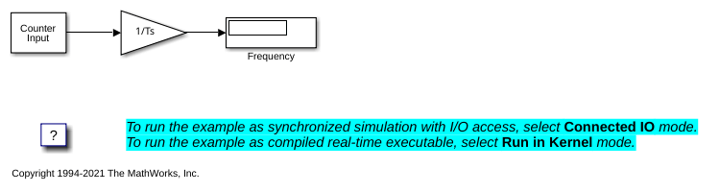
Frequency Measurement
Measure input signal frequency by using Simulink Desktop Real-Time™.
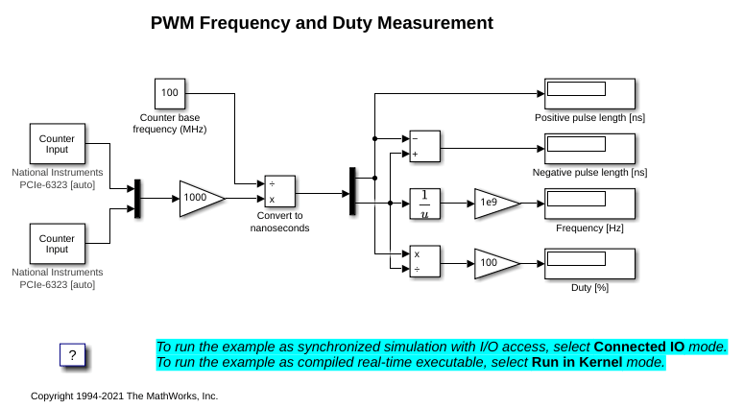
PWM Frequency and Duty Measurement
Measure PWM signal frequency and duty using Simulink Desktop Real-Time™.
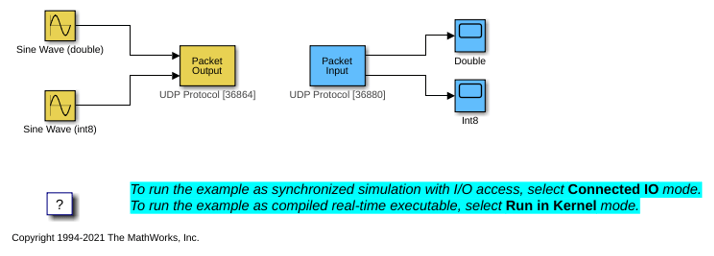
Packet Input/Output
Transfer data through UDP communication protocol using binary encoding.
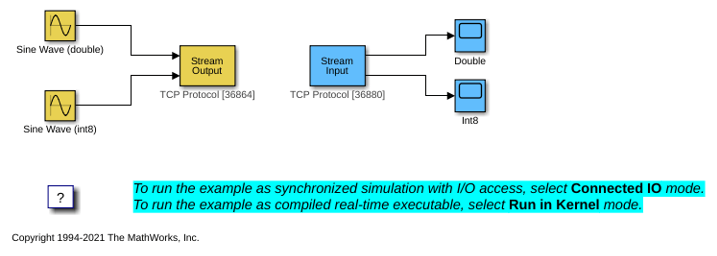
Stream Input/Output
Transfer data through TCP communication protocol by using ASCII encoding.
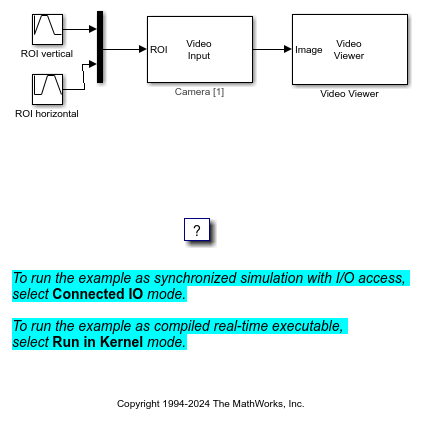
Video Input
Get video input and control the displayed video by using the region of interest (ROI) of the video data.
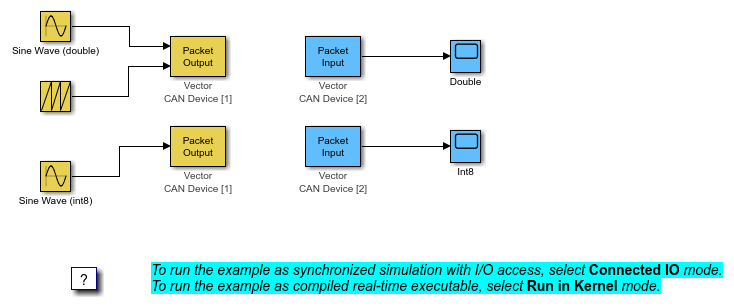
CAN Input/Output
Transfer data through CAN bus.
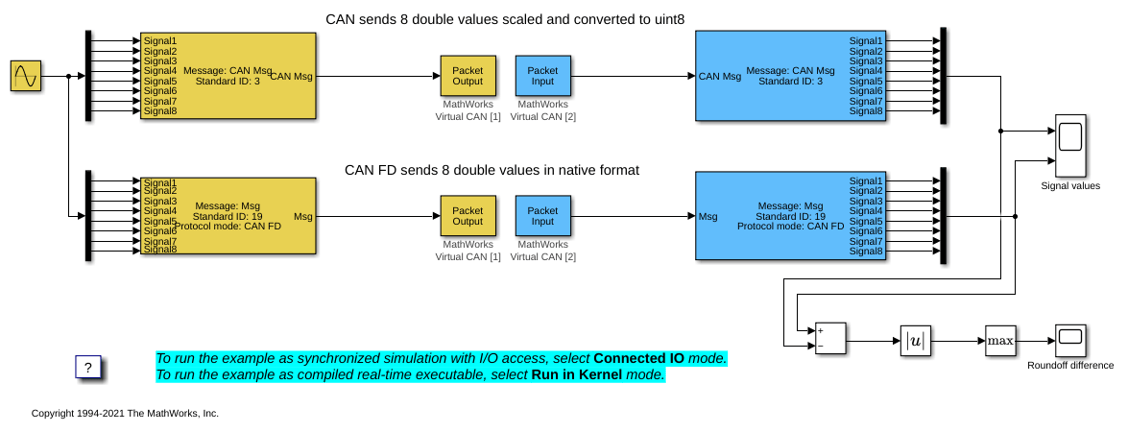
CAN Input/Output with Vehicle Network Toolbox
Transfer data through CAN bus by using the CAN Pack and CAN Unpack blocks available in Vehicle Network Toolbox™ block library.
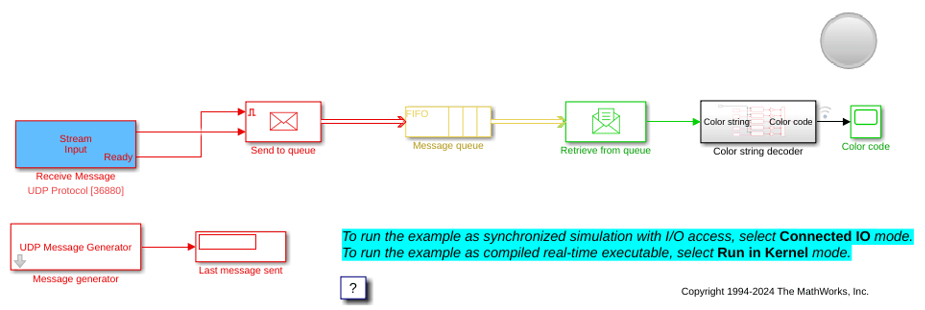
UDP String Data and Message Handling
Transfer text data by using the UDP communication protocol and store the incoming messages in a FIFO queue.

